
Collab365 Team
Briefing·Last Update: 10th Aug 2026
Should You Keep or Migrate Your Power BI Dataflow in 2026?
Power BI Dataflow Gen1 is labeled legacy but remains supported. Teams should inventory dependencies, then keep stable Gen1 flows, test Gen2 side-by-side, or plan controlled migration based on licensing, change needs, and Fabric access.

Collab365 Team
Briefing·Last Update: 10th Aug 2026
Microsoft Fabric Foundations Update: What Report Builders Should Change Now
Microsoft Fabric stopped auto-creating default semantic models for lakehouses and warehouses. Import-based Power BI reports are largely unaffected. Owners of auto-generated models should inventory dependents before rename or delete. Task Flows and Direct Lake remain optional,…

Collab365 Team
Briefing·Last Update: 10th Aug 2026
Do You Need a Fabric Notebook for This Reporting Job?
Fabric Notebooks fit coded, large-scale data prep, not routine Excel cleanup or Power BI model fixes. Start with the simplest supportable tool; adopt a notebook only when custom logic, volume, reuse or named engineering ownership is required.
Collab365 Team
Briefing·Last Update: 4th Aug 2026
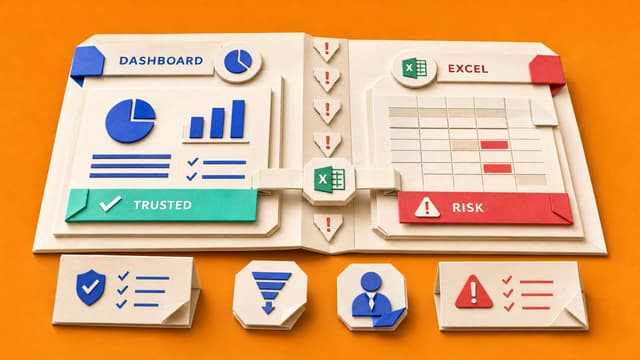
Decide When Excel Should Win: A Dashboard or Spreadsheet Decision Guide for Report Builders
Report builders often see stakeholders export dashboard data to Excel. This guide separates jobs that belong in dashboards from those that need Excel or a governed middle path, using four key terms and a decision table.
Collab365 Team
Briefing·Last Update: 22nd Jul 2026
Your First Week with an Inherited Power BI Report: Check These Before You Touch Anything
Inherited Power BI reports often lack docs on ownership, refresh, gateways, and backups. Week one is observation-only: record known state, mark pass/fail/unknown, and avoid edits that deepen mystery before safe changes.
Collab365 Team
Briefing·Last Update: 21st Jul 2026
The Monday Report Version Trail: What to Save Before Managers Ask for Last Week's Numbers
Managers often ask for last week's Monday report version after it has been refreshed and overwritten. SharePoint history restores files but does not track source data, QA checks, or changes. This content covers the minimum four items to save weekly—raw source snapshot, refreshed…
Collab365 Team
Briefing·Last Update: 28th Jun 2026
Power BI Refresh Failed: What to Check Before You Escalate
Power BI scheduled refresh fails with vague errors. Analysts must capture refresh history, settings, gateway status, and source changes before escalating. Desktop vs service behavior narrows the cause. Separate credential, gateway, and schedule checks prevent mixed signals.
Collab365 Team
Briefing·Last Update: 17th Jun 2026
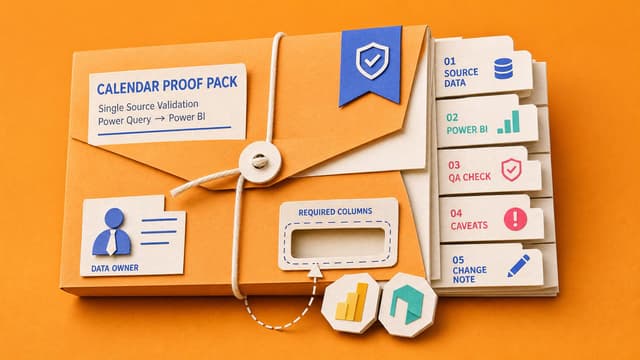
The Source File Agreement That Stops Weekly Excel Merges Breaking
Analysts lose hours fixing recurring Excel exports that break merges due to renamed columns, dropped fields, or wrong versions. A source file agreement documents file location, patterns, required columns, and exception ownership before rebuilding the Power Query workflow.
Collab365 Team
Briefing·Last Update: 16th Jun 2026
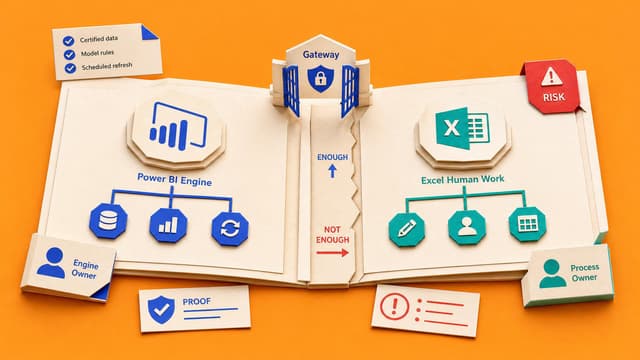
Decide What Stays in Excel When You Migrate Your Reporting Pack to Power BI
Month-end reporting packs contain source cleanup, linked workbooks, formulas, manual adjustments, KPI definitions, commentary, and sign-off notes. The migration question is not whether the pack moves to Power BI, but which components are repeatable reporting outputs versus human…
Collab365 Team
Briefing·Last Update: 14th Jun 2026
Master Dataflows for Scalable Power BI Reports: A Comprehensive Analytical Review
Power BI Dataflows enable centralized data transformation in the cloud, replacing repetitive ETL in isolated reports. Analysts build once and reuse across semantic models and Excel, cutting errors and inefficiencies. Draws on Jessica Jolly's expert methods for enterprise scalability.

Collab365 Team
Briefing·Last Update: 21st Apr 2026
Excel Efficiency Unleashed: The 2026 Companion Guide
Excel has shifted from manual formulas and rigid interfaces to AI-assisted intent interpretation via Microsoft 365 Copilot and Work IQ context. Legacy tools like VLOOKUP and manual Power Query are obsolete, replaced by XLOOKUP, natural language processing, GROUPBY, and in-app AI shortcuts. This guide maps 2023 techniques to 2026 native capabilities, eliminating fragile pipelines and enabling automated multi-step logic.

Collab365 Team
Briefing·Last Update: 21st Apr 2026
2026 Update: Using DAX to Filter Power BI Data
Power BI DAX workflows have shifted from manual authoring to AI-assisted generation and native query environments. This briefing maps legacy techniques to current Fabric-era tooling including Copilot, DAX Query View, and visual calculations.

Collab365 Team
Briefing·Last Update: 26th Mar 2026
Curious About Data Flows? - 2026 Update
Power BI Dataflows Gen1 evolved into Fabric Dataflow Gen2 by decoupling transformation from storage, adding Copilot for AI-powered M-code generation, and enabling routing to Lakehouse, Snowflake, or SQL. Governance shifts to KQL and Real-Time Intelligence. Legacy Premium SKUs retired for Fabric capacities. This update details the full architectural overhaul and step-by-step build process.

Collab365 Team
Briefing·Last Update: 17th Mar 2026
Master Power BI Fundamentals Workshop: 2026 Companion Guide