Collab365 Team
Briefing·Last Update: 26th Aug 2026
Close Out Project Guests Without Breaking Live Collaboration
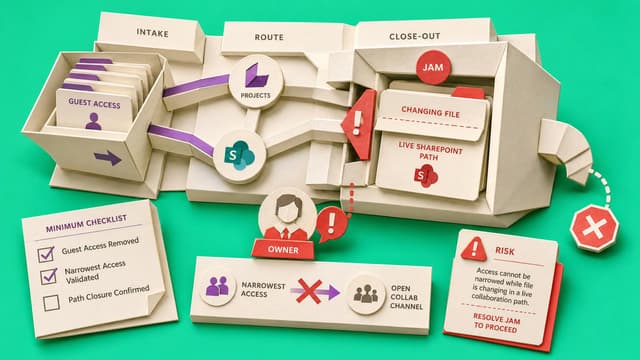
Project guest access in Microsoft 365 Teams and SharePoint often outlives the work. Inactivity is not a removal verdict. A one-workspace closeout checks group membership, SharePoint sharing, and owner approval before narrowing access without directory deletion.
Collab365 Team
Briefing·Last Update: 5th Aug 2026
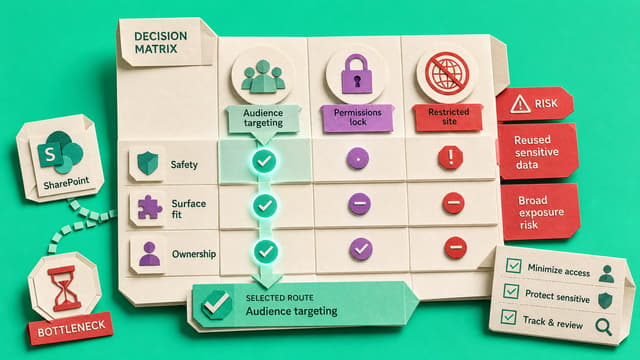
SharePoint Audience Targeting in 2026: What to Target, How to Test It, and What It Won’t Secure
SharePoint audience targeting promotes pages, news and links to Entra ID groups but does not restrict who can open the underlying content. Covers supported surfaces, group choice, member/non-member testing, and when permissions or restricted sites are required.
Collab365 Team
Briefing·Last Update: 5th Aug 2026
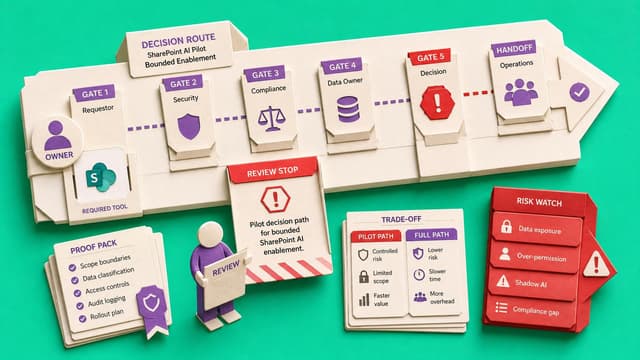
Which SharePoint AI Features Should You Enable in 2026?
Small Microsoft 365 admin teams should not turn on every SharePoint AI scenario at once. Start with one narrowly scoped agent on a well-owned, low-risk site after permissions and content review. Document processing needs a cost owner; keep Copilot in SharePoint controlled in…
Collab365 Team
Briefing·Last Update: 5th Aug 2026
What IT Owns vs What Business Owners Own After an Intranet Launch
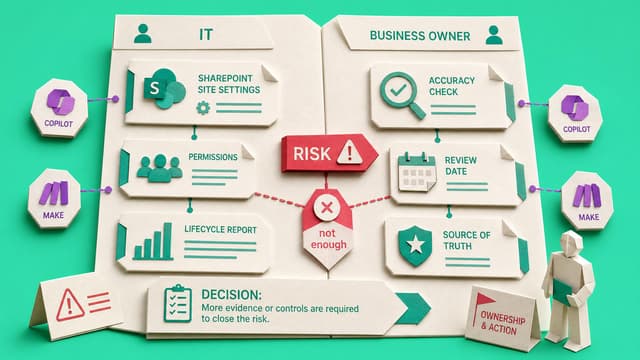
SharePoint site owners and Microsoft 365 admins can manage settings, permissions, and technical fixes but cannot decide content accuracy or policy currency. Business owners must own page accuracy, review cadence, and source-of-truth decisions. Comms owns editorial standards.
Collab365 Team
Briefing·Last Update: 21st Jul 2026
Where Should AI Summaries, Metadata, and Source-of-Truth Notes Live?
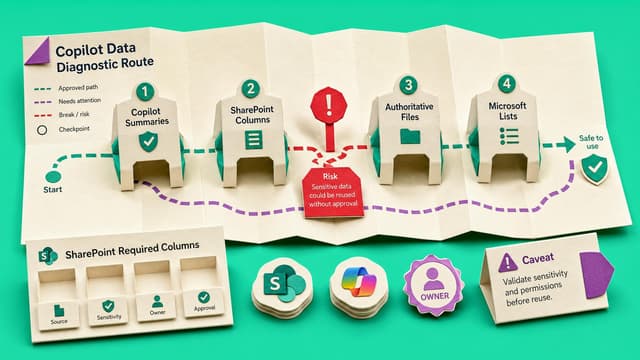
SharePoint and Microsoft 365 admins preparing sites for Copilot or agents face scattered AI summaries, metadata, owner notes, and source labels. Four placement homes are recommended: chat sessions for one-off summaries, controlled columns for reusable signals, notes beside…
Collab365 Team
Briefing·Last Update: 1st Jul 2026
Choose the Right SharePoint Copilot Control Before Rollout
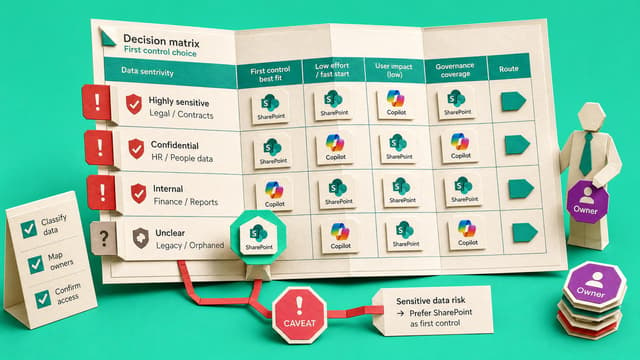
Provides a one-site decision route and risk-to-control matrix for Microsoft 365 admins preparing SharePoint sites for Copilot. Maps signals such as broad access, ownerless sites, and sensitive content to the first control to apply.
Collab365 Team
Briefing·Last Update: 28th Jun 2026
Trace a SharePoint Access Path Without Breaking Inheritance
SharePoint access can come from site inheritance, Microsoft 365 groups, direct permissions, or sharing links. This checklist traces one user and one item to identify the access path and record an owner-approved next step before any change.
Collab365 Team
Briefing·Last Update: 19th Jun 2026
Archive, Restrict, Delete, or Leave Alone: Teams Sprawl Decision Tree
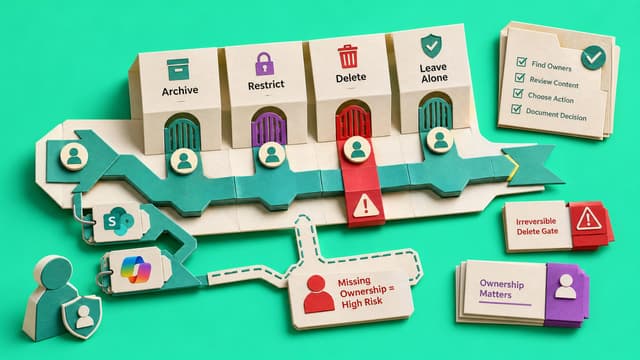
Microsoft 365 admins face stale Teams and SharePoint workspaces with limited resources. This decision tree outlines six outcomes—leave alone, owner-check, restrict, archive, delete, investigate—based on ownership, activity, retention, and business value signals.
Collab365 Team
Briefing·Last Update: 19th Jun 2026
Decide If You Need a Backup Tool for Microsoft 365 Before Data Is Lost
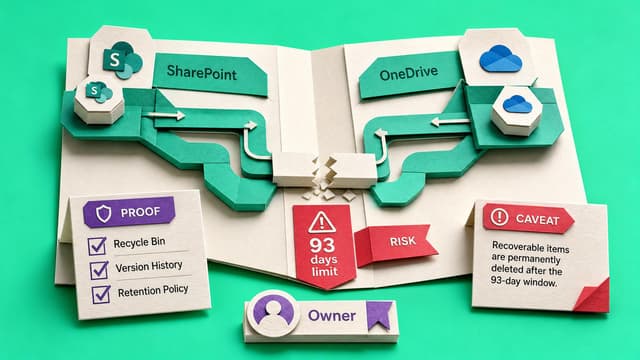
Microsoft 365 native recovery is limited to 93-day recycle bins and 14-day support fallbacks for site collections. Purview retention serves compliance, not operational restore. Microsoft 365 Backup adds one-year retention with granular recovery at $0.15 per GB. Third-party tools…
Collab365 Team
Briefing·Last Update: 19th Jun 2026
Decide Whether to Buy Storage, Archive Sites, or Clean Up First
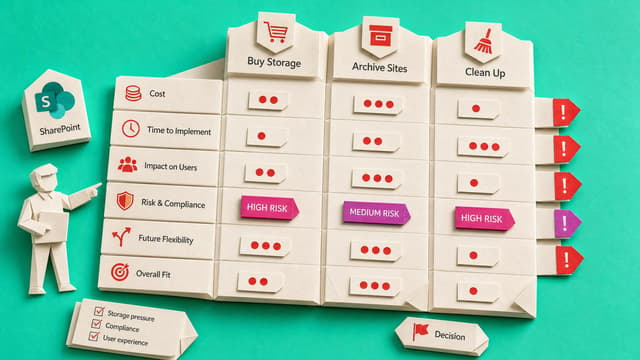
SharePoint admins facing quota pressure must separate active, inactive, retained, and reclaimable storage before choosing pay-as-you-go, archive, cleanup, or extra storage. The recommended sequence starts with a controlled bridge purchase, then archives inactive sites, cleans up…
Collab365 Team
Briefing·Last Update: 19th Jun 2026
Compare Migration Manager and Paid Tools Before You Move a Single File
File server migrations to SharePoint require choosing between Microsoft Migration Manager, paid tools like ShareGate, or outside consultants. Key decision factors include source volume, permission complexity, reporting needs, timeline, and team capacity. The briefing focuses…

Collab365 Team
Briefing·Last Update: 14th Jun 2026
Teams Takeover: The 2026 Companion Guide
Ben Stegink's 2023 Teams Takeover session configured classic Teams for productivity. New Teams in 2026 uses Edge WebView2, MTMA logins, and Copilot integration, changing all settings paths. This guide replicates his seven demos with exact 2026 steps, covering appearance tweaks, chat density, and modern edge cases.

Collab365 Team
Briefing·Last Update: 22nd Apr 2026
2026 Update: Creating a Modern Teams-First Employee Experience Intranet
Microsoft 365 tools evolved since 2023: Copilot automates SharePoint site creation, Brand Center replaces classic theming, Viva Topics retired for Agents. Hub-to-hub associations expand architectures. Step-by-step 2026 instructions recreate Teams-first intranet demos using AI-driven provisioning, cutting manual work.

Collab365 Team
Briefing·Last Update: 21st Apr 2026
2026 Update: An Introduction to SharePoint – Companion Guide
SharePoint in 2026 replaces manual site creation and page authoring with AI-driven processes via Copilot and natural language prompts. Key shifts include SharePoint Start Page with Build hub, SharePoint Premium for document AI, and SPFx v1.23 tooling. This guide details how to replicate classic demos using 2026 methodologies, preserving intranet and document management principles amid AI orchestration.

Collab365 Team
Briefing·Last Update: 21st Apr 2026
2026 Update Companion Guide: Building Content into Microsoft Teams
Microsoft Teams evolved from 2021: Files tab became Shared tab aggregating library files and links; SharePoint Spaces deprecated for Mesh; List Agent enables natural language lists; SPFx replaces add-ins. Guide details admin configs and workflows for AI-driven content in channels.