
Collab365 Team
Blocker·Last Update: 16th Sept 2026
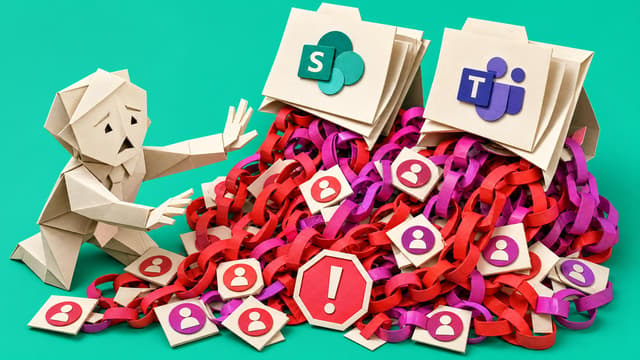
I can't tell which SharePoint sharing links and guests are still safe
SharePoint admins can export sharing links, guests, and broad permissions, but those signals do not prove access is still needed. Without owners, purpose, and a keep-or-remove trail, cleanup risks breaking real collaboration or leaving oversharing in place for Copilot.
Collab365 Team
Blocker·Last Update: 26th Aug 2026
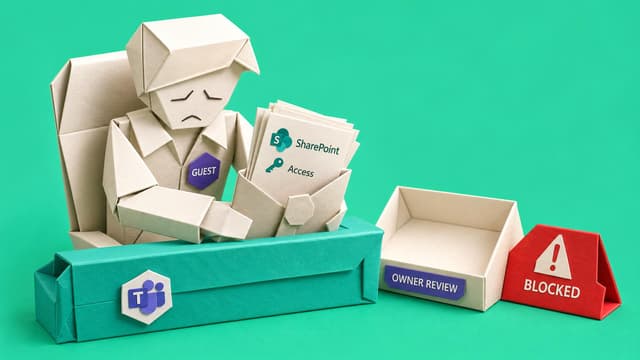
I can't tell which project guests are safe to remove after the work ends
Project guests often remain in Teams and SharePoint after work ends because nobody owns the closeout decision. Microsoft 365 admins need an owner-confirmed review path before removing guest access without disrupting valid collaboration.
Collab365 Team
Blocker·Last Update: 11th Aug 2026
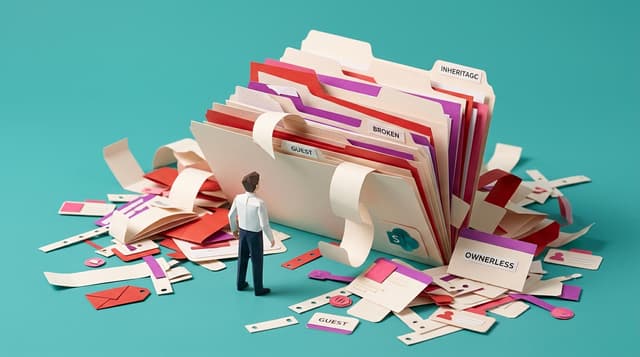
My SharePoint permissions are too messy for Copilot rollout
Microsoft 365 Copilot retrieves SharePoint content through existing Graph permissions. Oversharing, guests, broken inheritance, and ownerless sites become visible in AI answers. Small admin teams must triage scattered access risk before rollout.

Collab365 Team
Blocker·Last Update: 11th Aug 2026
Leadership assumed we had backups. I found out we did not, live, with a director waiting on the call
A department head requests files deleted months ago. Recycle bin retention has expired, site-collection restore is too narrow, and no Purview retention or paid backup was set because leadership assumed the cloud was backed up.

Collab365 Team
Blocker·Last Update: 11th Aug 2026
We have to move our file shares into SharePoint, and I do not know how to structure it
File server retirement forces a SharePoint structure decision most admins were never trained to make. Tools copy bytes; sites, libraries, metadata, ownership, and what to leave behind still need a clear design so lift-and-shift does not recreate the mess.
Collab365 Team
Blocker·Last Update: 11th Aug 2026
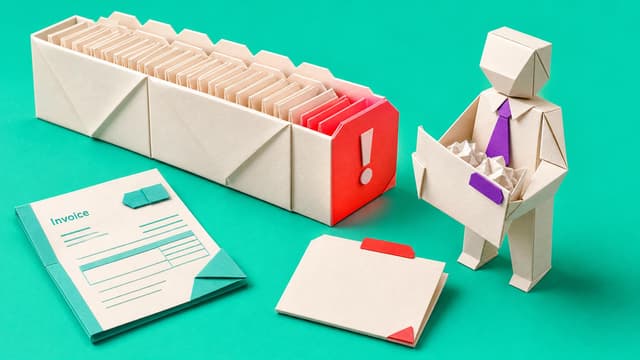
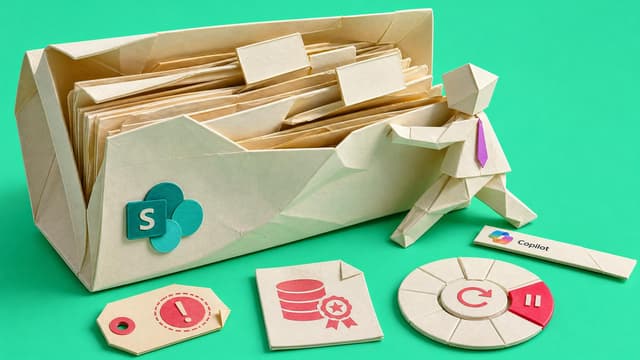
The storage bar turned red, leadership asked why we are paying for more, and I do not have an answer I can defend
SharePoint tenant storage nears quota while leadership questions extra spend. Admins see large sites but not version bloat, abandoned content, or what must stay. Without a defensible inventory, orgs buy more by default or delete nervously.
Collab365 Team
Blocker·Last Update: 11th Aug 2026
Copilot cannot fix stale SharePoint content nobody owns
SharePoint admins must ready tenants for Copilot while facing stale pages, duplicates, weak metadata, and no owners. AI only reasons over given content, so ownership, authority, and review cadence decide whether answers stay trustworthy.

Collab365 Team
Blocker·Last Update: 11th Aug 2026
Our intranet launched, but nobody keeps it useful
SharePoint intranets launch polished then go stale when no business owners hold review dates, publishing duties, or retirement rules. Navigation drifts, content ages, staff ask in Teams, and M365 admins can edit pages but cannot own every department’s content.

Collab365 Team
Blocker·Last Update: 4th Aug 2026
I can't tell which Teams sites are safe to archive
Teams workspaces create connected SharePoint sites that accumulate files, permissions, and guest accounts. Many are abandoned after short projects, leaving admins with unclear ownership and no repeatable process to decide what to keep or archive.
Collab365 Team
Blocker·Last Update: 28th Jun 2026
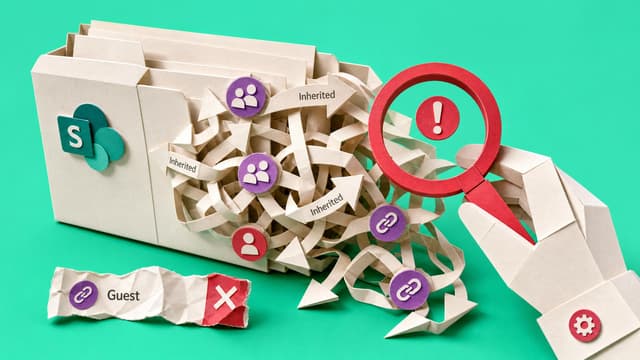
Nobody can explain why this user has access to a SharePoint folder
A user has access to a SharePoint folder but the source is unclear. Admins must trace inherited permissions, unique permissions, groups, guests, and sharing links before making a safe change.