I can't tell which project guests are safe to remove after the work ends
A Microsoft 365 admin cannot tell which project guests are safe to remove after work ends because project status, owner confirmation, guest membership, and SharePoint sharing signals are scattered across Teams, Microsoft 365 groups, SharePoint, and Entra.
Blocker Reviewed by Helen Jones
Reviewed by Helen JonesContext
The blocker, in a nutshell
If this blocker is unfamiliar, start here.
Teams guest access, SharePoint external sharing, Microsoft 365 group ownership, and project lifecycle decisions overlap. The technical controls can show guests and settings, but the admin still needs a business owner to confirm whether collaboration is finished before access is removed.
Key Terms
Industry jargon explained
Click any term to see its definition.
The Reality
A day in their life
Microsoft 365 admin
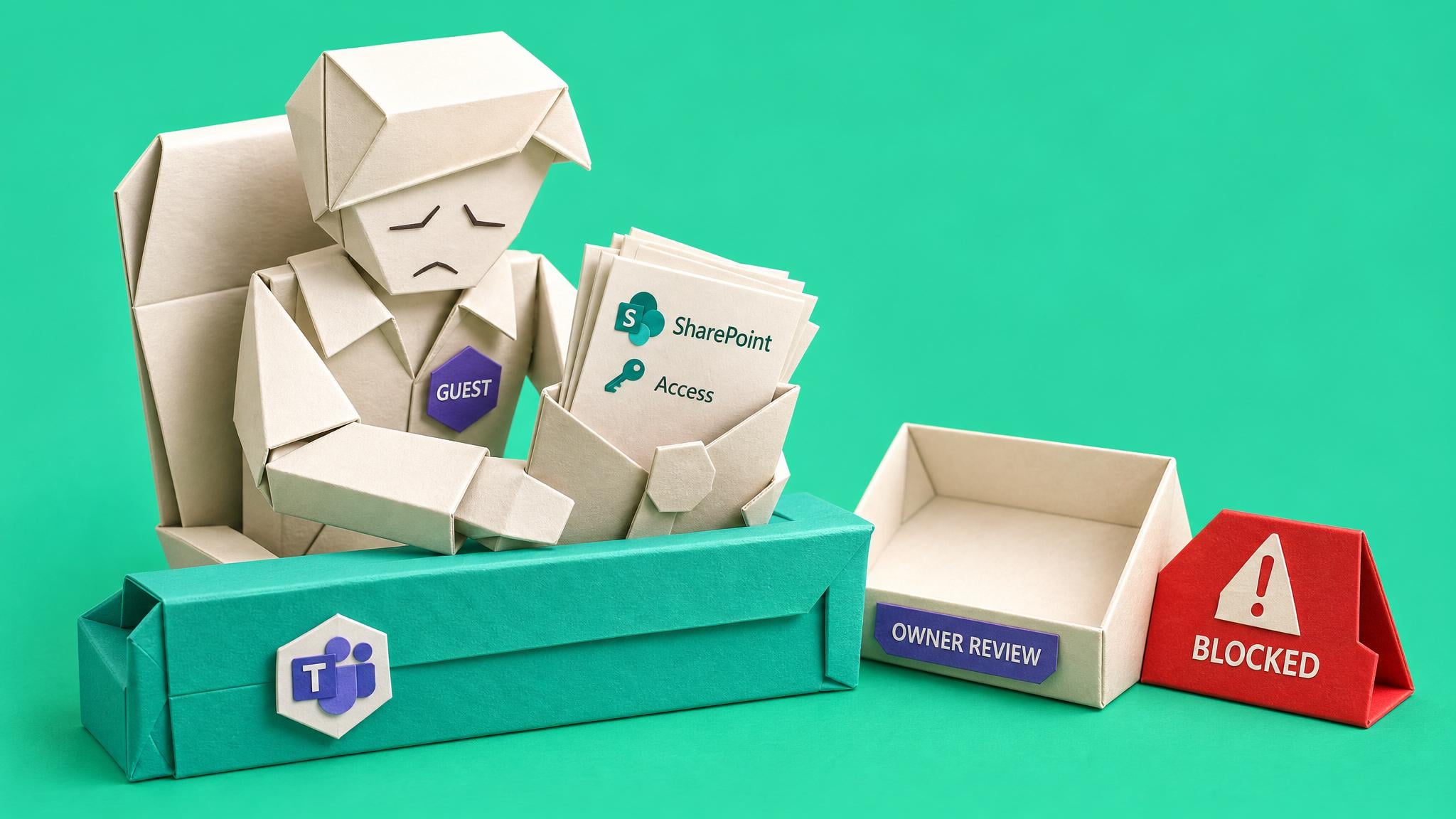
I start the morning with a message from a manager asking whether an old supplier still has access to a project Team. I open Teams, then the connected SharePoint site, then the group membership, and the answer is not as clean as anyone wants. The guest is still there, but the project owner has moved departments.
By lunchtime I have a list of external users and sharing signals. The small win is that I can separate the obvious group memberships from the cases that need more checking. But none of those signals tells me whether the collaboration is actually finished. One guest might still need access for warranty work. Another belongs to a contractor who left months ago. The report shows technical access; it does not show the missing business decision.
By the afternoon, both choices feel risky. If I remove the wrong guest, I could break live work and get pulled into an escalation. If I leave stale access alone, I may have to defend it during the next security review. I also have to remember that removing someone from the Team does not prove that every separate SharePoint link or other resource assignment is gone.
At the end of the day, what I want is a repeatable closeout rhythm: a project owner to confirm keep or remove, a short exception note when access stays, and a safe checklist that lets me make the narrowest change without guessing.
The People
Who experiences this blocker
Microsoft 365 admin
30-55 • Intermediate Microsoft 365 generalist
Skills
Teams admin center
SharePoint admin center
Entra guest basics
Support triage
Frustrations
- Guests remain after projects finish
- Owners do not respond
- Controls live in several admin areas
Goals
- Close projects cleanly
- Remove stale guests safely
- Document exceptions
Top Objections
- We cannot tell whether the project is done
- The owner left
- External sharing is politically sensitive
How They Talk
Use These Words
guest accessexternal sharingownerless groupproject closeoutrenewal
Avoid
identity governance transformationzero trust maturity model
Learning Pathway
Project Guest Closeout
Turn one ended-project workspace into owner-confirmed guest access decisions without treating inactivity, expiration, or archive status as automatic permission to remove people.
Showing 1 of 1 recommendation
Briefing
Briefing Built
◆◆◆◆◆Excellent Fit
Close Out Project Guests Without Breaking Live Collaboration
From guessing whether an old project guest is safe to remove to documenting an owner-confirmed, access-path-aware next action and review date for every guest.
You'll build: A completed project guest closeout decision record for one project workspace that identifies Team or Microsoft 365 group membership and separate SharePoint or other resource access, records the business owner's decision, assigns each guest a keep-until-date, remove-from-workspace, reduce-access, owner-check, escalate, or directory-cleanup-candidate route, documents do-not-remove conditions, verifies approved changes, and sets the next review date.
Includes: Project guest closeout decision-record template · Owner confirmation message template · Keep-until-date/remove/reduce/owner-check/escalate/directory-candidate decision checklist · Do-not-remove and escalation warning checklist · Microsoft 365 evidence-source map for Teams, SharePoint, groups, Entra, and separate assignments · Resource-level removal versus Entra guest-account deletion checklist
guest accessTeams lifecycleownerless groups+2 more
Root Cause
Finding where this blocker actually starts
We traced backward through five layers of "why" until we hit the source. Here's what's really driving this.
1
Why do guests stay after projects end?
Nobody records a project closeout date or review owner when the team or site is created.
2
Why is ownership unclear?
Project owners change roles or leave, and Microsoft 365 groups can become ownerless.
3
Why does IT not remove guests immediately?
Removing access without business confirmation can break active supplier or client collaboration.
4
Why is the review slow?
Guest access depends on controls across Entra ID, Teams, SharePoint, OneDrive, and group lifecycle settings.
5
Why does the issue repeat?
There is no lightweight project-closeout checklist that combines owner attestation, guest review, and access decisions.
Root Cause
Guest cleanup persists because external access has technical controls, but the business closeout decision is not captured at creation or renewal time.

The Numbers
How this stacks up
Key metrics that determine the opportunity value.
Overall Impact Score
80/100
Urgency
8/10
They need this fixed now
Build Difficulty
8/10
Complex, needs deep expertise
Market Size
7/10
Healthy demand exists
Competition Gap
7/10
Moderate competition
The Landscape
What solutions exist today?
Current market solutions and where there are opportunities.
Leader
M
Microsoft Entra access reviews for guests
Approach: Ask guests, group owners, or another decision maker to attest whether group or application access should continue, then apply review outcomes.
Leader
M
Microsoft 365 ownerless group policy
Approach: Notify selected active group members and ask them to accept ownership of an ownerless Microsoft 365 group or Team.
Leader
M
Microsoft 365 group expiration and Teams renewal
Approach: Use group expiration policy, owner renewal notifications, activity-based auto-renewal, and a 30-day soft-delete window for expired Teams.
Leader
A
Archive a Team
Approach: Freeze Team activity and optionally make the connected SharePoint site read-only for members while preserving content for later review.
The Gap
Why existing solutions keep failing
The pattern they all miss — and how to beat it.
Common Failure Mode
Microsoft provides group membership, guest access reviews, ownerless-group notifications, expiration, archiving, and sharing controls. Those controls can show or change technical access, but they do not supply the missing project-closeout decision or prove that a guest has no separate access elsewhere. Availability also varies by licence and tenant configuration, so the practical gap is an owner-confirmed decision record for one workspace.
How to Beat Them
Start with one Team or group-connected SharePoint site. Confirm the business owner and project status, check group membership and any separate SharePoint sharing, record keep/remove/exception/escalate decisions, then make the narrowest safe access change. Treat inactivity and archive status as review signals, not automatic permission to remove or delete.
The Fix
What a solution needs to succeed
The non-negotiables and nice-to-haves for any product or service tackling this blocker.
The 3 Wishes
Show which guests belong to finished projects and give the owner a clear keep/remove decision.
Must Have
Guest list review
Owner confirmation
Exception logging
Safe removal guidance
Nice to Have
Reusable tracker
Owner email
Out of Scope
Automated identity governance rollout
Legal advice
Success Metrics
Guest access for one project workspace is reviewed
The business owner or escalation decision is recorded
Each guest has a keep, remove-candidate, exception, owner-check, or escalate route
Separate access paths and do-not-remove conditions are checked before any removal
Completed actions and the next review date are recorded
Solution Strategy
Which approach fits you?
A tenant-wide identity governance rollout is too heavy for the immediate member need. A checklist-led briefing fits because the painful moment is a keep/remove decision for one project or small batch.
What we recommend
Create or maintain a briefing/checklist that helps admins collect guest evidence, ask the owner for a keep/remove decision, record exceptions, and remove access safely after project closeout.
The Future
What might make this blocker obsolete
Technologies and trends that could disrupt this space. Factor these into your timing.
high probability
current controls; recheck before publication
Native guest-review and lifecycle controls reduce discovery work but do not replace the closeout decision
Current Microsoft controls can surface group membership, guest review, ownership, expiration, and archive signals, but the admin still needs business context, licence-aware checks, and exception handling before removal.
SaaS: Medium risk
Course: Opportunity
Consulting: Opportunity
Content: Opportunity
For Creators
Content Ideas
Marketing hooks, SEO keywords, and buying triggers to help you create content around this blocker.
Buying Triggers
Events that make people search for solutions
- Supplier offboarding
- Security review
- Project closure
- Guest access report
- Copilot readiness review
Content Angles
Attention-grabbing hooks for your content
- The project ended, but the guest access did not
- A closeout checklist for Teams guests
- Do not remove external access until you answer these questions
- Ownerless groups are a guest cleanup smell
Search Keywords
What people type when looking for solutions
Teams guest access cleanupSharePoint external guest reviewownerless Microsoft 365 groupsTeams lifecycle guest accessproject closeout guest access
The Evidence
Where this came from
Every claim in this report is backed by public sources. Verify anything.
1.2.3.4.5.
Manage ownerless Microsoft 365 groups and teams
learn.microsoft.com
Team expiration and renewal in Microsoft Teams
learn.microsoft.com
Plan for lifecycle management in Teams
learn.microsoft.com
Manage guest access with access reviews
learn.microsoft.com
Secure external access to Microsoft Teams, SharePoint, and OneDrive with Microsoft Entra ID
learn.microsoft.com
7 sources referenced
Source note
Blocker published by Collab365 Spaces, reviewed by Helen Jones on . Cite as "I can't tell which project guests are safe to remove after the work ends", Collab365 Spaces. 7 sources referenced.
Have a question or correction?
No comments yet