The storage bar turned red, leadership asked why we are paying for more, and I do not have an answer I can defend
Microsoft 365 admins at 100-2000 person companies face storage quota pressure without a repeatable way to turn storage reports into safe reclaim decisions. Microsoft's reporting answers which sites are large, not what is safe to remove, archive, or trim, so small teams default to recurring storage purchases they cannot justify or risky deletions they cannot defend.
Context
The blocker, in a nutshell
If this blocker is unfamiliar, start here.
Microsoft 365 tenants share a pooled SharePoint storage quota based on licenses. When it fills, admins can buy Office 365 Extra File Storage per GB, enroll in pay-as-you-go Microsoft 365 SharePoint Storage billing, move inactive sites to the cheaper Microsoft 365 Archive cold tier, or reclaim space by trimming version history and removing content. Storage usage is visible per site in the SharePoint admin center, but the reports show size, not safety: deciding what can be trimmed, archived, or deleted requires ownership and lifecycle information the reports do not contain.
Key Terms
Industry jargon explained
Click any term to see its definition.
The Reality
A day in their life
IT admin, Microsoft 365 admin, or SharePoint site owner at a 100-2000 person company on a 1-3 person team
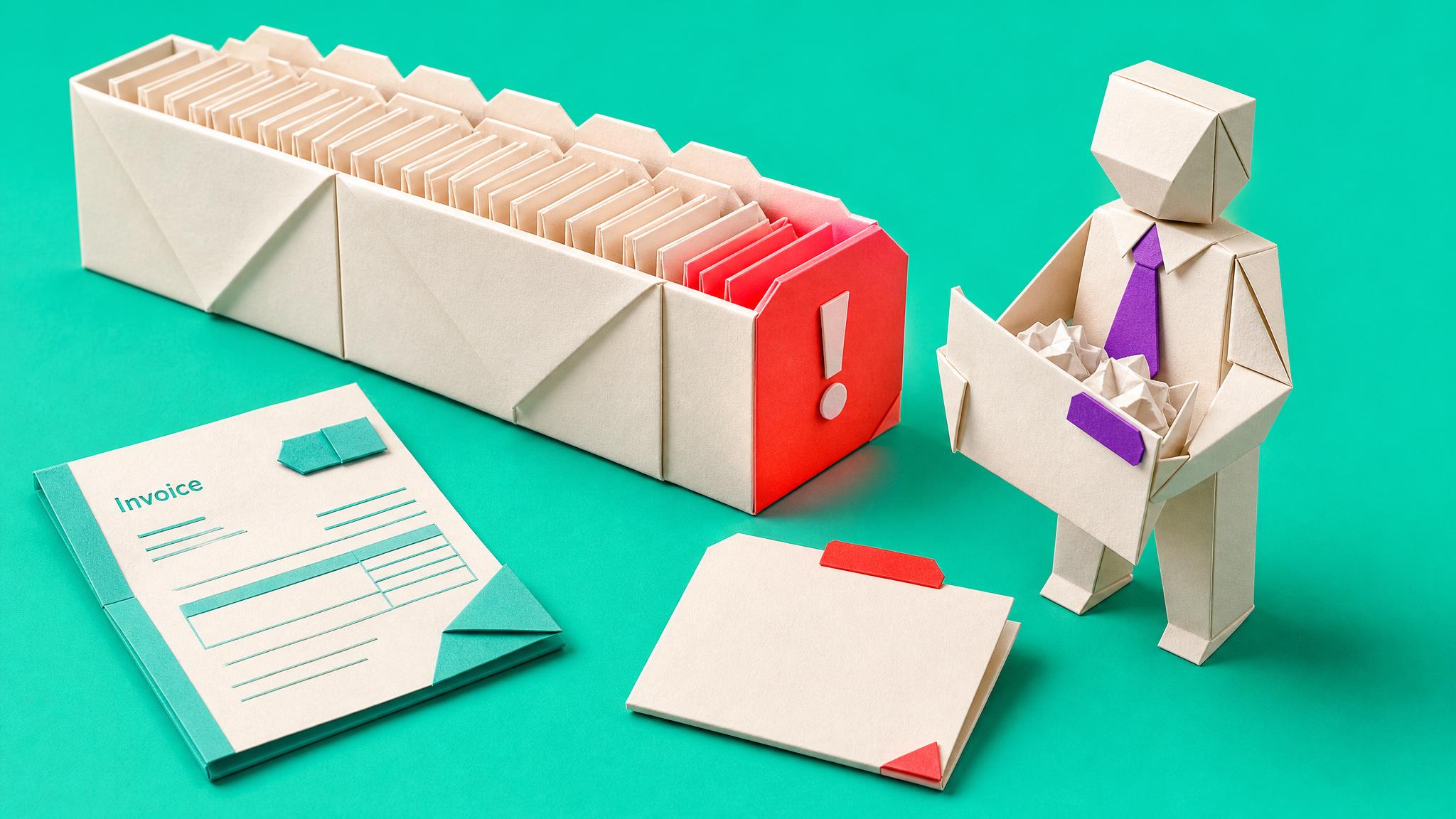
First thing this morning the SharePoint admin center greeted me with the storage bar at 91 percent. I have watched it climb for months, but today our IT manager forwarded the renewal email from finance with one line: why are we buying more storage again?
I opened Active sites and sorted by storage, like always. The top site is a project Team from four years ago whose owner left the company. Second is HR, which I am certainly not touching without sign-off. Third is a site that is huge for no reason I can see, and I suspect version history, but proving that means digging library by library. The report tells me which sites are big. It cannot tell me which gigabytes are safe.
I did get one small win: I found two obviously dead pilot sites from 2022, confirmed with their old sponsor in one Teams message, and archived them. That bought us maybe one percent and felt like bailing the sea with a cup. Meanwhile I know the real options exist, trim versions, archive cold sites to the cheaper tier, delete with sign-off, buy more for what truly remains, but I cannot pick between them site by site without a method, and every department I ask says they might need it one day.
What I want is to walk into the next budget conversation with a one-page answer: this is what our storage holds, this much is versions we trimmed, this much is archived at the cold rate, this much was deleted with owner sign-off, and this is the smaller number we actually need to buy. That answer would change how leadership sees the whole platform, and me.
The People
Who experiences this blocker
IT admin, Microsoft 365 admin, or SharePoint site owner at a 100-2000 person company on a 1-3 person team
30-55 • Intermediate Microsoft 365 generalist comfortable in admin centers, cautious with PowerShell, with no dedicated storage or governance specialist behind them
Skills
SharePoint and Teams administration
Admin center reporting
Permissions management
Basic lifecycle and archiving concepts
Stakeholder communication
Frustrations
- Storage reports say which sites are big, not what is safe to remove
- Departments answer every cleanup question with we might need it
- Ownerless sites from sprawl have nobody to ask
Goals
- Walk into budget talks with a defensible storage answer
- Reclaim space without causing a restore crisis
- Set a review rhythm so quota warnings stop being fire drills
Top Objections
- If I delete the wrong thing I own the crisis
- I do not have weeks for a storage audit
- Archive tiers and version policies have rules I might trip over
- Leadership may just prefer to pay
How They Talk
Use These Words
storage quotaActive sitesversion historyarchivesite ownerrecycle binSharePoint admin centerpay-as-you-go
Avoid
storage tiering strategydata estate optimisationILMcapacity governance framework
Learning Pathway
Storage Pressure Pathway
Go from a red storage bar and an awkward budget question to a defensible per-site action list and a one-page answer leadership accepts.
Showing 3 of 3 recommendations
Course
Course Built
◆◆◆◆◆Excellent Fit
Turn a red storage bar into a per-site decision sheet and a one-page answer for leadership
From dreading the storage banner and the renewal email to walking into the budget conversation with a defensible account of what storage holds and what was reclaimed.
7 lessons140 minbeginner
You'll build: Produce the completed storage decision sheet for the top sites by size, execute one reclaim action safely with recorded sign-off, and deliver the one-page storage answer document.
Reading tenant and per-site storage reports properlyDiagnosing site composition: versions, staleness, duplicates, recycle bin effectsThe trim, archive, delete, or buy decision rule with safety checks+3 more
Briefing
Briefing Built
◆◆◆◆◇Good Fit
Choose between buying storage, Microsoft 365 Archive, and cleanup with current dated facts
From buying more storage as the default panic response, toward a sequenced, costed decision leadership can read and approve.
You'll build: A completed storage options decision record: chosen sequence, current per-option rates with dates checked, the constraint that ruled options out, and what usage evidence would change the sequence.
Blueprint
Build Brief Ready
◆◆◆◆◇Good Fit
Build a Microsoft Lists decision board for dated SharePoint storage readings, approvals, actions, later measurements, and reversals
From storage decisions scattered across screenshots and inboxes to one dated, reviewable register that shows what was decided, who approved it, and what the later reading showed.
You'll build: Configure the list, fifteen columns, five views, permissions, item version history, four fictional test rows, and monthly review routine, then pass the ownerless, sign-off, version-history, recent-action, measured-reduction, summary-total, reader-permission, and reversal tests.
Build brief: Existing-tool setup · Maker handoff
Root Cause
Finding where this blocker actually starts
We traced backward through five layers of "why" until we hit the source. Here's what's really driving this.
1
Why is storage running out?
Years of sites, libraries, version history, and abandoned workspaces accumulate invisibly while the quota stays fixed; growth is silent until the warning banner appears.
2
Why does accumulation go unnoticed?
Storage only becomes visible at the site level in admin reports, and no one reviews growth because no review owns it; ownerless sites from Teams sprawl never get cleaned.
3
Why do reports not lead to action?
Reports say which sites are big, not why they are big or what is safe to do. Big could be version bloat, duplicates, stale projects, or critical records, and the actions differ for each.
4
Why can nobody say what is safe to remove?
Safe requires an owner decision, and ownership was never recorded. Asking departments produces we-might-need-it answers because they carry all the risk of saying delete and none of the cost of saying keep.
5
Why does buying more win by default?
It is the only option with a button. Microsoft made purchasing storage one click and made justified cleanup a multi-week unowned investigation, so under pressure the invoice always beats the project.
Root Cause
Storage pressure is a decision problem disguised as a capacity problem: reports identify size but not safety, ownership was never recorded, keep-everything carries no visible cost to departments, and purchasing is the only one-click path, so spend grows by default.

The Numbers
How this stacks up
Editorial assessments based on the available evidence. Scores do not establish demand, purchases or measured financial impact.
74
8
8
7
7
"Teams and SharePoint sprawl makes everyday work harder: users cannot tell which workspace owns a project, admins cannot tell what can be archived, and every cleanup attempt triggers we-might-need-that-one-day pushback."
Stored avatar evidence; the cleanup-pushback dynamic is the core blocker behind storage decisions. Direct community quotes to be gathered in GDR — Space 33 avatar foundation, painScore 10 frustration mapped from Reddit discussions on Teams and SharePoint sprawl, 2026-05-27
More Evidence
What others are saying
"Small IT teams can lose recurring time cleaning up inactive SharePoint sites and Teams because lifecycle policies, ownership rules, and reporting are difficult to sustain alongside daily support work."
Stored foundation evidence describing the sustained-investigation gap that storage pressure exposes — Space 33 paid frustration audit, niche: small IT team SharePoint governance without PowerShell, 2026-06-10
The Landscape
What solutions exist today?
Current market solutions and where there are opportunities.
Leader
B
Buy Office 365 Extra File Storage or pay-as-you-go storage
Approach: Increase quota per GB or let billing absorb growth
Pricing: Per GB via Microsoft; current rates need GDR verification
Weakness: Recurring growing spend with no underlying cleanup; pay-as-you-go even suppresses quota warnings, hiding the problem
Challenger
M
Microsoft 365 Archive
Approach: Move inactive sites and files to a reduced-cost cold tier
Pricing: Consumption-based beyond quota; current rates need GDR verification
Weakness: Has template, channel-site, and file-type limitations, a reactivation model users must understand, and still requires someone to decide what is inactive
Leader
S
SharePoint admin center storage reports
Approach: Sort Active sites by storage to find large sites
Pricing: Included
Weakness: Shows size, not composition or safety; no version-bloat, duplicate, or staleness view that maps to actions
Niche
M
Manual cleanup campaigns
Approach: Ask departments to clean their sites
Weakness: Departments default to keep everything; without owner sign-off and decision rules, campaigns stall after the easy wins
The Gap
Why existing solutions keep failing
The pattern they all miss — and how to beat it.
Common Failure Mode
Every existing option assumes the decision is already made: purchase tools assume buy, Archive assumes you know what is inactive, reports assume size equals insight. Nobody packages the investigation and owner-decision method that converts a red storage bar into a defensible per-site action list.
The Fix
What a solution needs to succeed
The non-negotiables and nice-to-haves for any product or service tackling this blocker.
The 3 Wishes
Turn the red storage bar into a one-page defensible answer: what the storage holds, which gigabytes were trimmed, archived, or deleted with owner sign-off, and the smaller amount that genuinely must be bought, all produced by one admin in days, not weeks.
Must Have
A storage investigation workflow from tenant report to per-site composition findings
A per-site decision rule: trim, archive, delete, or buy, with safety checks
An owner sign-off step that makes decisions defensible
A one-page storage answer artifact for leadership
Safe handling: working copies, recycle bin awareness, and reversibility caveats before any removal
Nice to Have
Version history policy guidance
A Microsoft 365 Archive eligibility checklist
A storage review rhythm calendar
Out of Scope
Exchange and OneDrive personal storage management
Third-party storage reporting tool implementations
Retention policy and records management design
PowerShell-heavy automation requiring developer support
Success Metrics
A completed storage composition summary for the top sites by size
Every reviewed site has a recorded action and a named decider
At least one reclaim action executed safely with sign-off
A one-page storage answer delivered to leadership
Solution Strategy
Which approach fits you?
Microsoft's options (buy, pay-as-you-go, Archive) are levers without a decision layer; admin reports are data without judgement; consultant storage assessments exist but exceed mid-market budgets. A method-first course plus a current-pricing decision briefing fills the layer all of them assume.
What we recommend
Lead with a course that teaches the investigation and per-site decision workflow producing the one-page storage answer, support it with a briefing that settles buy versus Archive versus clean for the current pricing reality, and add a blueprint for a recurring storage review board.
The Future
What might make this blocker obsolete
Technologies and trends that could disrupt this space. Factor these into your timing.
high probability
Now, rolling out 2026
Microsoft 365 SharePoint Storage removes quota warnings while billing growth
Makes silent spend growth easier and defensible decision methods more valuable; content must track the new billing model
SaaS: Medium risk
Course: Opportunity
medium probability
1-2 years
AI-assisted staleness detection and archive suggestions in SharePoint Advanced Management
Speeds investigation but owner sign-off and decision rules remain human; the method stays the trust layer
SaaS: Medium risk
Course: Low risk
For Creators
Content Ideas
Marketing hooks, SEO keywords, and buying triggers to help you create content around this blocker.
Buying Triggers
Events that make people search for solutions
- The tenant storage bar crosses a warning threshold
- Finance or leadership questions a storage add-on renewal or new purchase
- A Microsoft 365 renewal or licensing review puts every line item under scrutiny
- Copilot readiness work exposes stale content at scale
- A storage-driven incident, such as a site hitting its limit mid-project
Content Angles
Attention-grabbing hooks for your content
- The storage bill is a decision backlog in disguise
- Why which-site-is-big reports cannot answer what-is-safe questions
- Trim, archive, delete, or buy: a per-site decision rule
- Getting departments to sign delete decisions they actually mean
- What Microsoft 365 Archive changes about the keep-everything default
Search Keywords
What people type when looking for solutions
sharepoint storage fullsharepoint storage limit reachedreduce sharepoint storage usagesharepoint version history storagemicrosoft 365 archive vs extra storagesharepoint storage cost
The Evidence
Where this came from
Every claim in this report is backed by public sources. Verify anything.
1.2.3.4.5.
Add more OneDrive and SharePoint storage to your Microsoft 365 subscription
learn.microsoft.com
Overview of Microsoft 365 Archive
learn.microsoft.com
Restore deleted items from the site collection recycle bin
support.microsoft.com
Sharepoint storage running out of space
learn.microsoft.com
I did the thing (Sharepoint Versioning Cleanup)
reddit.com
7 sources referenced
Source note
Blocker published by Collab365 Spaces, reviewed by Collab365 editorial team on . Cite as "The storage bar turned red, leadership asked why we are paying for more, and I do not have an answer I can defend", Collab365 Spaces. 7 sources referenced.
Have a question or correction?
No comments yet