My users can't find the right SharePoint list item in my Power App gallery
A business maker's Power Apps gallery displays records, but users cannot reliably find the item they need because the search/filter UX and delegation limits were not designed together. The consequence is support churn and distrust in the app's data.
 Reviewed by Helen Jones
Context
The blocker, in a nutshell
If this blocker is unfamiliar, start here.
A non-developer Power Apps maker has built a gallery on top of a SharePoint or Microsoft List so colleagues can find requests, assets, incidents, customers, or tasks without opening the list itself. The gallery looks searchable, but the search box and filters can miss records that really exist when the formula, searchable fields, match rules, and SharePoint delegation limits have not been designed together, so users assume the app cannot be trusted.
Key Terms
Industry jargon explained
Click any term to see its definition.
The Reality
A day in their life
Business professional building a SharePoint-backed canvas app
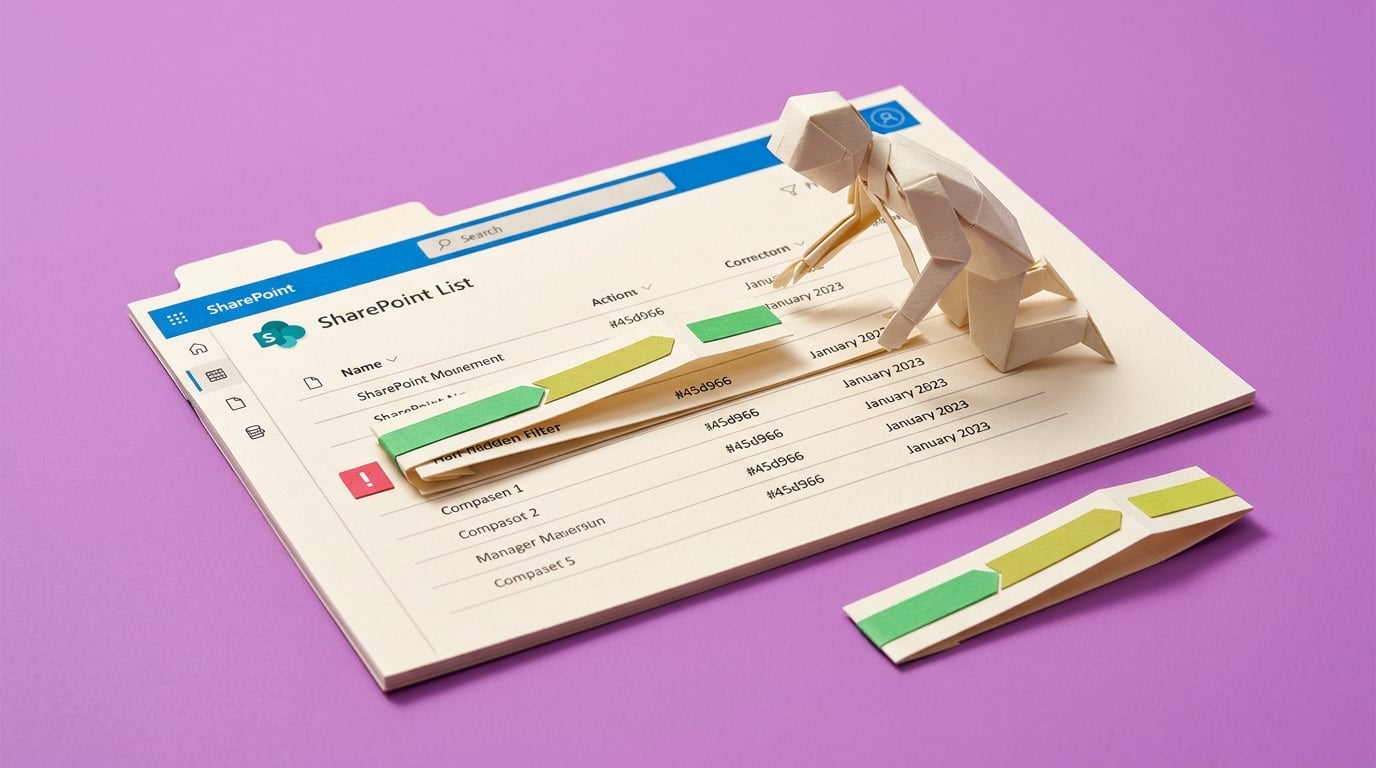
I start the day adding a search box to the request gallery. It feels like a quick win because the gallery already shows SharePoint items, and a few test searches return the rows I expect.
Later, a colleague says they searched for a customer and nothing appeared. I check the SharePoint list and the item is definitely there. Then I notice the blue delegation warning and realise my formula may only be checking part of the list.
The small win is that I can make the gallery respond to text input. The painful part is that a search box people cannot trust is worse than no search box, because users assume the app is telling the truth.
What I want is a search/filter pattern I can explain, test, and reuse so people can find the right request without messaging me to prove the record exists.
The People
Who experiences this blocker
Business professional building a SharePoint-backed canvas app
25-50 • Beginner to early intermediate maker
Skills
Can create galleries
Can connect SharePoint lists
Can edit simple Power Fx
Frustrations
- Delegation warnings feel abstract
- Search works for some records but not others
- Users assume missing results mean missing data
Goals
- Build trustworthy search
- Avoid support questions
- Replace spreadsheet filtering with a better app
End user
Needs to find a request, asset, incident, or customer quickly and does not care why the formula is limited.
Also affected by this blocker. Often shares the same frustrations or creates additional pressure.
Top Objections
- I do not understand delegation deeply
- The formula worked in my small test
- Users want flexible search
How They Talk
Use These Words
gallerysearch boxFilterSearchStartsWithSharePoint listdelegation
Avoid
query plannerindexing architectureinformation retrieval
Learning Pathway
Power Apps UX Rescue
Make search and filters behave the way users expect.
Showing 2 of 2 recommendations
Course
Course Built
◆◆◆◆◆Excellent Fit
Build a gallery search users can trust
5 lessons150 minbeginner
You'll build: A tested gallery search/filter pattern with documented searchable fields and pass/fail test records.
Gallery Items formulasSearch versus Filter versus StartsWithDelegation-safe choices+2 more
Briefing
Briefing Built
◆◆◆◆◇Good Fit
Choose the safest gallery search pattern before users rely on it
You'll build: A chosen search/filter approach with known trade-offs.
Root Cause
Finding where this blocker actually starts
We traced backward through five layers of "why" until we hit the source. Here's what's really driving this.
1
Why can't users find the item?
The gallery search/filter formula does not match the user's lookup behavior or the data source's delegation limits.
2
Why does the formula not match the lookup behavior?
The maker copied a generic Search or Filter pattern without defining searchable fields, exact versus partial matches, and empty-state behavior.
3
Why does SharePoint make this harder?
Some operators and columns are nondelegable or limited, so Power Apps may only process the first 500-2000 rows locally.
4
Why does the user not understand the limitation?
The app shows a normal search box, so users assume no result means no record, not a formula or delegation boundary.
5
Why does the problem persist?
Makers treat search as a formula task instead of a UX, data, and proof task with test records beyond the local row limit.
Root Cause
The visible issue is bad search, but the root cause is a missing gallery findability workflow: user lookup scenarios, delegable filters, data shape, empty states, and proof records are not designed together.

The Numbers
How this stacks up
Editorial assessments based on the available evidence. Scores do not establish demand, purchases or measured financial impact.
86
8.5
8.8
8
8.3
"I am trying to have my gallery empty until somebody searches"
Maker has a 10,000-record SharePoint list and wants a usable search pattern; older but durable mechanism-aligned pain evidence. — Power Platform Community forum, 2021-07-05
More Evidence
What others are saying
"the filter is not always working it works with some text... not others"
Recent forum thread about filtered gallery behavior and delegation. — Power Platform Community forum, 2026-05
"Either 1) I have a delegation issue... or 2) ... it does not read it correctly"
Maker with about 30,000 rows trying to filter text and numeric values. — Power Platform Community forum, 2025-12
The Landscape
What solutions exist today?
Current market solutions and where there are opportunities.
Leader
M
Microsoft delegation documentation
Approach: Explains delegable and nondelegable queries, row limits, and warnings.
Weakness: Mechanism-focused; does not package a business-user search UX pattern for common SharePoint trackers.
F
Forum answers and formula snippets
Approach: Solve one formula or delegation warning at a time.
Weakness: Can fix the warning without designing the user's findability workflow or test proof.
The Gap
Why existing solutions keep failing
The pattern they all miss — and how to beat it.
Common Failure Mode
Delegation content is plentiful, but the underserved gap is search UX that explains how users look for records and how to prove the gallery is not lying.
How to Beat Them
Treat gallery search as a product feature: user scenarios, delegable formula, empty state, and proof records.
The Fix
What a solution needs to succeed
The non-negotiables and nice-to-haves for any product or service tackling this blocker.
The 3 Wishes
Turn a flaky gallery search into a tested findability pattern users can trust.
Must Have
Lookup scenario map
Delegable formula pattern
No-result and too-many-results states
Proof records
Nice to Have
Formula examples by column type
Decision table for SharePoint vs Dataverse
Out of Scope
Enterprise search engine
Full data migration
Complex permission model
Success Metrics
Known records are found
Delegation warnings are removed or documented
Users understand no-result messages
Solution Strategy
Which approach fits you?
Briefing helps choose patterns; course gives the learner a tested implementation.
What we recommend
Create a course around one searchable gallery, supported by a decision guide.
The Future
What might make this blocker obsolete
Technologies and trends that could disrupt this space. Factor these into your timing.
medium probability
12 months
Delegation behavior and Power Fx capabilities continue to evolve
Course and briefing should track SharePoint delegation support and Power Fx search behavior as Microsoft updates the platform.
SaaS: Medium risk
Course: Medium risk
Consulting: Low risk
Content: Medium risk
For Creators
Content Ideas
Marketing hooks, SEO keywords, and buying triggers to help you create content around this blocker.
Buying Triggers
Events that make people search for solutions
- User cannot find a known item
- Delegation warning appears in Gallery.Items
- The list grows past test size
Content Angles
Attention-grabbing hooks for your content
- Your Power Apps search box may be lying to users
- Search vs Filter vs StartsWith in plain English
- How to test a SharePoint gallery before users rely on it
- The no-result message your Power App needs
Search Keywords
What people type when looking for solutions
Power Apps gallery search SharePointPower Apps filter delegation warningPower Apps search not finding recordsPower Apps StartsWith SharePoint list
The Evidence
Where this came from
Every claim in this report is backed by public sources. Verify anything.
1.2.3.4.5.
PowerApps Delegation Starts With
community.powerplatform.com
Filter and sortby column
community.powerplatform.com
Filter a Gallery Column that has both numbers and text
community.powerplatform.com
Query limitations: Delegation and query limits
learn.microsoft.com
Trying to search multiple lists at once
reddit.com
5 sources referenced
Source note
Blocker published by Collab365 Spaces, reviewed by Helen Jones on . Cite as "My users can't find the right SharePoint list item in my Power App gallery", Collab365 Spaces. 5 sources referenced.
Have a question or correction?
No comments yet