Nobody refused the app. They just drifted back to the spreadsheet, and now both have half the data
Internal Power Apps fail after launch, not during the build. Makers treat launch as an announcement instead of a rollout: the old spreadsheet stays available, nobody owns moving the team across, early friction goes unheard, and partial adoption corrupts both systems' data. The maker has no playbook for diagnosing the drift, fixing the friction, retiring the old tool, and relaunching with evidence.
 Reviewed by Helen Jones
Context
The blocker, in a nutshell
If this blocker is unfamiliar, start here.
Internal tool launches fail in the gap between working software and changed habits. When an old tool, usually a shared spreadsheet, remains available after a new app launches, every user effectively re-decides which tool to use at every busy moment. Without a feedback channel, visible friction fixes, a deliberate retirement of the old tool, and a manager-backed relaunch, habit wins and usage drifts back. Split usage then degrades data quality in both systems, which retroactively justifies the drift.
Key Terms
Industry jargon explained
Click any term to see its definition.
The Reality
A day in their life
Business professional at a 50-1000 person company whose working internal Power App is losing its team to the old spreadsheet weeks after launch
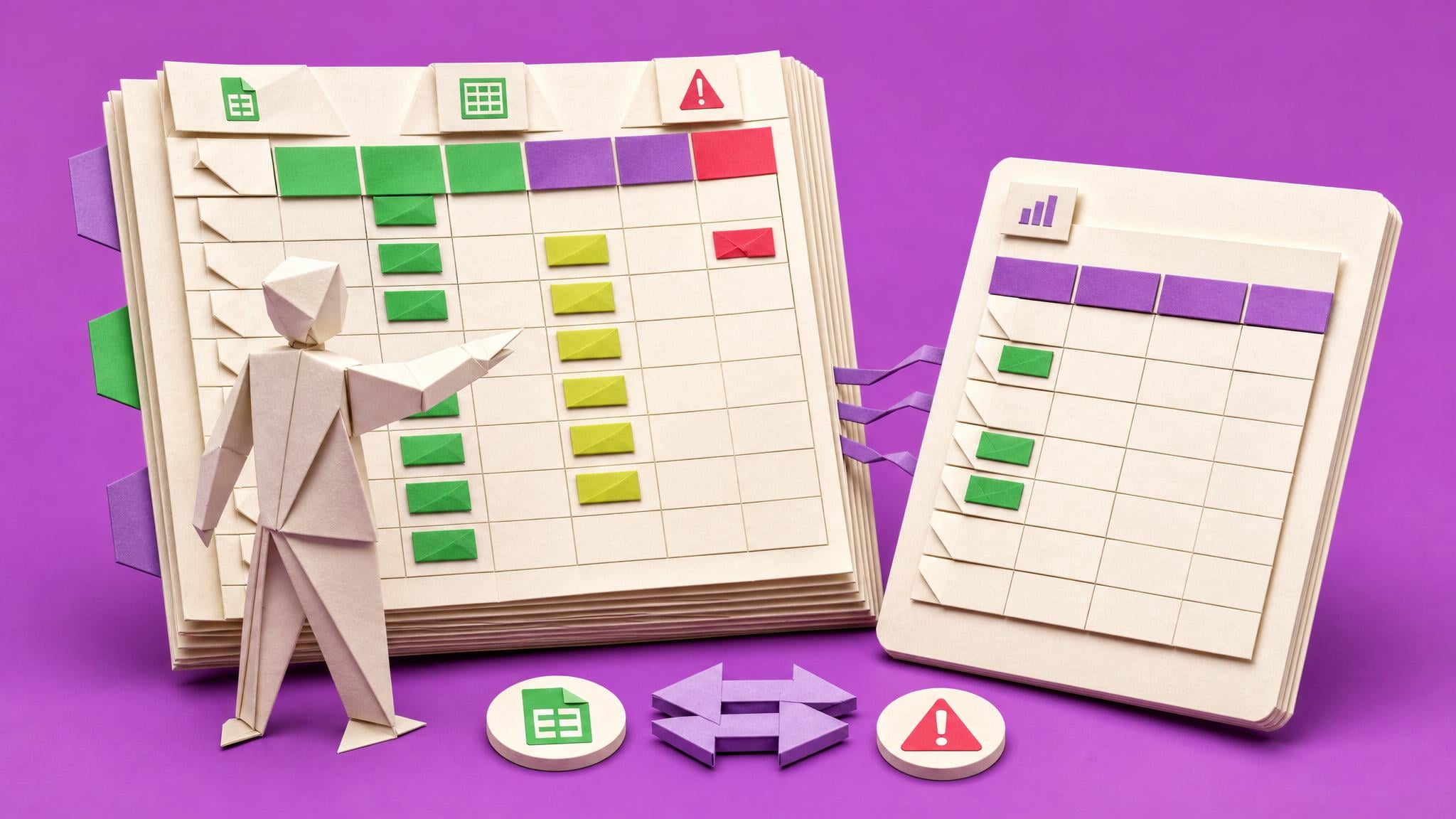
I checked the asset request list this morning the way other people check the weather. Four new requests this week. Three weeks ago it was eleven. The app has not broken once, which is somehow the most frustrating part.
At the eleven o'clock huddle I watched Dana update the old spreadsheet, the one I was supposed to have replaced in April. She was not being difficult. She had a request to log, the spreadsheet was already open, and the app means finding the link, waiting for it to load on her phone, and filling in a required field she finds pointless. Multiply that by a busy Tuesday and the spreadsheet wins every time.
The bit that actually scares me came at four, when my manager asked for a count of open requests for the quarterly review. The app says nine. The spreadsheet says six others. Two are duplicates, I think. I spent forty minutes reconciling two systems when the entire point of the app was to have one. I sent the number with a caveat and felt like a fraud.
The win today, if I am allowed one, is that Priya told me she actually prefers the app for approvals because she can see the history. So it is not hopeless. Some of it lands.
What I want is a way to find out why people drift back without making it an interrogation, fix the two or three real frictions, switch the spreadsheet off properly instead of leaving it whispering in the corner, and relaunch once, with the team rather than at them. If the app fails after that, fine, at least it failed on evidence. What I cannot keep doing is watching it die quietly while everyone tells me it is great.
The People
Who experiences this blocker
Business professional at a 50-1000 person company whose working internal Power App is losing its team to the old spreadsheet weeks after launch
25-50 • Beginner to early intermediate maker; can build and ship a working canvas app; has never run a tool rollout
Skills
Canvas apps on SharePoint lists
Basic Power Fx
Power Automate approvals
Knows the team's real process intimately
Frustrations
- The team praises the app and then uses the spreadsheet
- No way to see who uses the app or where they drop off
- Small frictions are invisible until people have already drifted
Goals
- Find the real reasons for the drift without blaming anyone
- Fix the top frictions fast and visibly
- Retire the old spreadsheet safely and completely
The team manager who approved the build, owns the process the app serves, and must back the spreadsheet retirement for it to stick
Also affected by this blocker. Often shares the same frustrations or creates additional pressure.
Top Objections
- I am not a change manager and the adoption guides assume I have a programme team
- If I push too hard the team will resent the app and me
- I cannot prove the app is better without usage data I do not have
How They Talk
Use These Words
launchrolloutthe old spreadsheetfeedbackusageteam huddleread-onlyrelaunchSharePoint listapp link
Avoid
change management frameworkadoption maturity modelorganisational transformationcentre of excellencegovernance
Learning Pathway
Launches That Stick
Move your team onto the app you built, retire the old spreadsheet cleanly, and hold usage evidence instead of anxiety.
Showing 3 of 3 recommendations
Course
Course Built
◆◆◆◆◆Excellent Fit
Run a two-week relaunch that moves your team off the old spreadsheet for good
From watching the app die quietly and dreading the manager's questions to holding a friction log, a clean cutover, and four weeks of usage evidence.
6 lessons90 minbeginner
You'll build: A completed relaunch decision record after four weeks of usage data: continue (team is on the app, spreadsheet read-only), fix more (named frictions remain), or park honestly (evidence says the workflow is wrong), with the friction log, cutover note, and weekly counts attached.
Includes: Microsoft Power Platform adoption guidance (for contrast and salvageable workbook items) · Space avatar foundation evidence on worse-than-spreadsheet complaints
Non-accusatory friction conversationsPrioritising and announcing fixesRead-only cutover with manager sign-off+3 more
Aligned with space course pricing; avatar budget evidence supports $10-100 targeted training
Briefing
Briefing Built
◆◆◆◆◇Good Fit
A pre-launch adoption checklist that prevents the drift back to the spreadsheet
From launch-as-announcement to launch-as-transition with the failure modes closed in advance.
You'll build: A completed pre-launch checklist for a real upcoming launch, including the agreed read-only cutover date for the old tool, the named champion, and the chosen weekly usage signal.
Includes: Microsoft Power Platform adoption guidance (for contrast) · Space avatar foundation evidence on worse-than-spreadsheet complaints
Why working apps lose to old habitsOld-tool retirement and read-only cutoverAccess friction and the phone moment+2 more
Member briefing, included in space membership
Blueprint
Build Brief Ready
◆◆◆◆◇Good Fit
Build a small tracker app that captures user friction and weekly usage so launches run on evidence
From invisible friction and vibes-based adoption claims to a triaged friction log and a weekly usage trend the manager can read.
You'll build: The tracker live with both screens working, one real friction item moved new to fixed with a FixNote, and four weekly NewEntries counts recorded for one target app.
Includes: Microsoft Learn: canvas app sharing documentation (verify current URL at build time) · Space avatar foundation evidence on feedback and usage signal needs
Build brief: Platform app · Maker handoff
SharePoint list schema for feedbackTwo-screen canvas app patternStatus flows with note gates+2 more
Member blueprint, included in space membership
Root Cause
Finding where this blocker actually starts
We traced backward through five layers of "why" until we hit the source. Here's what's really driving this.
1
Why did the team stop using the app?
Small frictions plus old habits made the spreadsheet the easier path in busy moments, and nothing pushed back the other way.
2
Why was the spreadsheet still the easier path?
It was never retired or made read-only, so the transition was optional, and optional transitions lose to habit.
3
Why did the frictions never get fixed?
Users do not report small annoyances; they route around them. The maker had no feedback channel or usage signal to surface the friction while it was fixable.
4
Why did the maker not run a managed transition?
Build tutorials end at publish, and existing adoption guidance is enterprise change-management material, not a one-team playbook for a non-developer.
5
Why does the failure stick instead of triggering a relaunch?
Split usage corrupts data in both systems, the maker takes the drift personally and avoids it, and without evidence they cannot make the case for one more push.
Root Cause
An optional transition lost to habit: the spreadsheet stayed live, friction went unreported, the maker had no rollout playbook, and split usage then poisoned the data and the maker's confidence to try again.

The Numbers
How this stacks up
Editorial assessments based on the available evidence. Scores do not establish demand, purchases or measured financial impact.
70
7
8
6
8
"They built an app connected to SharePoint, but galleries load slowly, filters behave oddly, or users complain the app is worse than the spreadsheet."
Internal evidence-backed avatar research naming the worse-than-the-spreadsheet complaint that precedes adoption drift — Space 29 avatar foundation, situational pain points (internal research record), 2026-05
The Landscape
What solutions exist today?
Current market solutions and where there are opportunities.
Leader
A
Announce and hope
Approach: Demo the app at a team meeting, share the link, and assume usage follows
Pricing: Free and failing
Weakness: Leaves the transition optional; habit and the surviving spreadsheet win within weeks
Challenger
E
Enterprise adoption frameworks
Approach: Microsoft's Power Platform adoption guidance, maturity models, and planning workbooks
Pricing: Free guidance; partner workshops cost more
Weakness: Written for organisation-scale programmes with admins and change managers; wrong-sized and wrong-vocabulary for one maker and eight colleagues
Niche
M
Mandate from the manager
Approach: Manager orders the team to use the app
Pricing: Free but costly socially
Weakness: Without friction fixes it produces resentful minimal compliance and workarounds, and the manager rarely sustains enforcement
Niche
Q
Quietly giving up
Approach: Let the app die and return to the spreadsheet
Pricing: The most expensive option
Weakness: Strands the build investment, damages the maker's standing, and blocks future internal tooling
The Gap
Why existing solutions keep failing
The pattern they all miss — and how to beat it.
Common Failure Mode
Build content ends at publish and adoption content starts at enterprise scale. The single-team, single-maker rollout playbook, diagnose drift, fix friction, retire the spreadsheet, relaunch with evidence, is missing from the beginner path entirely.
How to Beat Them
A two-week relaunch the maker can run alone: five short user conversations to build a friction log, fix the top three frictions visibly and tell people, agree a read-only cutover date for the spreadsheet with the manager, relaunch at a team huddle with a champion, and track one simple usage signal weekly so the outcome is evidence rather than vibes.
The Fix
What a solution needs to succeed
The non-negotiables and nice-to-haves for any product or service tackling this blocker.
The 3 Wishes
The team moves to the app and stays, the spreadsheet retires gracefully, and the maker holds usage evidence instead of anxiety when the manager asks how it is going.
Must Have
Runs with maker-level permissions and the team's existing tools only
A non-accusatory user conversation script that surfaces real frictions
A read-only cutover step for the old spreadsheet with manager sign-off
A usage signal the maker can read from the SharePoint list without admin analytics
A relaunch moment that positions the change as listening, not pushing
Nice to Have
A champion playbook for one supportive colleague
Templates for the announcement and the what-we-fixed note
Guidance for the case where the spreadsheet genuinely is better and the app should be fixed or parked
Out of Scope
Enterprise change programmes and adoption maturity models
Admin-level usage analytics setup
Rebuilding the app itself beyond the top friction fixes
Success Metrics
Friction log completed from five user conversations with the top three items fixed
Spreadsheet made read-only on the agreed date with history preserved
Weekly new-entry count from the app's data source recorded for four weeks
A relaunch decision record: continue, fix more, or park the app, made on evidence
Solution Strategy
Which approach fits you?
Microsoft's adoption guidance is enterprise-shaped and uses vocabulary this avatar avoids. Generic change management courses are not Power Apps aware. Nothing on the market is sized for one maker, one team, one spreadsheet.
What we recommend
Lead with a relaunch course for the app that is currently dying, add a prevention briefing (the pre-launch adoption checklist) for every future launch, and ship a blueprint for a small feedback and adoption tracker so usage signals and friction logs stop being ad hoc.
The Future
What might make this blocker obsolete
Technologies and trends that could disrupt this space. Factor these into your timing.
high probability
Now to 12 months
AI makes apps faster to build, so more launches and more failed landings
As building gets cheaper, the bottleneck moves to landing tools with teams, making rollout skill more valuable.
SaaS: Low risk
Course: Low risk
medium probability
12-24 months
Better built-in usage reporting could replace the manual usage signal step
Would simplify measurement but not the human transition work, which is the core of the problem.
SaaS: Medium risk
Course: Low risk
For Creators
Content Ideas
Marketing hooks, SEO keywords, and buying triggers to help you create content around this blocker.
Buying Triggers
Events that make people search for solutions
- The old spreadsheet starts being updated again after the app launch
- The manager asks for numbers and the app's data has obvious gaps
- A second team asks if the app worked and the honest answer is no
- The maker is about to launch their next app and refuses to repeat the flop
Content Angles
Attention-grabbing hooks for your content
- Why working apps die quietly in week three
- The spreadsheet you left alive is killing your app
- Five conversations that explain your usage drop
- Read-only cutover: retiring a spreadsheet without drama
- Relaunch once, with evidence, or park it honestly
Search Keywords
What people type when looking for solutions
power apps team not using apppower apps adoptionteam went back to spreadsheetinternal app rolloutretire shared spreadsheetpower apps relaunch app usage
The Evidence
Where this came from
Every claim in this report is backed by public sources. Verify anything.
3 sources referenced
Source note
Blocker published by Collab365 Spaces, reviewed by Helen Jones on . Cite as "Nobody refused the app. They just drifted back to the spreadsheet, and now both have half the data", Collab365 Spaces. 3 sources referenced.
Have a question or correction?
No comments yet