Fluent UI v8 hero controls in Teams canvas apps and model-driven custom pages are deprecated. Microsoft documents an upgrade path to Fluent 2 modern controls; some colour and theming settings need a manual check after conversion.
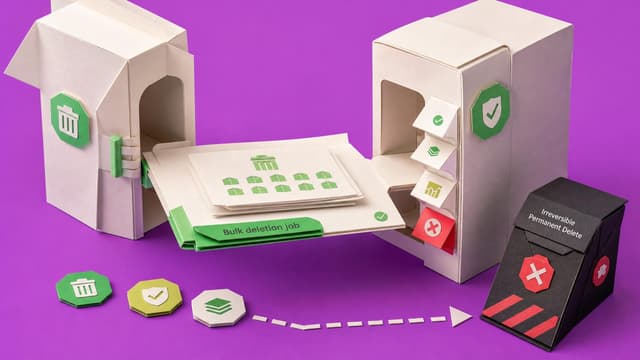
Dataverse bulk deletion job definitions can be added to solutions and moved between environments. Run details surface failures, and permanent deletion remains a one-time irreversible option. Treating cleanup rules as ALM artifacts reduces inconsistent retention across sandboxes…
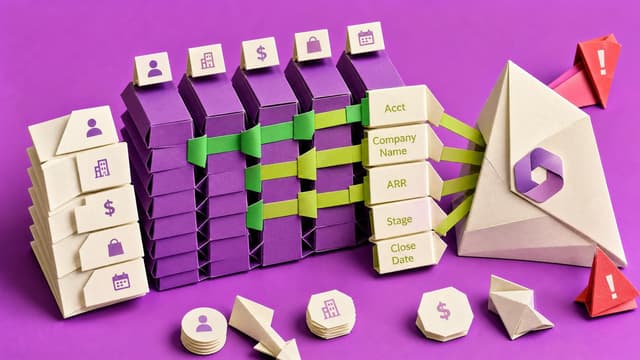
Microsoft ends seeded AI Builder credits on 1 November 2026. AI Builder features remain but burn Copilot Credits with no automatic conversion. Production apps and flows risk mid-run blocks once free capacity disappears.
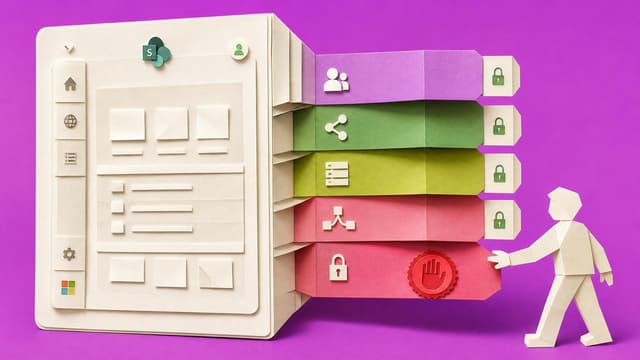
Power Apps makers hit data loss prevention blocks only after designing around SharePoint, Dataverse, or custom connectors. Tenant and environment DLP evaluate the full connector set; the most restrictive grouping wins, forcing late redesigns unless makers validate the mix with…
Citizen builders design apps using SharePoint, Dataverse, or custom connectors, then hit DLP policy blocks they did not know applied to their environment. The connector mix violates tenant rules discovered only after the workflow is built. Redesign, admin escalation, or
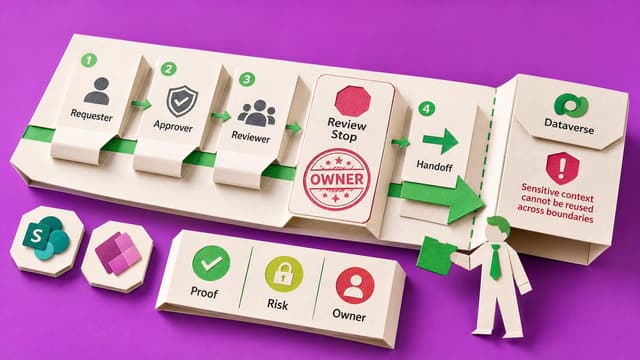
Power Platform makers verify DLP policies and environment settings with a pre-build checklist covering planned connectors, data movement, visible policy errors, risk labels and fallback paths. This prevents late blocks when connector mixes violate data policies.
A canvas app Save can look successful while the maker still cannot trace screen, command, form or Patch, data source, stable key and read-back without the original AI chat. That gap blocks handover, support and safe next changes.
What You Are Actually Approving When an Agent Builds Your Page
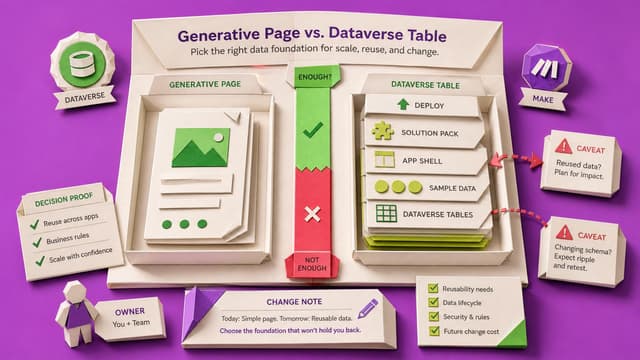
In model-driven generative pages, confirming the agent plan can create Dataverse tables, solutions, apps, and deployments—not only a page. Canvas version restore does not apply. Review tables, app, solution, and deploy before confirm; use Compare and plain Save afterward.
Members only
1 like·0 comments
Collab365 Team
Briefing·Last Update: 19th Aug 2026
When AI Changes More of Your App Than You Asked For
Canvas Power Apps makers who approve Copilot formulas or tables often accept wider changes than intended. Named version notes before the ask, portal history checks, and knowing what restore does not cover limit silent drift from autosave and one-click Apply.
Members only
1 like·0 comments
Collab365 Team
Briefing·Last Update: 19th Aug 2026
Prepare Your Environment Before You Let AI Near It
Power Apps splits work into environments with separate rights. Environment Maker can build apps but not Dataverse tables; System Customizer can. The picker groups show which apply; free Developer Plan yields a personal Dataverse sandbox.
Members only
2 likes·0 comments
Collab365 Team
Briefing·Last Update: 18th Aug 2026
What Does That Completion Row Actually Prove?
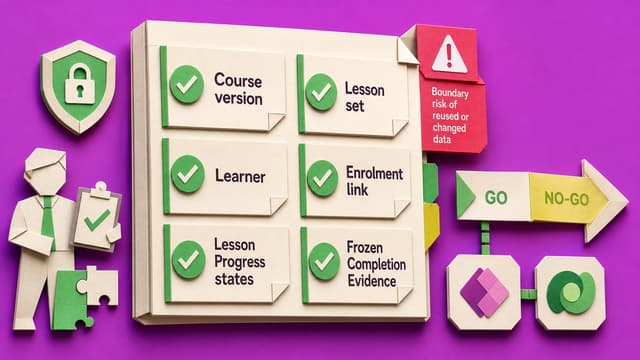
A CompletionEvidence row after a Microsoft 365 LMS lab does not prove durable compliance. Calculated progress against today’s course, SCORM disconnects, and post-publish edits can erase or invent finished status. Four short lab tests separate progress UI from historical evidence.
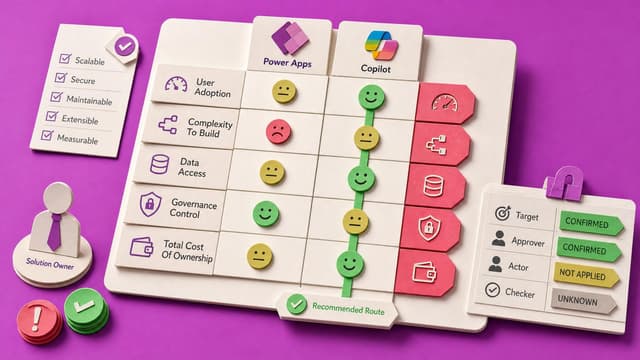
Power Apps AI ranges from approved Copilot suggestions to agents that build pages, tables and solutions. Canvas version history recovers canvas apps only. It does not show a full before-and-after, cover generative pages, or undo data, flows, connections or permissions.
Power Apps can open and Dataverse can appear while the active environment still lacks a database, licence entitlement, System Customizer rights, or row privileges. Makers need evidence-based readiness before creating apps or tables.
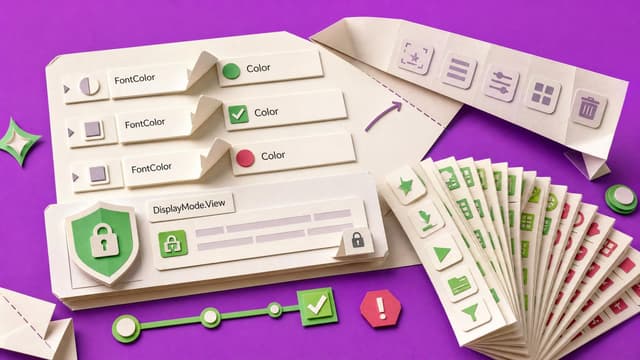
Power Apps standardises modern control property names, makes DisplayMode.View truly read-only, fixes modern form reset behaviour, and grows the icon library to about 180. Fluent hero controls in custom pages and Teams apps are deprecated.
Microsoft listed the Dataverse semantic model as a Power Platform preview. It uses scoped tables, metadata, and a shared glossary so Copilot maps internal terms and acronyms to the right fields, reducing repeated vocabulary setup across agents while staying sandbox-limited.
Power Apps Access Denied errors span the shared app, connections, data source, flows, and record permissions. An app can open while users still cannot load or update data. Makers should treat failures as an access-chain test and grant minimum rights per layer.
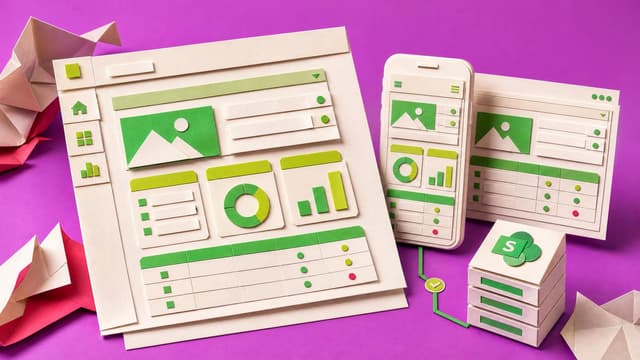
Prebuilt Power Apps canvas screens ship responsive containers, modern controls and common layouts that connect to SharePoint. They reduce blank-canvas alignment work, but builders still must wire data and verify behaviour across phone and desktop widths.
Check a Power App Layout Before Mobile Users See It
Power Apps canvas layout passes in Studio but may fail on phones. Checklist records target screen, task, phone size, orientation, display settings, scroll behaviour, and defects before limited mobile review.
Members only
1 like·0 comments
Live 10th Sept 2026Course
Collab365 Team
Course·Last Update: 10th Sept 2026
Fix Your Power App Phone Layout with Responsive Containers
Power Apps phone screens break when controls use fixed positions and hard-coded sizes. This course rebuilds one screen with responsive containers, parent-based sizing, and a device acceptance checklist that records tested phones, orientations, and remaining defects.
Public
1 like·0 comments
Live 10th Sept 2026
Collab365 Team
Blocker·Last Update: 10th Sept 2026
My Power App works in Studio, but the phone layout is a mess
Canvas apps display correctly in Studio but break on phones and tablets. Fixed positions and sizing cause clipped controls, awkward stacking, and incomplete-looking screens for real users.