I can open Power Apps, but I can’t tell if this Dataverse environment is ready for my app
A non-developer Power Apps maker who has chosen Dataverse cannot determine, before the first write, whether one named environment is suitable and authorised and whether they have the distinct app-making, table-customisation, row-access, entitlement and environment-control conditions required for one bounded Canvas app.
Context
The blocker, in a nutshell
If this blocker is unfamiliar, start here.
Power Apps work happens inside a selected Power Platform environment. Dataverse is the business-data service an environment can contain. A maker may be able to open Power Apps yet still lack the environment, entitlement, authorisation or distinct privileges needed to create a Canvas app, define a table and use its rows.
Key Terms
Industry jargon explained
Click any term to see its definition.
The Reality
A day in their life
Business professional or team member at a 50–1,000-person company who has been asked to build an internal Power App because they are the technical one in their department, but they are not a developer.
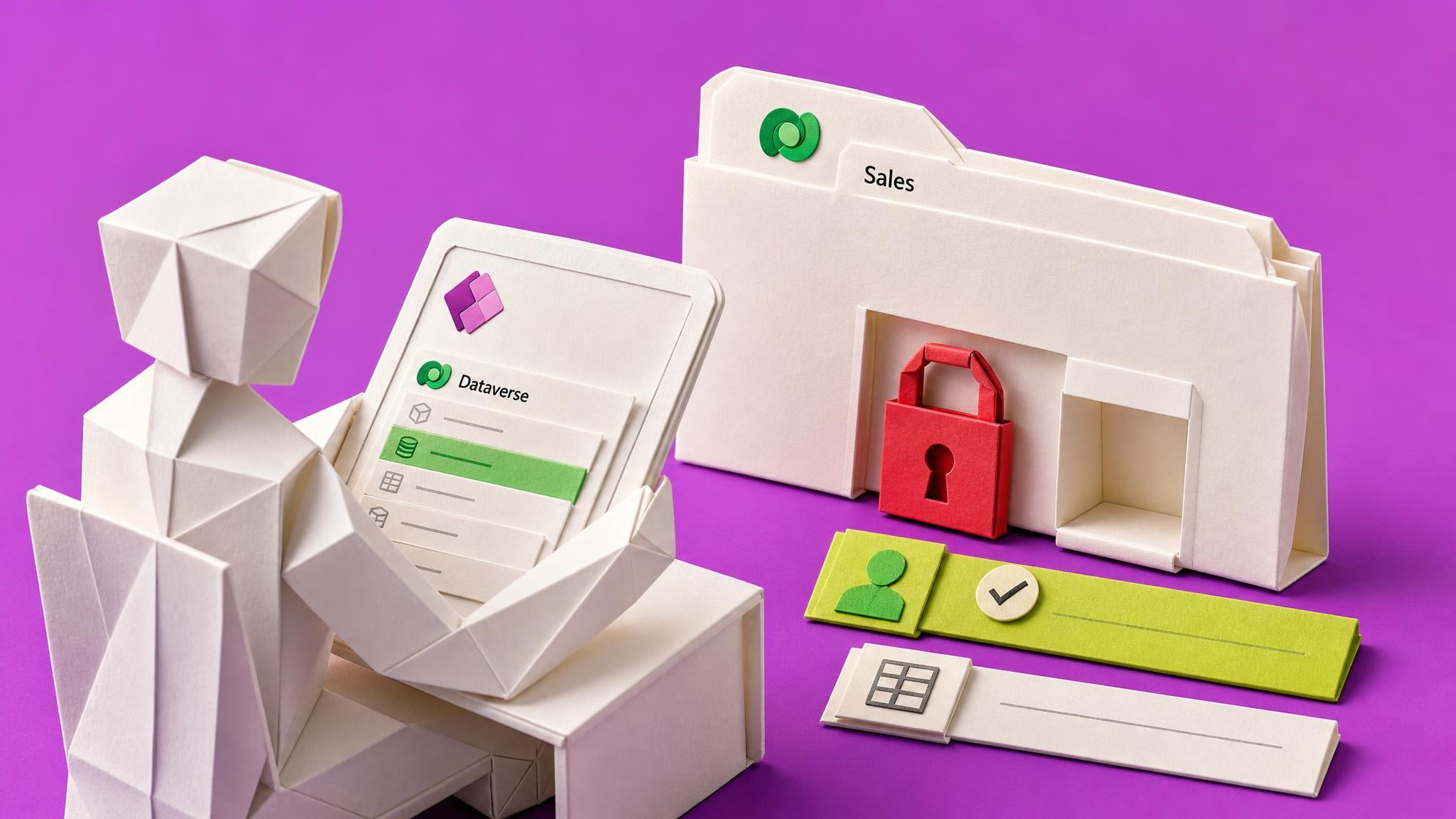
08:45 — My manager asks when I can start the small internal tracking app we discussed. I have already chosen Dataverse because the records need proper relationships, and Power Apps opens normally. I can see the environment picker and Dataverse in the menu, so I am tempted to say I am ready.
10:20 — The tutorial tells me to create the first table. The control is unavailable, or the create action says I do not have permission. I cannot tell whether I am in the wrong environment, missing a licence, missing Environment Maker, missing System Customizer, or missing access to the rows I will need. Searching gives me conflicting answers and none can see my tenant.
13:30 — I open the environment picker properly and notice my environment is listed under Other environments, not Build apps with Dataverse. That is the answer: I can make apps here, but not tables. I switch to the one that is listed correctly, and the New table button works.
16:15 — The app has one table, three made-up rows and a working gallery. If that had not worked I would have signed up for a free Developer environment, or sent one short message naming the environment and the right I needed, and carried on building my screens against a local collection in the meantime. Either way I spent the afternoon building rather than waiting.
The People
Who experiences this blocker
Business professional or team member at a 50–1,000-person company who has been asked to build an internal Power App because they are the technical one in their department, but they are not a developer.
25–50 • Beginner to early intermediate: can navigate Power Apps and follow project tutorials but does not administer the tenant or Dataverse security.
Skills
Maps a manual team process
Builds basic Canvas screens, forms and galleries
Connects to SharePoint or Microsoft Lists
Adapts simple Power Fx examples
Explains a proposed internal app to a manager
Frustrations
- A visible menu or tutorial step looks available until the first create action fails
- Environment Maker, System Customizer and row permissions sound overlapping
- They do not know which active environment a screenshot or previous success refers to
Goals
- Know whether they can safely start before promising a build
- Diagnose a blocked table themselves before asking anyone
- Ask an administrator for one specific right rather than broad access
Top Objections
- I can already see Dataverse, so why do I need another check?
- Surely my Microsoft 365 licence is enough for a small internal app.
- Can’t I just click Create and see what happens?
- I do not know who owns this environment or how to ask them.
- This sounds like enterprise governance for a tiny learning build.
How They Talk
Use These Words
Power AppsCanvas appDataverseenvironmenttablepermissionlicenceadmintest datablocked
Avoid
ALMenterprise architecturegovernance frameworkleast-privilege matrixtenant topology
Learning Pathway
Not applicable — this Problem has one standalone Briefing recommendation
Not applicable — the outcome is one pre-write readiness decision, not a course pathway
Showing 1 of 1 recommendation
Briefing
Briefing Built
◆◆◆◆◆Excellent Fit
Why Power Apps Won't Let You Create Your Dataverse Table
From a blocked New table button and no idea whose fault it is, to a correct diagnosis in a minute and an afternoon spent building rather than waiting.
You'll build: An unblocked maker: either a Dataverse table with test rows showing in a gallery, or a working set of screens built against a local collection plus one short administrator request naming the environment and the specific right needed.
Includes: Environment picker self-check · Three-question administrator message · Local collection stand-in data pattern
Power Platform environment pickerBuild apps with Dataverse groupingEnvironment Maker versus System Customizer+5 more
Root Cause
Finding where this blocker actually starts
We traced backward through five layers of "why" until we hit the source. Here's what's really driving this.
1
Why can the maker open Power Apps but still fail at the first Dataverse table?
Opening the product or seeing Dataverse is not proof that the active environment has the database, permissions and entitlement needed for this action.
2
Why are the required permissions easy to misread?
Creating a Canvas app, customising a Dataverse table and using rows are governed by related but distinct roles and privileges.
3
Why does the answer change between environments?
Apps, connections, Dataverse databases, role assignments, security groups, Managed status and environment controls are scoped to a named environment.
4
Why does documentation not settle the maker's case?
Official documentation describes platform mechanics but cannot inspect current tenant assignments, policies or owner approval.
5
Why does the failure appear late?
The reported failures surface at table creation because the maker was never shown that the environment picker's own grouping, filters and disabled-button conditions already answer most of the question.
Root Cause
A visible maker experience is being mistaken for tenant-backed readiness. The missing control is a readable self-check: the environment picker's own grouping and filters, the documented causes of a disabled New table button, and a clear separation between what the maker can confirm alone and the small number of facts that genuinely require an administrator.

The Numbers
How this stacks up
Key metrics that determine the opportunity value.
Overall Impact Score
7/100
Urgency
7/10
Moderate pressure to solve
Build Difficulty
9/10
Complex, needs deep expertise
Market Size
5/10
Healthy demand exists
Competition Gap
7/10
Moderate competition
"Just using this, he cannot create dataverse tables"
A practitioner explains that Environment Maker access alone does not let a colleague create Dataverse tables. Exact text verified by live extraction on 2026-08-04. — Reddit r/PowerApps — Need help in Dataverse Security roles, 2026-03-10
More Evidence
What others are saying
"There is no error code or explanation for me to troubleshoot."
A maker who had previously created tables receives a generic failure with no actionable diagnostic. Exact text verified by live extraction on 2026-08-04. — Power Platform Community — Failed to create tables. Please try again, 2026-04-23
"You don't have permission to create here. Switch to another environment instead and create it there."
A user in a Dev environment reports the exact create-permission error and asks which roles are required. Exact text verified by live extraction on 2026-08-04. — Power Platform Community — Dataverse Table Creation Permission Issue, 2026-01-08
"I don’t understand security roles in Power Platform."
A practitioner asks whether permissions for Dataverse data and permissions to create apps and flows are different types of role. Exact text verified by live extraction on 2026-08-04. — Reddit r/PowerApps — security roles question, 2026-05-03
The Landscape
What solutions exist today?
Current market solutions and where there are opportunities.
M
Microsoft Learn environment, security and licensing documentation
Approach: Authoritative mechanism documentation across separate pages.
Weakness: Cannot inspect the reader's tenant or combine the facts into one app-specific decision.
C
Community forum troubleshooting
Approach: Search for the exact error or missing control and compare peer replies.
Weakness: Advice is incident-specific, can conflict, and is not authoritative for licensing or current policy.
A
Ask a Power Platform administrator
Approach: Escalate the blocker to someone who can inspect the tenant.
Weakness: A vague request can omit the active environment, intended writes, data boundary and exact right needed, so it sits in a queue.
C
Click Create and see what happens
Approach: Use a write attempt as an informal capability test.
Weakness: Conflates technical capability with authorisation and can create or partly create resources in the wrong environment.
The Gap
Why existing solutions keep failing
The pattern they all miss — and how to beat it.
Common Failure Mode
Current guidance is split by platform mechanism, while the maker needs one readable self-check plus a short, specific administrator request before the first write.
How to Beat Them
Show the maker that the environment picker already answers most of the question: the Build apps with Dataverse grouping reflects their own role, the filters expose data platform and environment type, and the disabled New table button has three documented causes. Rule out the two self-fixable causes first, offer the free Developer environment as the fastest unblock, reduce the administrator handoff to one short specific request, and give the maker a way to keep building while any request is outstanding. Keep the boundary that being able to create a table is not approval to run the app for real users or real data.
The Fix
What a solution needs to succeed
The non-negotiables and nice-to-haves for any product or service tackling this blocker.
The 3 Wishes
Let the maker look at one screen they already have open and know, within a minute, whether they can create a table here and what to do if not.
Must Have
A symptom-first opening using the exact errors makers see
Plain explanation that app-making rights and table rights are separate
A self-check the maker can run alone in about a minute using the environment picker grouping and filters
The two self-fixable causes: environment switched with an app open, and landing in the Default environment
The free Developer Plan route with its honest limits
A short administrator message asking for one specific right, not broad access
A way to keep building screens while any request is outstanding
A clear boundary that creating a table is not approval to run the app for real users or real data
Nice to Have
A short worked example using a learning tracker
Pointers to the separate data-source, Premium licensing and DLP decisions
Column-naming advice that makes the later data-source swap painless
Out of Scope
SharePoint versus Dataverse selection
App and data-model design
Binding licensing advice or price guarantees
Multi-connector DLP design
Production security, privacy, accessibility, compliance, support, recovery and release
Tenant changes or platform writes
Success Metrics
The maker reaches a correct diagnosis without contacting anyone first
Self-fixable causes are ruled out before any escalation
Unknowns are treated as blocks, not as permission to proceed
Any administrator request names one environment and one specific right
The maker has something built by the end of the session, with or without a table
Creating a table is never presented as approval to run the app for real users or real data
Solution Strategy
Which approach fits you?
A Course would over-teach a bounded decision, while a build specification would assume the very access that is in doubt. A concise Briefing can combine current mechanism evidence, a readable self-check and one short administrator handoff without promising tenant certainty.
What we recommend
Use the existing Briefing, rewritten as a self-diagnosis guide for a blocked table, as the first and only required solution recommendation.
The Future
What might make this blocker obsolete
Technologies and trends that could disrupt this space. Factor these into your timing.
low probability
No announced timeline found as of 2026-08-04
Power Platform adds a joined Dataverse app-readiness preflight
The Briefing would shift from assembling the decision to explaining, validating and escalating the native result.
SaaS: High risk
Course: Low risk
Consulting: Opportunity
Content: Medium risk
For Creators
Content Ideas
Marketing hooks, SEO keywords, and buying triggers to help you create content around this blocker.
Buying Triggers
Events that make people search for solutions
- A tutorial or AI blueprint tells the maker to create the first Dataverse table
- The New table control is unavailable or a create-permission error appears
- A manager asks for a delivery date before the environment is confirmed
- The maker is offered Default, Production, Developer or Trial without understanding the boundary
- An administrator asks for the exact app, tables and permissions requested
Content Angles
Attention-grabbing hooks for your content
- Why seeing Dataverse does not mean you can create a table
- What the environment picker's Build apps with Dataverse grouping is actually telling you
- The two causes of a greyed-out New table button that you can fix yourself
- Skip the queue: the free Developer environment with Dataverse
- How to ask a Power Platform admin for one specific right instead of access
- Keep building your screens against a collection while you wait
Search Keywords
What people type when looking for solutions
Power Apps cannot create Dataverse tableDataverse New table unavailablePower Apps permission to create tableNew table greyed out Power AppsEnvironment Maker System CustomizerBuild apps with Dataverse environment pickerPower Apps wrong environmentPower Apps Developer Plan free Dataverse environment
The Evidence
Where this came from
Every claim in this report is backed by public sources. Verify anything.
1.2.3.4.5.
Create a canvas app using Microsoft Dataverse
learn.microsoft.com
Create and edit tables using Power Apps
learn.microsoft.com
Sign in to Power Apps and choose an environment
learn.microsoft.com
Power Platform environments overview
learn.microsoft.com
Licensing overview for Microsoft Power Platform
learn.microsoft.com
20 sources referenced
Source note
Blocker published by Collab365 Spaces, reviewed by Collab365 editorial team on . Cite as "I can open Power Apps, but I can’t tell if this Dataverse environment is ready for my app", Collab365 Spaces. 20 sources referenced.
Have a question or correction?
No comments yet