SharePoint list flows still loop or fail past 5,000 items
 Reviewed by Helen Jones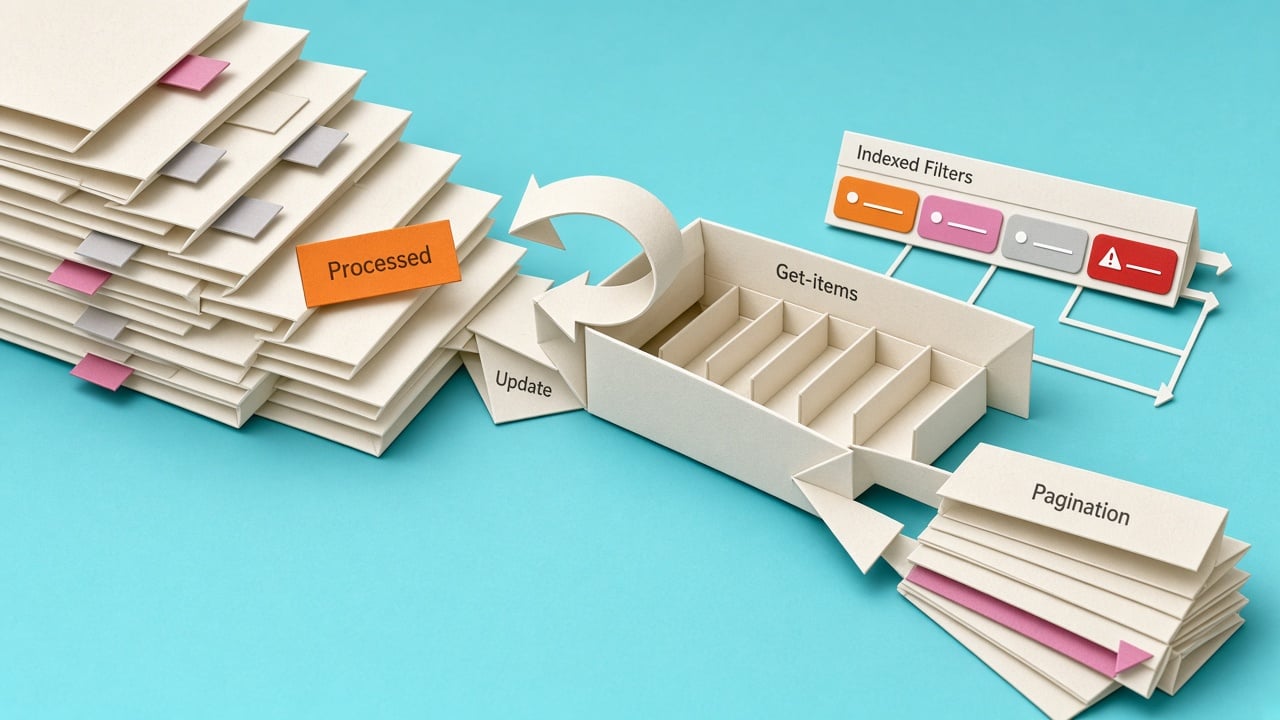
A practitioner guide published on 30 September 2026 says the When an item is created or modified trigger can fire forever if the flow writes back to the same Microsoft List or SharePoint item and has no trigger condition. The suggested guard is a condition such as checking that a status column is not already set to Processed. The same article notes lists can hold up to 30 million items, but a standard Get items query still breaks if it is not filtered and paged correctly beyond 5,000 records. Microsoft Learn documents the matching error: the requested operation is prohibited because it exceeds the list view threshold. The patterns page is community guidance, not product documentation. Pagination, indexed columns, and lookup limits remain connector constraints.
Makers have long treated When an item is created or modified as a convenient catch-all, then used Update item to stamp a status, owner, or timestamp. In a small test list that looks fine. In production the same write can retrigger the flow, burn runs, and send duplicate Teams or Outlook messages while run history just shows a long chain of successes. The 5,000-item threshold is the other silent failure. Get items does not always return a clear business error. It can come back empty or fail after the list grows, even though the list itself is still valid. Indexed columns, an OData filter, and pagination are now the difference between a flow that still works next quarter and one that needs daily checking.
Analysis
This is a trap to avoid, not a new capability to chase. Open every live created-or-modified flow that updates the same item, add a trigger condition on a status column so Processed rows do not fire again, and turn on pagination with an indexed filter on Get items before the list nears 5,000 rows.
Source note
Pulse published by Collab365 Spaces, reviewed by Helen Jones on . Cite as "SharePoint list flows still loop or fail past 5,000 items", Collab365 Spaces. 2 sources referenced.