Power Automate Desktop shows version changes side by side
 Reviewed by Helen Jones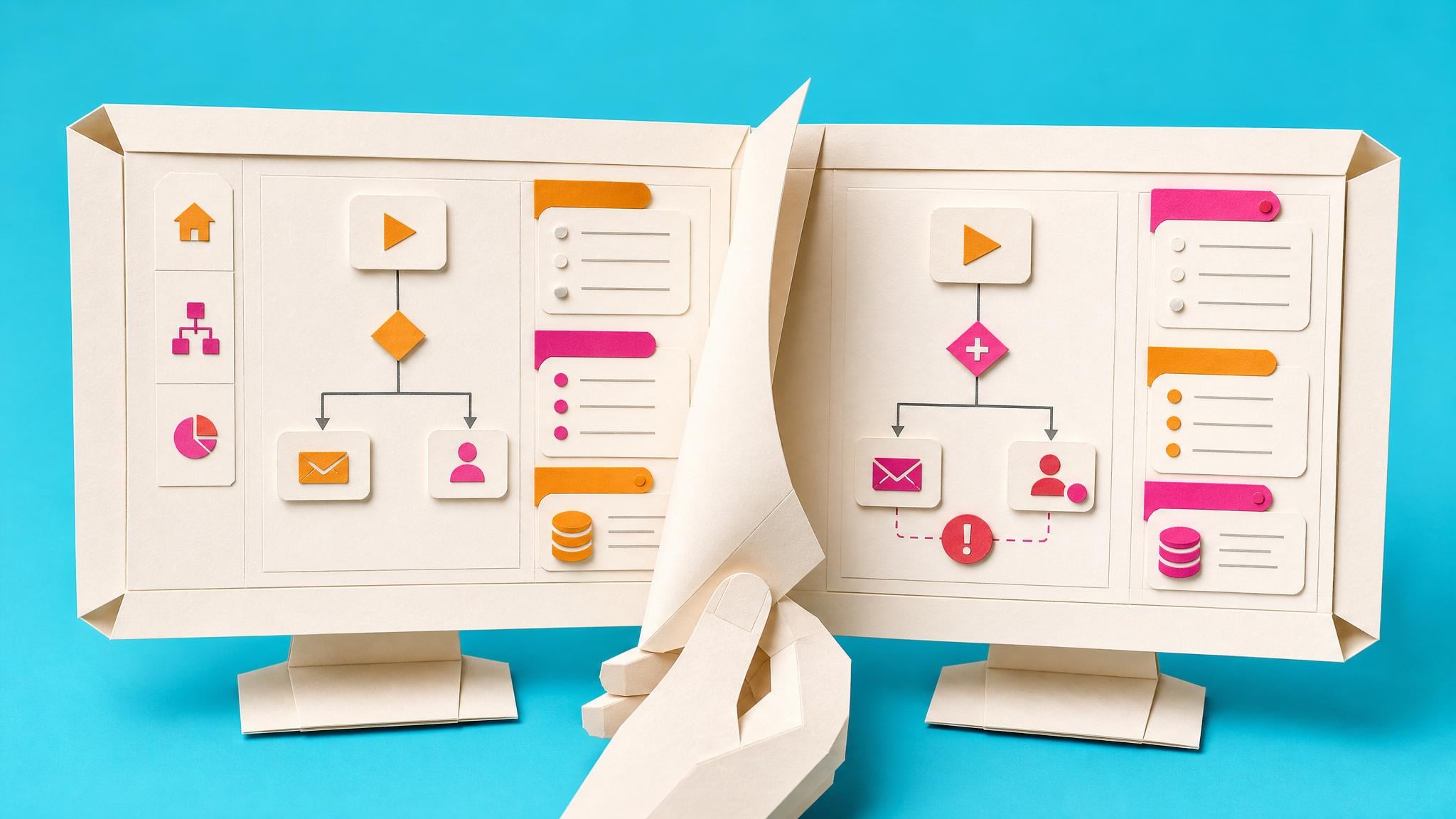
Microsoft’s June 2026 Power Platform update says Power Automate for desktop now includes side-by-side version comparison inside built-in version control. Makers can compare desktop flow changes across subflows, actions, variables, UI elements, and images, with version history stored in Microsoft Dataverse.
Before this, a desktop flow handover often depended on screenshots, duplicate copies, or the original maker remembering what changed. That is fragile when a business process depends on the flow and nobody is sure which edit introduced the problem. Now the change record is easier to inspect before a flow is published, restored, or handed to someone else. For citizen makers, the real win is not just rollback; it is being able to explain what changed in plain terms when a desktop automation starts behaving differently.
Analysis
Open one important desktop flow and check whether version control is available in its environment. If it is, save a draft before the next edit so the comparison view has a clean before-and-after record.
Source note
Pulse published by Collab365 Spaces, reviewed by Helen Jones on . Cite as "Power Automate Desktop shows version changes side by side", Collab365 Spaces. 1 source referenced.