Power Automate desktop flows gain direct links to Power Apps forms
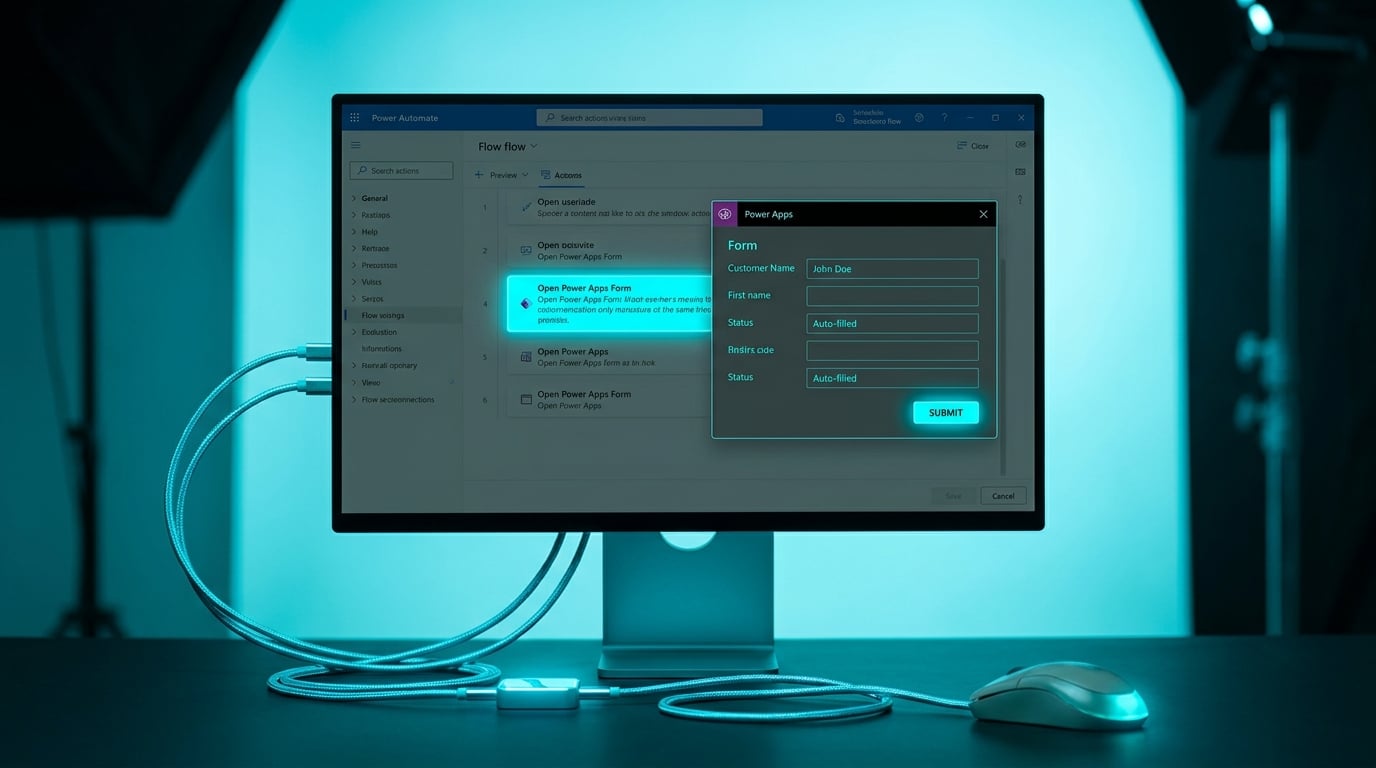
Desktop flows can now open a Power App on the user's computer, send it data to fill fields automatically, and receive the results back into the flow logic. Button clicks and other events inside the app can also start subflows. The feature enters public preview in May 2026 and reaches general availability in July 2026. It replaces fragile UI automation steps that previously scraped screens or waited for pop-ups. The change applies automatically to makers who already have desktop flow capabilities. No new licensing is announced beyond existing desktop flow requirements.
Until now, anyone building attended automations had to choose between brittle screen scraping that broke on every UI update or writing custom prompts that users ignored. Desktop flows therefore remained high-risk tools that needed constant babysitting. The new integration lets flows hand off structured data collection to a proper form while keeping the rest of the logic inside Power Automate. That reduces one major source of random failures, yet it also pulls Power Apps into the workflow for people who have never used it.
Analysis
Skip the desktop preview entirely until your cloud flows run for months without failing. Spend the next week adding basic error notifications to every existing flow so you actually know when something breaks.
Source note
Pulse published by Collab365 Spaces. Cite as "Power Automate desktop flows gain direct links to Power Apps forms", Collab365 Spaces. 2 sources referenced.