Power Automate Desktop 2.68 adds option to start Power Apps from desktop flows
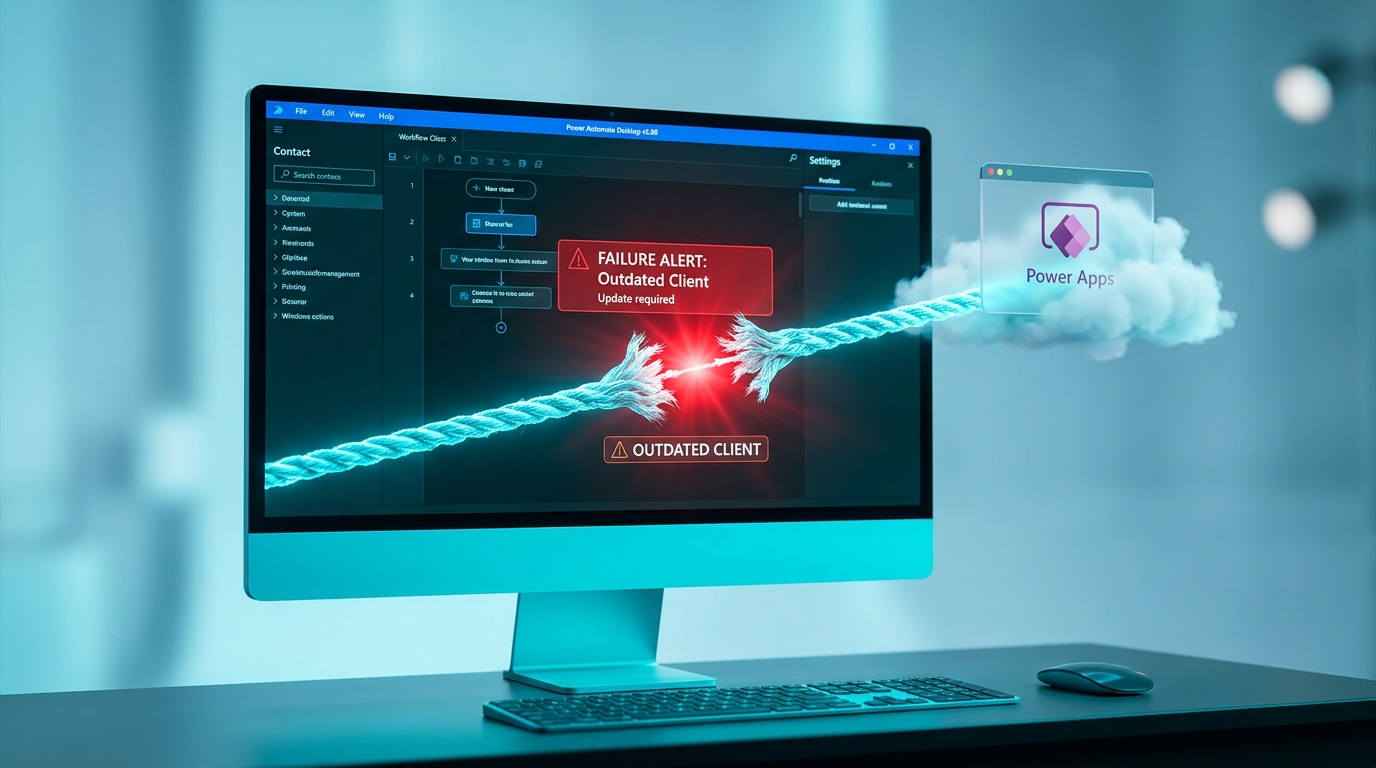
Microsoft released Power Automate Desktop version 2.68 with one new capability. Desktop flows can now trigger a Power App as an action. The feature works only after the desktop client is installed and updated to this version. No changes affect cloud flows or require new licences. Users must still build and run the desktop flow on a local machine.
Before this update, desktop flows stayed on the local machine for tasks such as file handling while Power Apps and cloud flows handled SharePoint lists, Teams messages, and approvals. The two worlds rarely touched, so a broken desktop flow never affected a cloud approval process. Now a desktop flow can launch a Power App, which creates a new hand-off point. When the desktop client is missing, outdated, or blocked by company policy, the entire chain stops and the failure often appears only as a generic error in run history.
Analysis
Skip Power Automate Desktop completely. It adds installation checks and version drift that make flows more likely to fail without warning. Instead, open the run history of your three most-used cloud flows today and add a simple condition that posts a Teams message whenever any run ends in failure.
Source note
Pulse published by Collab365 Spaces. Cite as "Power Automate Desktop 2.68 adds option to start Power Apps from desktop flows", Collab365 Spaces. 1 source referenced.