Power Automate cloud flows now load inside Visual Studio Code
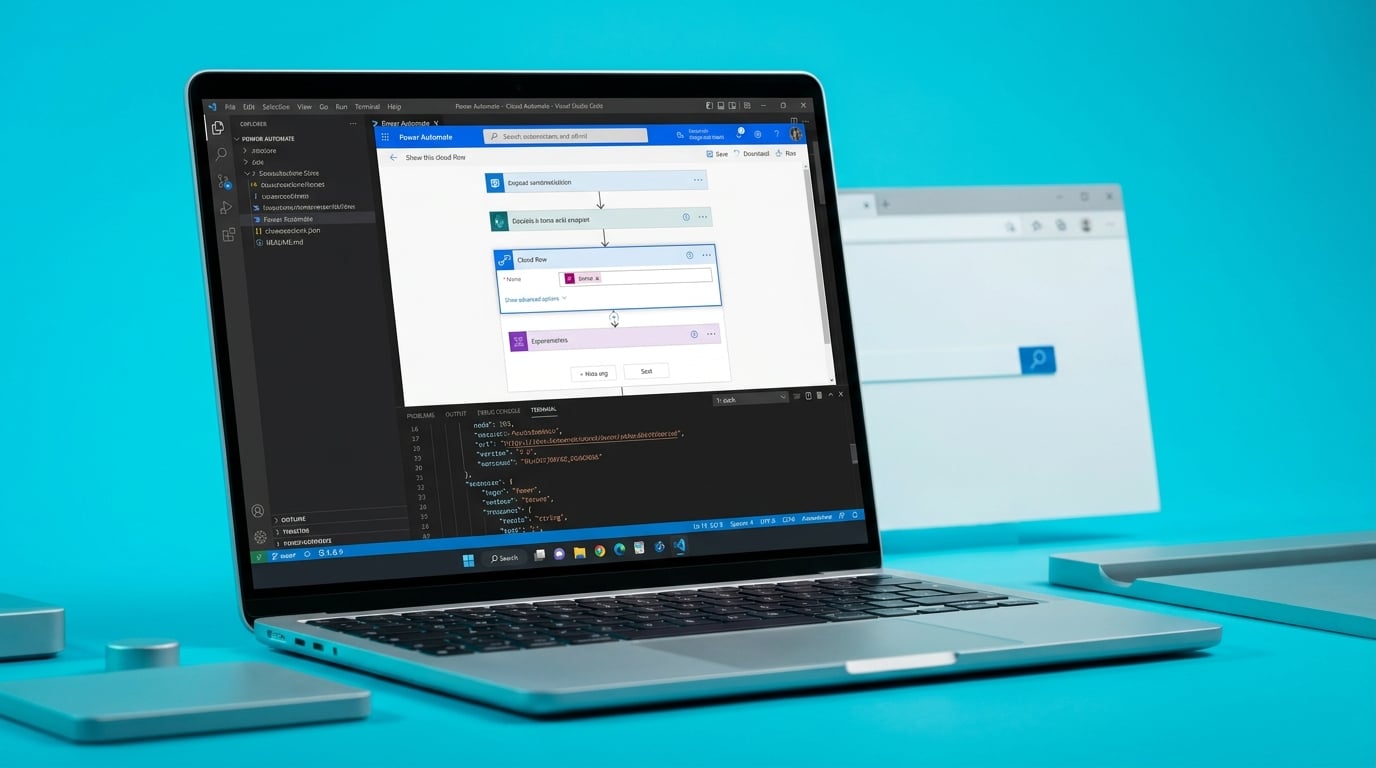
A new Visual Studio Code extension lets users import Power Automate cloud flows directly into the editor. Run history appears inside the same window for debugging. The change moves flow editing out of the browser portal and into a desktop IDE. Availability depends on extension updates and the user's local setup.
Until now the Power Automate portal was the only place most licence holders could build or fix flows. Everyone worked in the same constrained interface, which at least kept the barrier consistent. Shifting serious work into VS Code creates a split. People comfortable with code editors gain better tools. Everyone else stays in the browser and watches the gap between what the tool can do and what they can actually reach grow wider. Marketplace link: https://marketplace.visualstudio.com/items?itemName=TienLongKuan.power-automate-copilot-devkit
Analysis
Skip the extension. The portal is still where your flows live and break, so spend the next week adding proper error handling and run-failure alerts to the flows you already have instead of installing new software.
Source note
Pulse published by Collab365 Spaces. Cite as "Power Automate cloud flows now load inside Visual Studio Code", Collab365 Spaces. 1 source referenced.