New AI integration diagnoses silent Power Automate failures
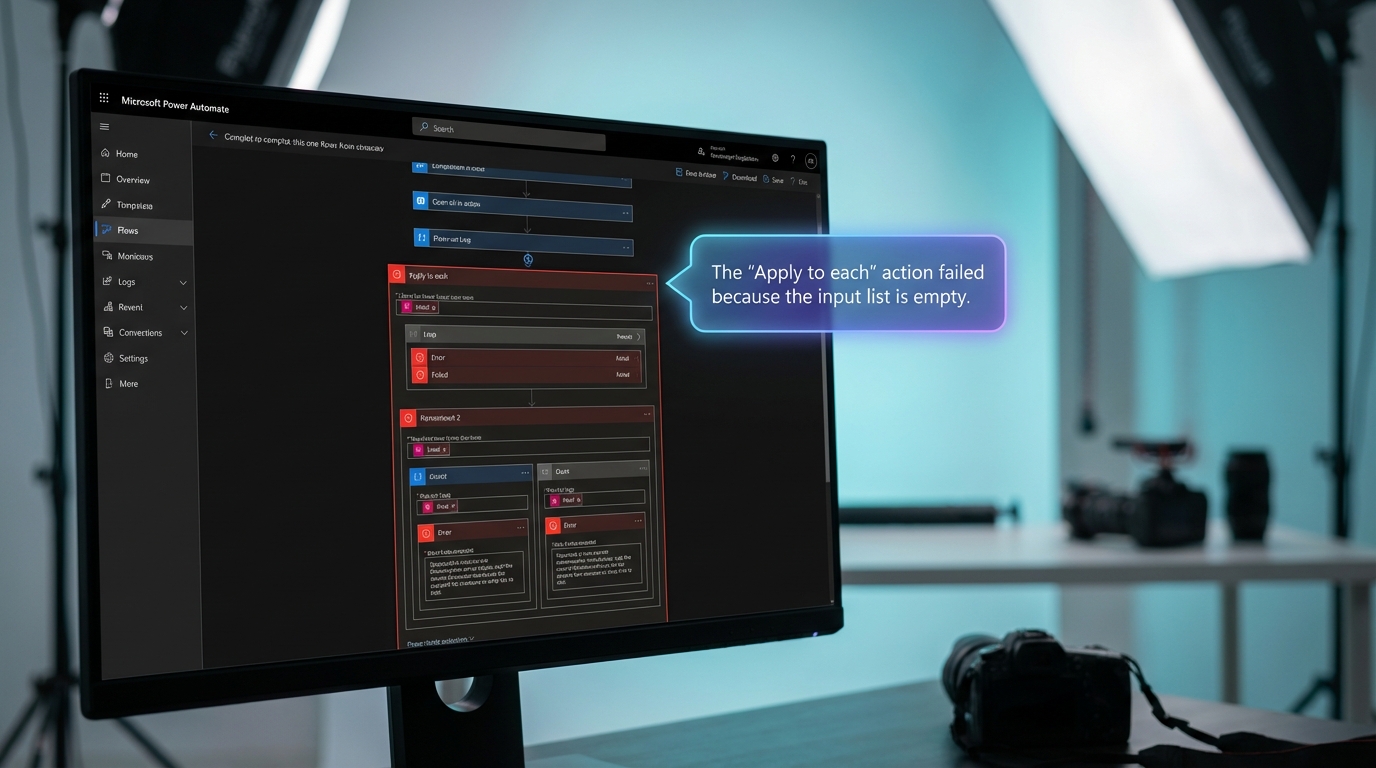
An independent developer has released a set of open-source tools that allow artificial intelligence agents to directly interact with Power Automate. The repository connects AI assistants like Claude and GitHub Copilot to Microsoft's automation platform to manage flow operations. The integration relies on the Model Context Protocol to expose detailed flow data that is normally hidden behind the standard interface. It pulls exact action inputs, outputs, and nested failure logs directly from the FlowStudio application programming interface. With over 3,000 installations, the toolkit includes specific modules for building flows, monitoring tenant-wide activity, and diagnosing step-by-step errors. Users need FlowStudio for Teams or a premium subscription to access the cached monitoring features.
Troubleshooting a broken automation previously meant clicking through endless nested loops in a sluggish interface to find a vague error message. Users had to manually inspect every trigger and action output, guessing which dynamic content caused the failure. This trial-and-error process turned simple notification workflows into days of frustrating investigative work. Now you can point an AI assistant directly at your run history and ask it to find the exact point of failure. The AI reads the raw data behind the scenes, identifies the specific step that broke, and explains the error in plain English. This shifts the burden of understanding complex expressions and hidden data limits from the user to the machine.
Analysis
The promise of 'no code' was always a lie, but using an AI agent to read your error logs finally levels the playing field. Stop wasting your afternoon staring at a failed run history screen trying to figure out why your SharePoint trigger fired twice. Connect an AI assistant using the FlowStudio debug module and let the machine tell you exactly which expression broke.
Source note
Pulse published by Collab365 Spaces. Cite as "New AI integration diagnoses silent Power Automate failures", Collab365 Spaces.