My weekly Excel tracker is updated by copy/paste, and I don't trust the numbers anymore
A coordinator, project lead, or team administrator has a weekly Excel tracker that people depend on, but the update process is manual enough that they no longer trust the numbers, formulas, or status summaries after each refresh.
Blocker Reviewed by Helen Jones
Reviewed by Helen JonesContext
The blocker, in a nutshell
If this blocker is unfamiliar, start here.
This is not an enterprise analytics problem. It is a daily Microsoft 365 workflow problem where Excel acts as the team's lightweight operational tracker.
Key Terms
Industry jargon explained
Click any term to see its definition.
The Reality
A day in their life
Office-based Microsoft 365 knowledge worker, coordinator, project lead, or team administrator
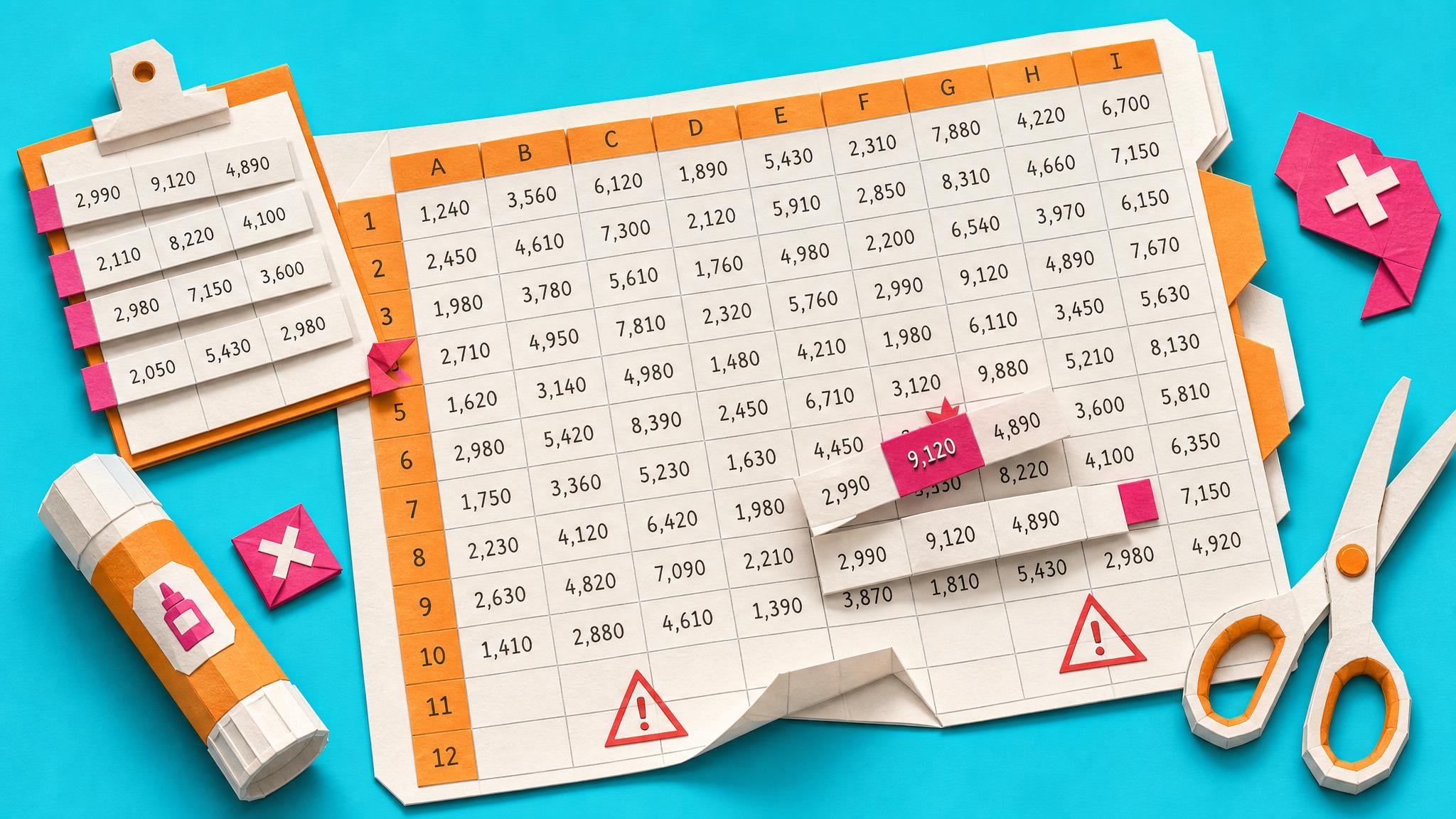
I open the weekly tracker on Monday morning and paste in the latest export. It should be a ten-minute job, but I immediately start checking whether the new rows picked up the formulas, whether the filters are still on, and whether the totals changed for the right reason.
By mid-morning I have a version ready to share. It looks fine, and that is the problem: looking fine is not the same as being right. A colleague asks why their item is missing from the dashboard, so I start tracing the row back through the copied formulas and pasted data.
The tracker does help the team see what is happening, so I do not want to throw it away. I just want it to stop feeling like a fragile personal ritual that only works because I remember which cells to touch.
The dream version is still Excel, but it has a safer update path: a clean table, clear validation, formulas that do not silently drift, and a final check that tells me whether the workbook is ready to send.
The People
Who experiences this blocker
Office-based Microsoft 365 knowledge worker, coordinator, project lead, or team administrator
30-55 • Intermediate Microsoft 365 user; comfortable in Excel basics but not a data analyst or developer
Skills
Outlook and Teams daily use
Basic Excel tables and formulas
Copy/paste reporting workflows
Sharing files through OneDrive or Teams
Frustrations
- Tasks and status updates are scattered across Microsoft 365
- Manual spreadsheet updates feel fragile
- They worry a copied formula or pasted row has changed the answer
Goals
- Maintain a weekly tracker they can trust
- Reduce manual cleanup and rework
- Share a workbook without worrying that the numbers are wrong
Top Objections
- I do not want to become an Excel expert
- I cannot replace this with a new app
- I need something colleagues can understand
- I do not have admin access or automation support
How They Talk
Use These Words
weekly trackercopy/pastespreadsheetExcel tableformula errorsdata validationPivotTableshared workbookmanual reporttrusted numbers
Avoid
digital transformationenterprise analyticsgovernancedata platformbusiness intelligence strategy
Learning Pathway
Excel Tracker Reliability
Turn a fragile weekly tracker into a workbook you can update, check, and share with more confidence.
Showing 2 of 2 recommendations
Course
Course Built
◆◆◆◆◆Excellent Fit
A practical workbook rebuild course that turns a fragile weekly tracker into a clean Excel table, update routine, formula layer, and share-ready summary.
8 lessons120 minbeginner
You'll build: A reusable Excel tracker/report workbook with source data, clean table, formulas, summary view, and final review status.
Excel tablesData validationPower Query basics+3 more
Briefing
Briefing Built
◆◆◆◆◆Excellent Fit
Decide whether an Excel tracker is still safe to repair
You'll build: A completed tracker-fit decision record with one status: Repair in Excel / Simplify first / Move to another Microsoft 365 surface / Escalate before relying on it.
Includes: Tracker-fit decision record template · Six-factor scoring table · Microsoft 365 surface comparison table
Excel tracker repair fitMicrosoft Lists fitPlanner fit+3 more
Root Cause
Finding where this blocker actually starts
We traced backward through five layers of "why" until we hit the source. Here's what's really driving this.
1
Why does the tracker become hard to trust?
Each update relies on manual copy/paste, formula fill-down, filters, and visual checking.
2
Why do manual updates cause errors?
The workbook does not separate raw input, cleaned data, calculations, and summary views clearly enough.
3
Why are formulas fragile?
They often reference ranges or copied cells rather than structured tables, named areas, or check columns.
4
Why is the issue not caught earlier?
There is no simple validation checklist or reconciliation step before the report is shared.
5
Why does this persist?
Excel is familiar and flexible, so the tracker keeps being extended instead of redesigned around a repeatable update workflow.
Root Cause
The workbook is being used as a lightweight operational system, but it was built like a one-off spreadsheet. Manual paste steps, weak table structure, fragile formulas, and missing checks make each update a trust exercise.

The Numbers
How this stacks up
Key metrics that determine the opportunity value.
Overall Impact Score
82/100
Urgency
8/10
They need this fixed now
Build Difficulty
9/10
Complex, needs deep expertise
Market Size
7/10
Healthy demand exists
Competition Gap
8/10
Major gap in the market
"I inherited a tracking spreadsheet that needs weekly updating."
More Evidence
What others are saying
"copying and pasting rows might leave the data vulnerable to errors"
"most spreadsheets used in important business applications have errors"
"import or connect to external data, and then shape that data"
The Landscape
What solutions exist today?
Current market solutions and where there are opportunities.
G
Generic Excel courses
Approach: Teach features one by one
Weakness: Often too broad and not tied to a weekly tracker workflow.
R
Replace Excel with a dedicated app
Approach: Move tracking into project management, CRM, or reporting software
Weakness: Too heavy when the team needs a better Excel workbook, not a platform migration.
A
Ask the Excel expert at work
Approach: Rely on one power user to repair the workbook
Weakness: Creates a handover risk and does not teach a repeatable process.
The Gap
Why existing solutions keep failing
The pattern they all miss — and how to beat it.
Common Failure Mode
The gap is not Excel knowledge in general. It is a small, practical workflow for making a recurring tracker safe enough to update and share.
The Fix
What a solution needs to succeed
The non-negotiables and nice-to-haves for any product or service tackling this blocker.
The 3 Wishes
Turn an inherited or messy weekly tracker into a clean, updateable workbook with visible checks and a share-ready summary.
Must Have
Starter tracker workbook
Raw data tab and clean table pattern
Data validation checklist
Formula and lookup checks
Pivot/report summary
Share-readiness checklist
Nice to Have
Completed example workbook
Keyboard shortcut cheat sheet
Formula repair guide
Out of Scope
Replacing Excel with a database
Macros as the main solution
Enterprise data governance
Success Metrics
Learner can update the tracker using a named process
Workbook has visible validation/check columns
Summary agrees with source totals
Learner can label the workbook ready to share, needs review, or blocked
Solution Strategy
Which approach fits you?
Better than a feature tour because every lesson improves the same workbook artifact.
What we recommend
Refresh the old Excel Nuggets course into a tracker repair course.
The Future
What might make this blocker obsolete
Technologies and trends that could disrupt this space. Factor these into your timing.
medium probability
12 months
AI may suggest summaries, but it still needs clean source data
AI tools can help explore data, but they do not remove the need for a reliable tracker structure and validation routine.
SaaS: Medium risk
Course: Opportunity
Consulting: Opportunity
Content: Opportunity
For Creators
Content Ideas
Marketing hooks, SEO keywords, and buying triggers to help you create content around this blocker.
Buying Triggers
Events that make people search for solutions
- The tracker has produced a visible mistake
- The update process takes too long
- Someone else needs to maintain the workbook
- The team wants a shared source of truth without buying another system
Content Angles
Attention-grabbing hooks for your content
- The Excel tracker you inherited is not a database, but it still needs rules
- Stop copy/paste from breaking your weekly report
- How to know whether your Excel tracker is safe to share
- A practical Excel course for people who maintain reports, not analysts
Search Keywords
What people type when looking for solutions
Excel weekly tracker copy paste errorsExcel tracker formula errorsmessy spreadsheet weekly reportPower Query clean data ExcelExcel data validation tracker
Source note
Blocker published by Collab365 Spaces, reviewed by Helen Jones on . Cite as "My weekly Excel tracker is updated by copy/paste, and I don't trust the numbers anymore", Collab365 Spaces.
Have a question or correction?
No comments yet