Microsoft removes Visio export into Power Automate flows
 Reviewed by Helen Jones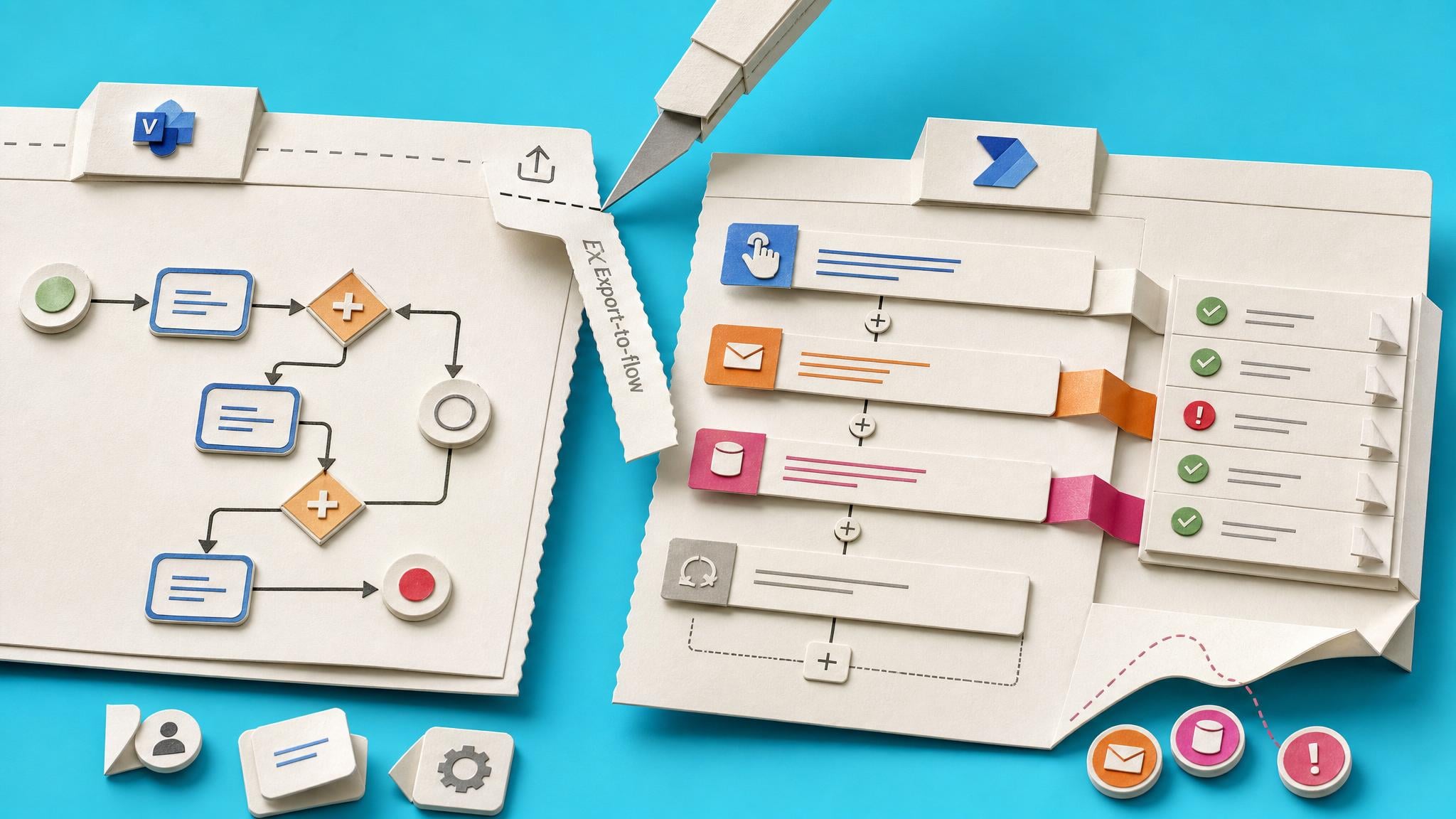
Microsoft is deprecating the Power Automate integration inside the Visio desktop app. From 14 July 2026, the Export and Show Flow Markup options disappear for BPMN diagrams. Users on the Current Channel may have lost them from 30 June 2026. Existing BPMN diagrams stay as they are, and flows already exported from Visio keep running. Older Microsoft 365 Apps builds may still show the buttons until they update, but the feature is no longer supported. Microsoft says the Visio path only ever covered a limited set of actions and connectors, while the Power Automate designer now offers templates, Copilot help, and more than 1,500 connectors.
For years, a small group of process owners treated Visio as the safe first step: draw the BPMN diagram, click Export, and hope a usable flow appeared. That path felt more familiar than opening the Power Automate designer, even though it only supported a thin slice of real connectors and left out the error handling, reminders, and connector quirks that break live processes. That comfort path is now closed for new work. Any new automation has to start where the product actually lives: triggers, dynamic content, conditions, run history, and the connectors your colleagues already use in SharePoint, Outlook, and Teams. The deprecation does not break old exports, but it ends the idea that a diagram alone is a supported route into a maintainable flow.
Analysis
This is a trap to avoid, not a crisis. If anyone on your team still designs processes in Visio and expects an Export button, stop that habit now and rebuild the same process as a cloud flow from a SharePoint list, Forms, or Outlook trigger with a clear failure notification. Check run history on any old Visio-exported flows once, confirm ownership and shared connections, then leave them alone unless they fail.
Source note
Pulse published by Collab365 Spaces, reviewed by Helen Jones on . Cite as "Microsoft removes Visio export into Power Automate flows", Collab365 Spaces. 1 source referenced.