Microsoft refreshes Power Automate documentation for SharePoint connectors
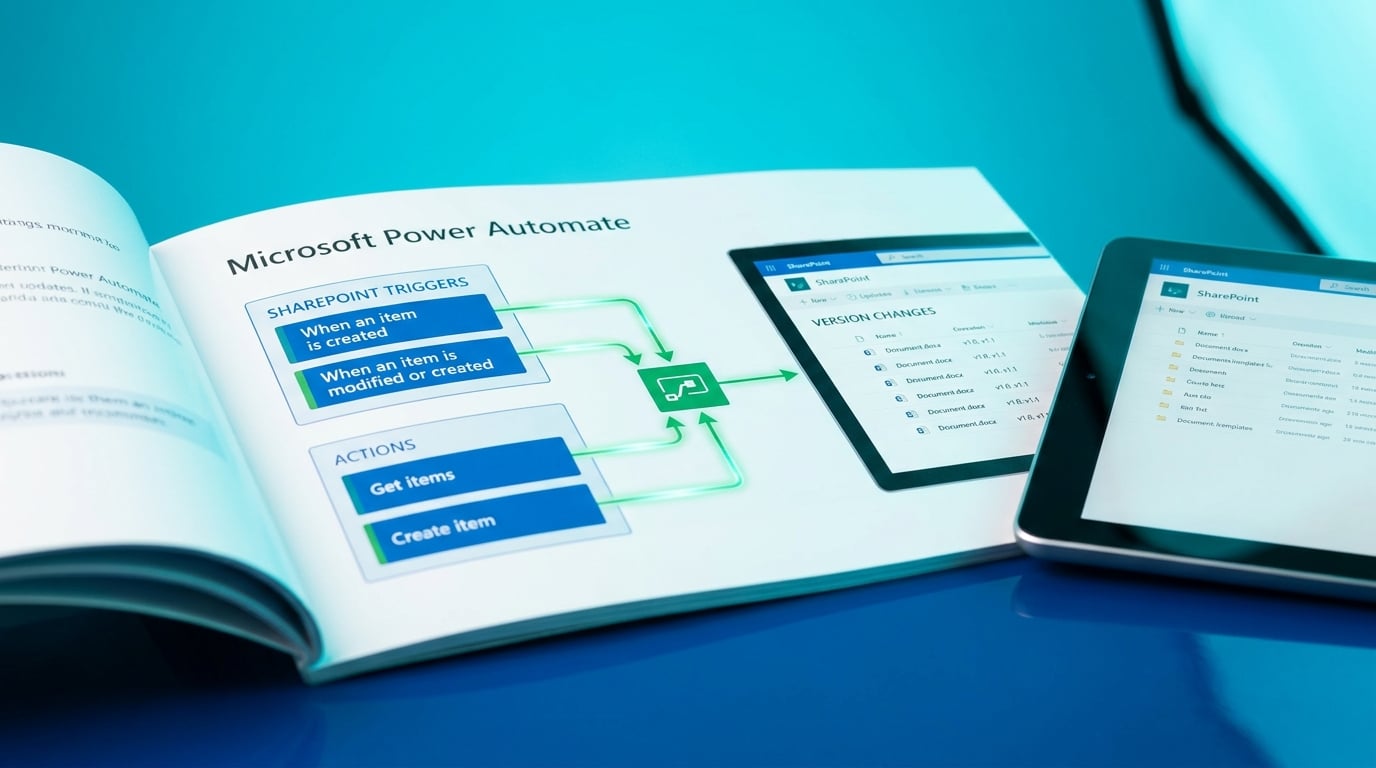
Microsoft updated its documentation on SharePoint connectors in Power Automate on May 12, 2026. The page now details the latest triggers, such as 'When an item is created' or 'When an item is modified or created', and actions like 'Get items' or 'Create item'. This ensures users reference current capabilities when building flows that interact with SharePoint lists. No new features were added; it's a refresh to match ongoing platform changes. Common gotchas, like handling SharePoint versioning in triggers, get clearer explanations.
Before, Power Automate users pieced together flows from scattered tutorials and old docs, often hitting errors from deprecated actions or unclear trigger behaviors. SharePoint integrations frequently broke without warning, as versioning or list changes triggered duplicate runs or silent failures. Now, with this precise reference, beginners can verify triggers and actions match reality, cutting guesswork in everyday automations like list notifications to Teams. It quietly reduces those random 'Failed' runs that erode trust in your flows, making reliability achievable without IT help.
Analysis
Those mysterious SharePoint flow failures you've chased for days? This doc update hands you the fix—don't skim it, audit your notification or approval flow against it now. Rebuild any mismatched actions today, or watch it break again next month.
Source note
Pulse published by Collab365 Spaces. Cite as "Microsoft refreshes Power Automate documentation for SharePoint connectors", Collab365 Spaces. 1 source referenced.