Microsoft ends legacy SharePoint authentication breaking older Power Automate flows
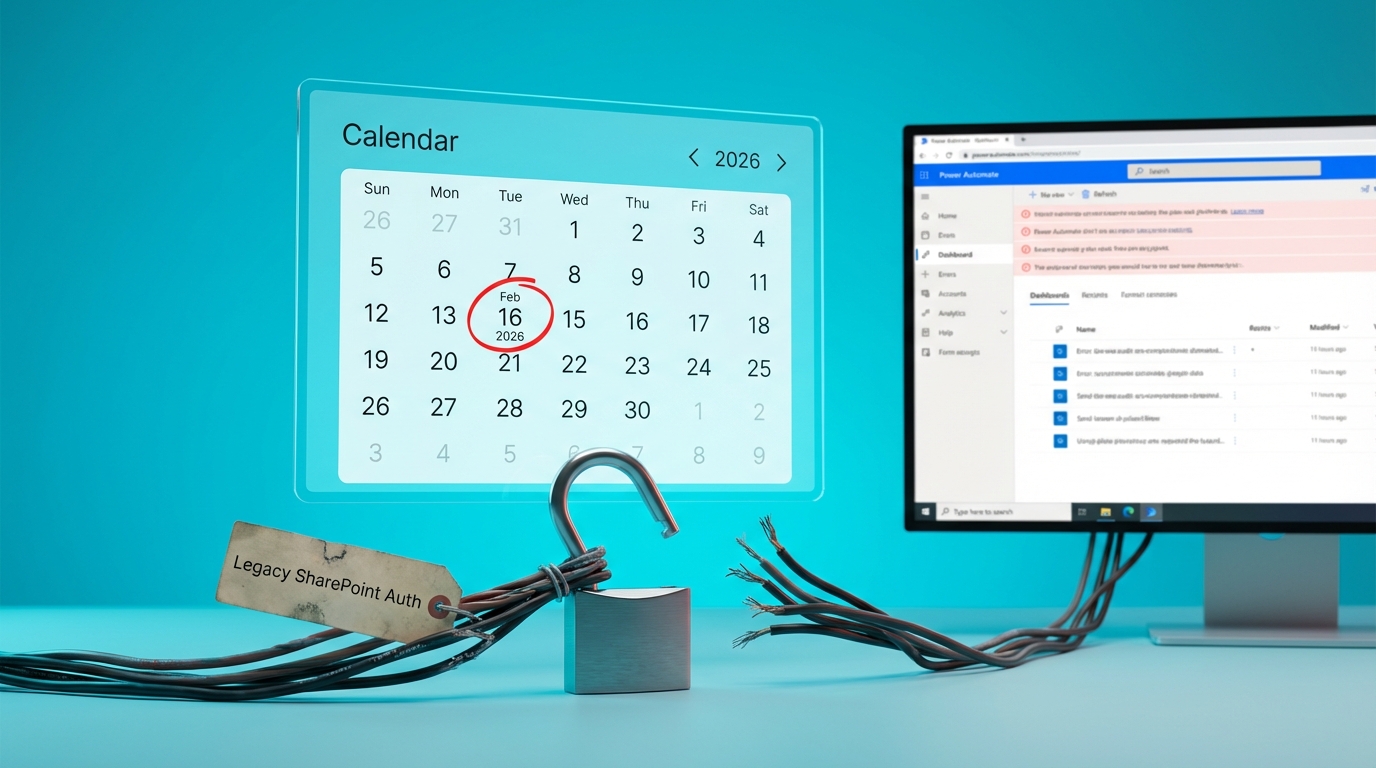
Microsoft will disable legacy authentication for SharePoint starting 16 February 2026. The change will immediately sever connections for Power Automate flows and third-party tools, such as Plumsail Actions, that rely on outdated credentials. Automations using these older authentication methods will fail without warning once the deadline passes. Users must migrate their connections to modern authentication standards to keep their workflows running.
For years, builders could set up a SharePoint trigger, authenticate it once, and leave it running in the background. Many older flows and third-party connector templates were built on basic authentication, allowing them to quietly process approvals and list updates without requiring ongoing maintenance. This enforcement action turns those reliable automations into ticking time bombs. When Microsoft flips the switch, flows will simply register as failed with cryptic error messages, creating a wave of broken onboarding processes and missed notifications for teams who do not proactively update their connection settings.
Analysis
This is exactly why your flows randomly stop working while you sleep. Do not wait for a frantic message from your manager asking why the vendor approval process is broken. Go to your Power Automate Connections page today, locate every SharePoint connection, and manually re-authenticate them to force the modern security standard.
Source note
Pulse published by Collab365 Spaces. Cite as "Microsoft ends legacy SharePoint authentication breaking older Power Automate flows", Collab365 Spaces.