Guest removal needs two access checks before a project closes
 Reviewed by Helen Jones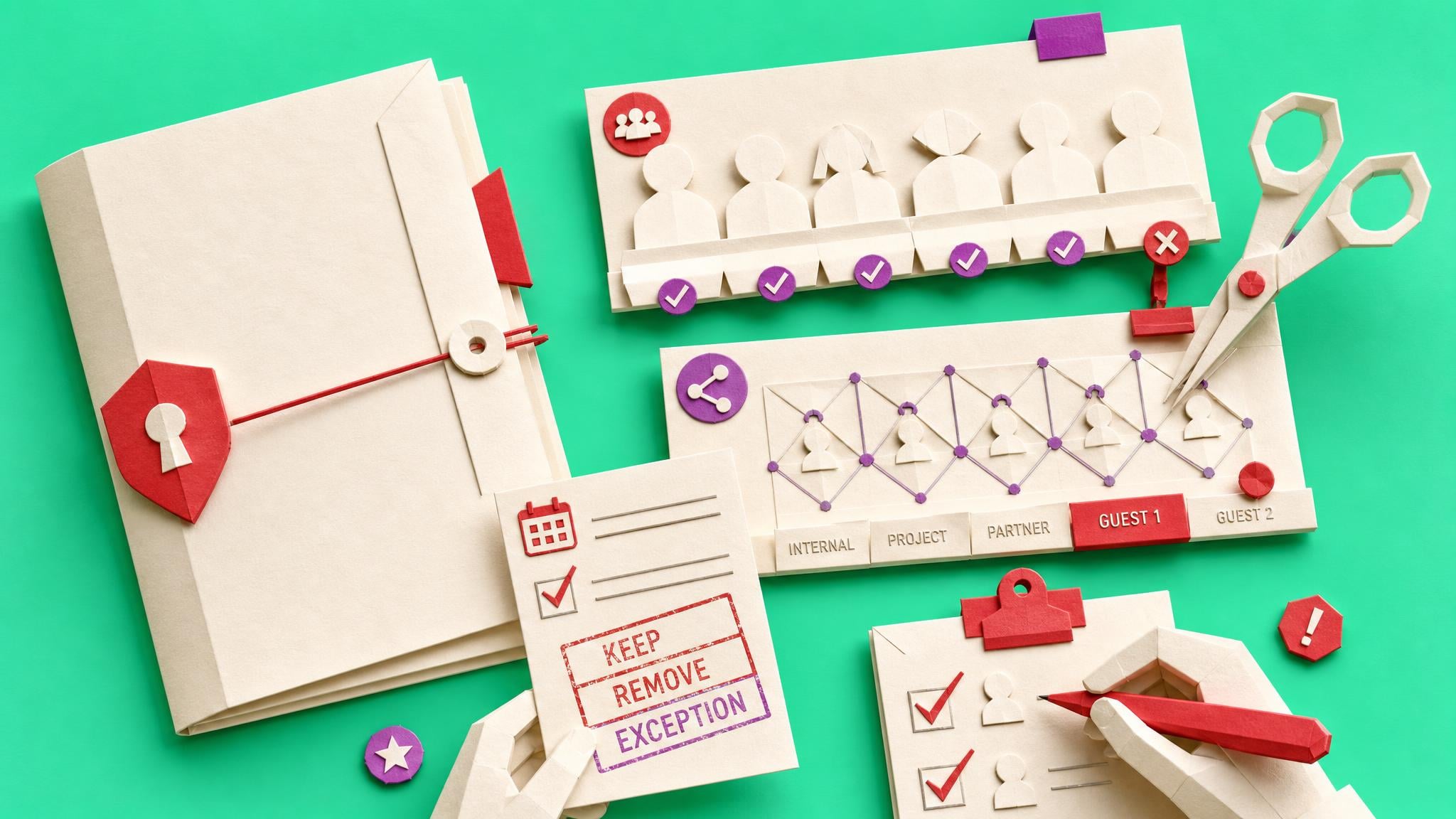
Collab365's newly published guest-closeout problem highlights a common gap: project guests can remain in Teams, connected Microsoft 365 groups and SharePoint after the work ends because no one records the closeout decision. Its related briefing turns that into a one-workspace route: check group membership and separate SharePoint sharing, get a dated owner decision, then make the narrowest access change.
A quiet Team or an old project name is not proof that a supplier, client or contractor no longer needs access. Equally, removing someone from a Team does not prove that separate SharePoint permissions or sharing links are gone. That leaves small IT teams caught between stale external access and accidentally breaking live work. The useful target is a decision record for one workspace, not a claim that the whole tenant is clean. It should show who was checked, the access paths reviewed, the owner’s keep, remove, exception or escalate decision, and the next action. That gives an admin a defensible closeout step when ownership is unclear.
Analysis
Choose one recently finished project and make a row for every guest. Record Team or Microsoft 365 Group membership separately from direct SharePoint site, library, folder, item or link access; ask the accountable owner for a dated decision; then remove only the confirmed resource access.
Source note
Pulse published by Collab365 Spaces, reviewed by Helen Jones on . Cite as "Guest removal needs two access checks before a project closes", Collab365 Spaces. 1 source referenced.