Automation Center shows which machines run each desktop flow
 Reviewed by Helen Jones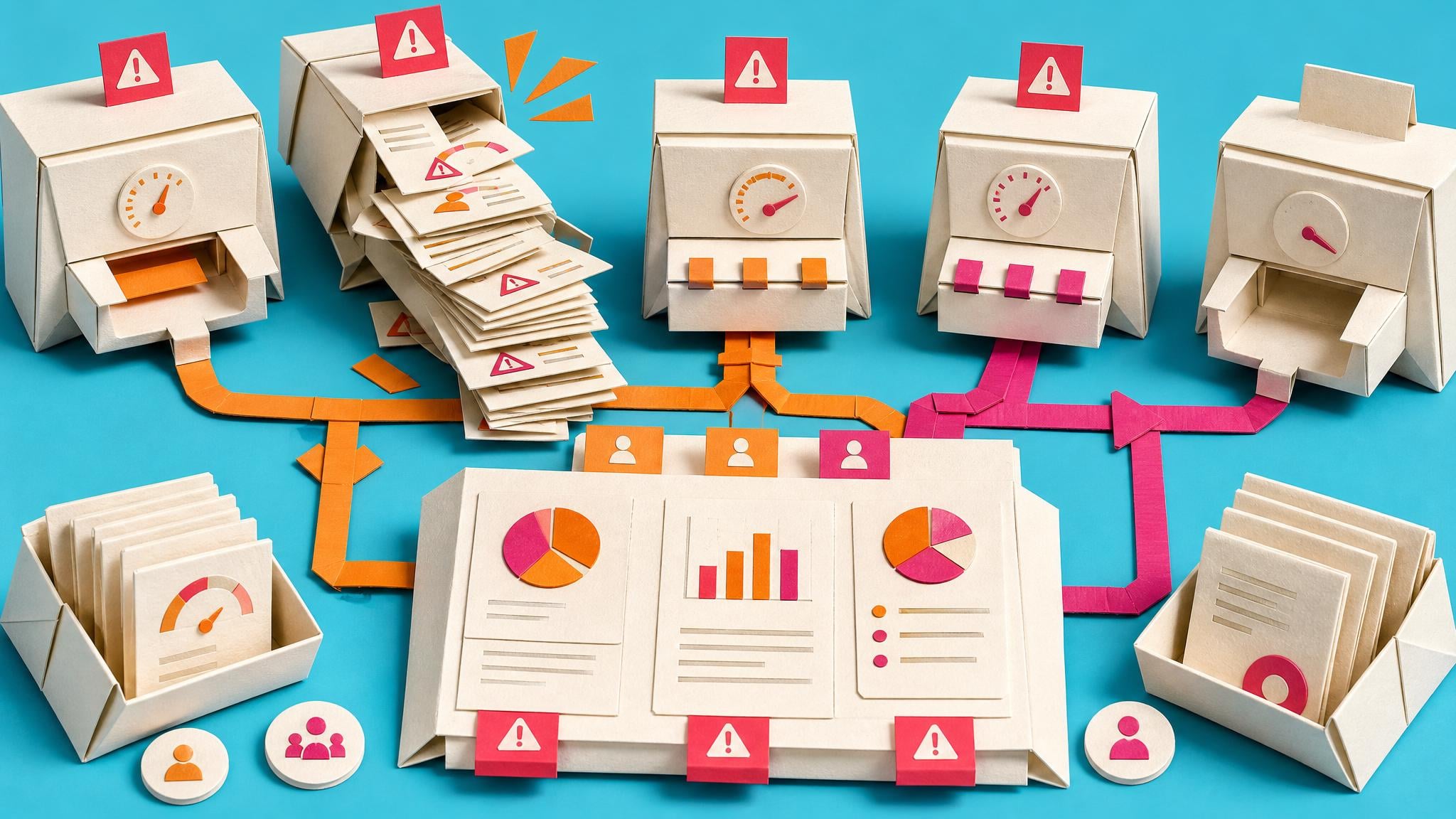
Microsoft says Automation Center dashboards are getting new machine and flow utilization tiles in July 2026 general availability. The Runs dashboard will show which machines ran a specific flow and how execution is distributed across those machines. The Machines dashboard will also show which flows run on a machine and how much time the machine sits idle. The feature is listed for admins, makers, marketers, or analysts automatically.
Before this, a desktop flow could depend on a machine or machine group without that dependency being obvious to the person troubleshooting it later. When an unattended process slowed down or failed, the team often had to work backwards from run history, machine setup, and tribal memory. These tiles make the hidden runtime dependency easier to see. For everyday builders, the practical win is not a prettier dashboard; it is knowing whether a business flow relies on one overloaded machine before the next failure becomes a support ticket.
Analysis
Open Automation Center before adding another unattended desktop flow. Note the machine or machine group it depends on, and check whether the current machine is already carrying other business-critical runs.
Source note
Pulse published by Collab365 Spaces, reviewed by Helen Jones on . Cite as "Automation Center shows which machines run each desktop flow", Collab365 Spaces. 1 source referenced.