Collab365 Team
Briefing·Last Update: 26th Aug 2026
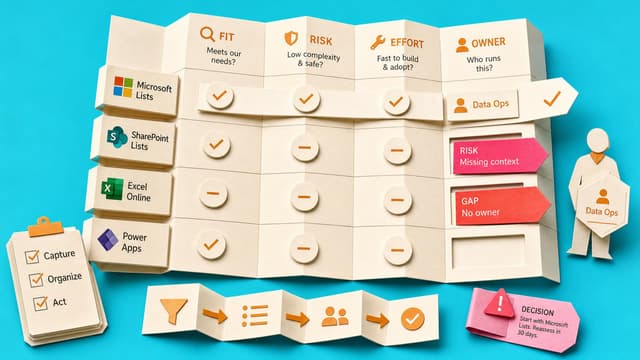
Choose Where Teams Meeting Actions Should Live
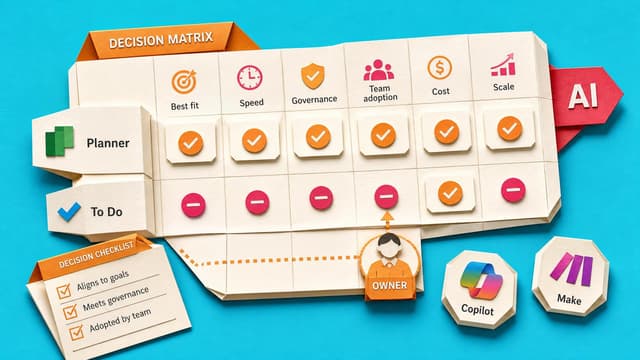
Recurring Teams meetings scatter actions across notes, Planner, To Do, Loop, and chat. Team-owned work belongs in Planner or a shared tracker; personal reminders in To Do. AI recaps and Copilot suggestions stay capture-only until a human sets owner, due date, and review home.
Collab365 Team
Briefing·Last Update: 18th Aug 2026
Choose Where Your Team Status Truth Lives: Planner, Loop, or OneNote
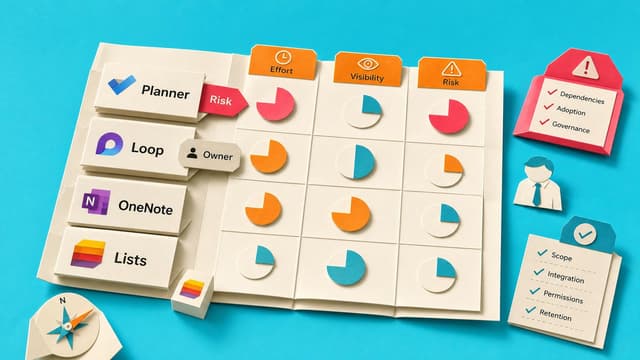
Teams assemble Friday status by hunting chats, mail and notes. A status home in Planner, Loop or OneNote holds current progress, risks, decisions and next steps so updates start from one living place instead of archaeology.
Collab365 Team
Briefing·Last Update: 9th Aug 2026
Microsoft 365 2026 Guide: Copilot Wave 3 & E7 Frontier
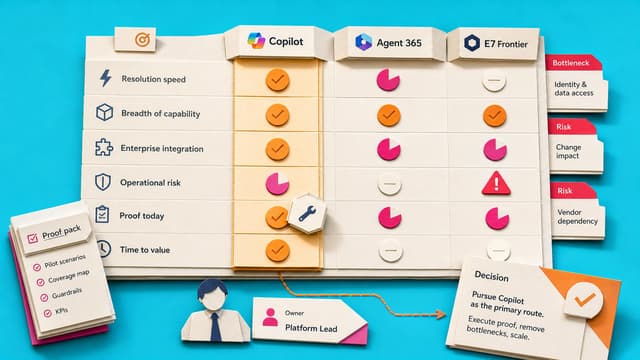
Microsoft 365 has shifted to agent-operated ecosystems with Copilot Wave 3 and E7 Frontier Suite. Legacy apps like Sway, Project Online, and office.com are retired or replaced by unified hubs like m365.cloud.microsoft and AI agents. This guide updates 14 workflows with exact 2026 steps, replacing manual navigation with AI orchestration for efficient enterprise productivity.
Collab365 Team
Briefing·Last Update: 5th Aug 2026
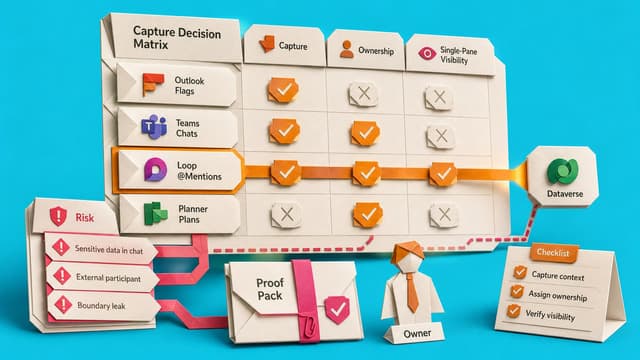
How to Stop Losing Tasks Across Outlook, Teams, Loop and Planner
Commitments scatter across Outlook flags, Teams, Loop and Planner. Planner My Tasks becomes the single review front door, with clear rules for personal flags, assigned work and shared team boards so nothing sits in parallel inboxes.
Collab365 Team
Briefing·Last Update: 28th Jul 2026
Choose The Right Shared Mailbox Fix In New Outlook
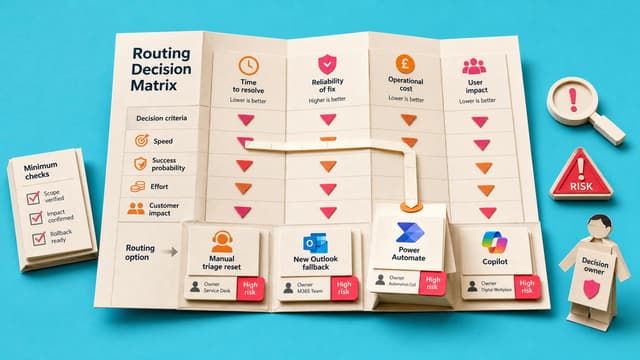
Teams using shared mailboxes in New Outlook face unclear ownership and unreliable sync. This guide maps four fixes—manual triage reset, feature fallbacks, Power Automate reminders, and AI-assisted triage—based on volume, risk, permissions, and team maturity.
Collab365 Team
Briefing·Last Update: 14th Jul 2026
Decide Whether Your Tracker Should Stay in Excel
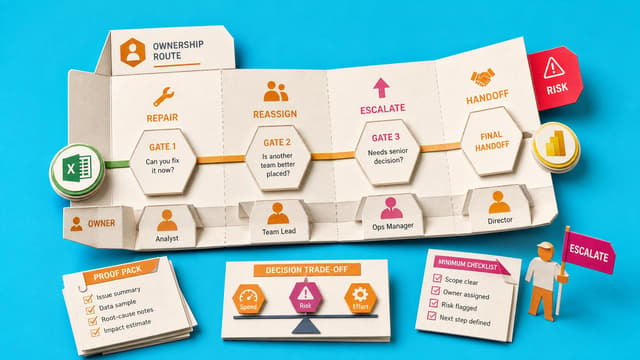
Microsoft 365 coordinators and project leads use this decision map to choose among four statuses: repair in Excel, simplify first, move to another surface, or escalate before relying on the tracker.
Collab365 Team
Briefing·Last Update: 1st Jul 2026
Check What Actually Syncs Between Planner, To Do, Outlook, Loop, and Teams
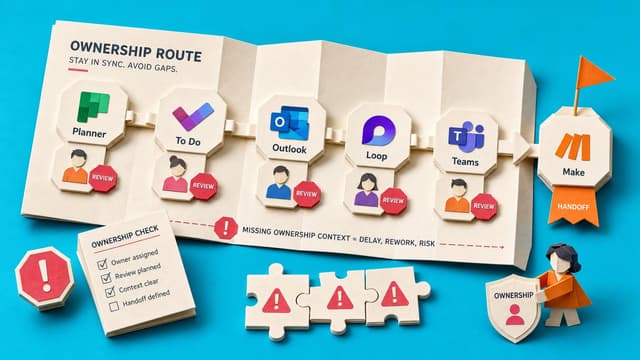
Microsoft 365 tasks appear across Planner, To Do, Outlook, Loop, and Teams. Sync proves visibility, not ownership or follow-through. Use the boundary table to decide where each task type needs manual review.
Collab365 Team
Briefing·Last Update: 16th Jun 2026
Choose the Right Outlook Search Fallback
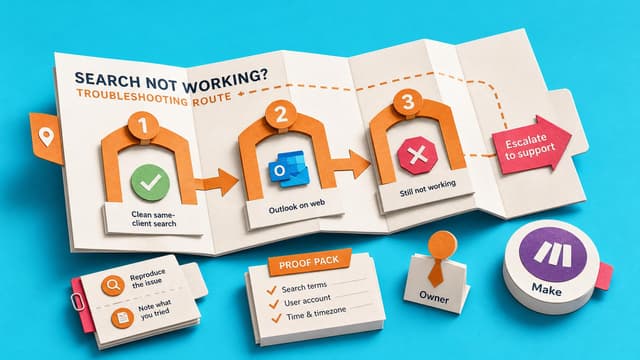
Outlook search often misses emails users know exist. This guide provides a three-step fallback order: clean desktop search, compare in Outlook on the web, then check Archive, Deleted Items, or shared folders. Includes a decision table for common scenarios like sender recall, old…
Collab365 Team
Briefing·Last Update: 16th Jun 2026
Prepare an Outlook Search Escalation Note for IT
Provides a structured evidence checklist and escalation template for reporting Outlook search failures. Covers client type, mailbox scope, query details, and comparison results to help IT diagnose indexing, sync, or configuration issues.
Collab365 Team
Briefing·Last Update: 16th Jun 2026
Choose the Right OneDrive, SharePoint, or Teams Link
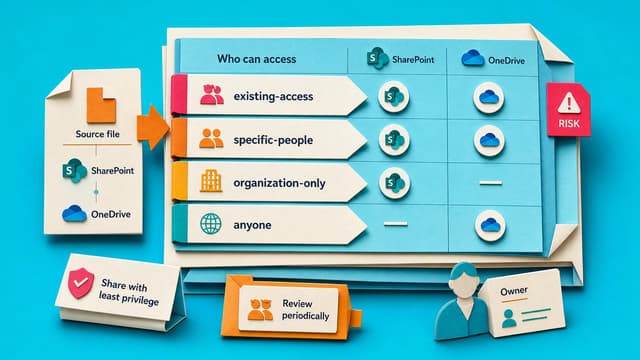
Microsoft 365 users often copy sharing links without checking settings, causing access problems later. This guide explains how to match link type to file location, recipient identity, and policy rules so the right people can open the file.
Collab365 Team
Briefing·Last Update: 16th Jun 2026
Decide Which Meetings Should Become Async Updates
Framework helps knowledge workers evaluate recurring meetings. Six gates assess purpose, decision ownership, ambiguity, audience, risk, and next actions. Meetings that pass all gates can move to Teams posts, Loop pages, or email. Meetings requiring negotiation, judgement, or…
Collab365 Team
Briefing·Last Update: 16th Jun 2026
Run an Office Comment Sweep Before File Handoff
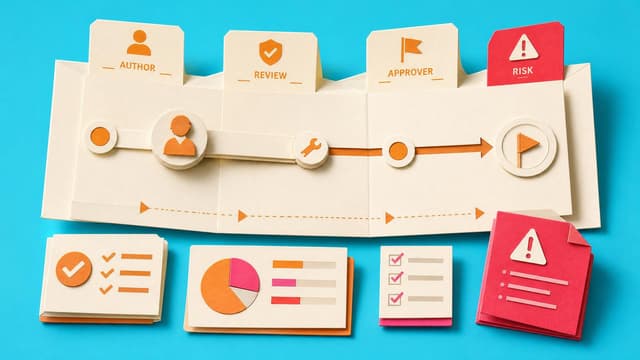
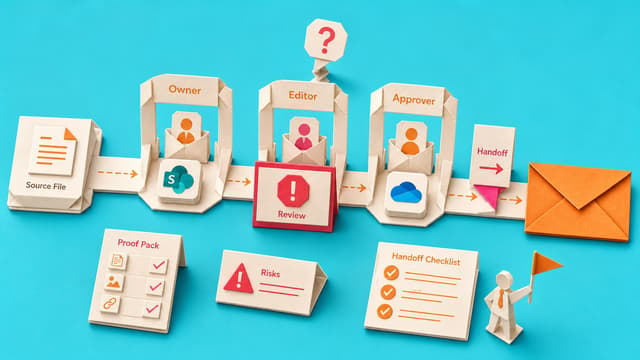
Office comments keep feedback close to the content but are easy to miss after handoff. This briefing shows how to inspect active, assigned, and resolved threads in Word, Excel, and PowerPoint, then decide whether to resolve, leave open, route to a task surface, or flag as a…
Collab365 Team
Briefing·Last Update: 14th Jun 2026
Decide When Office Comments Become Tracked Tasks
Office comments work for file-specific feedback. They fail when work needs an owner, due date, status, team visibility or a decision outside the thread. The rule: keep the comment unless one of those five conditions applies, then route manually to Planner, To Do or a shared…
Collab365 Team
Briefing·Last Update: 14th Jun 2026
Diagnose a Request Access Message Without Becoming IT
Microsoft 365 file links carry access rules that trigger Request Access when the link type, account, or permissions do not match. This guide provides a triage tree to classify the failure, check the recipient account, verify link scope, and decide next steps without involving IT.
Collab365 Team
Briefing·Last Update: 14th Jun 2026
Protect Focus Time Without Looking Unavailable in Teams
Knowledge workers with packed Outlook calendars need protected focus blocks without appearing unreachable. This guide shows how to label calendar blocks with specific work outputs, set clear reply windows, and use Viva Insights or Teams status duration so colleagues treat the…