Word and Outlook turn text predictions off by default
 Reviewed by Helen Jones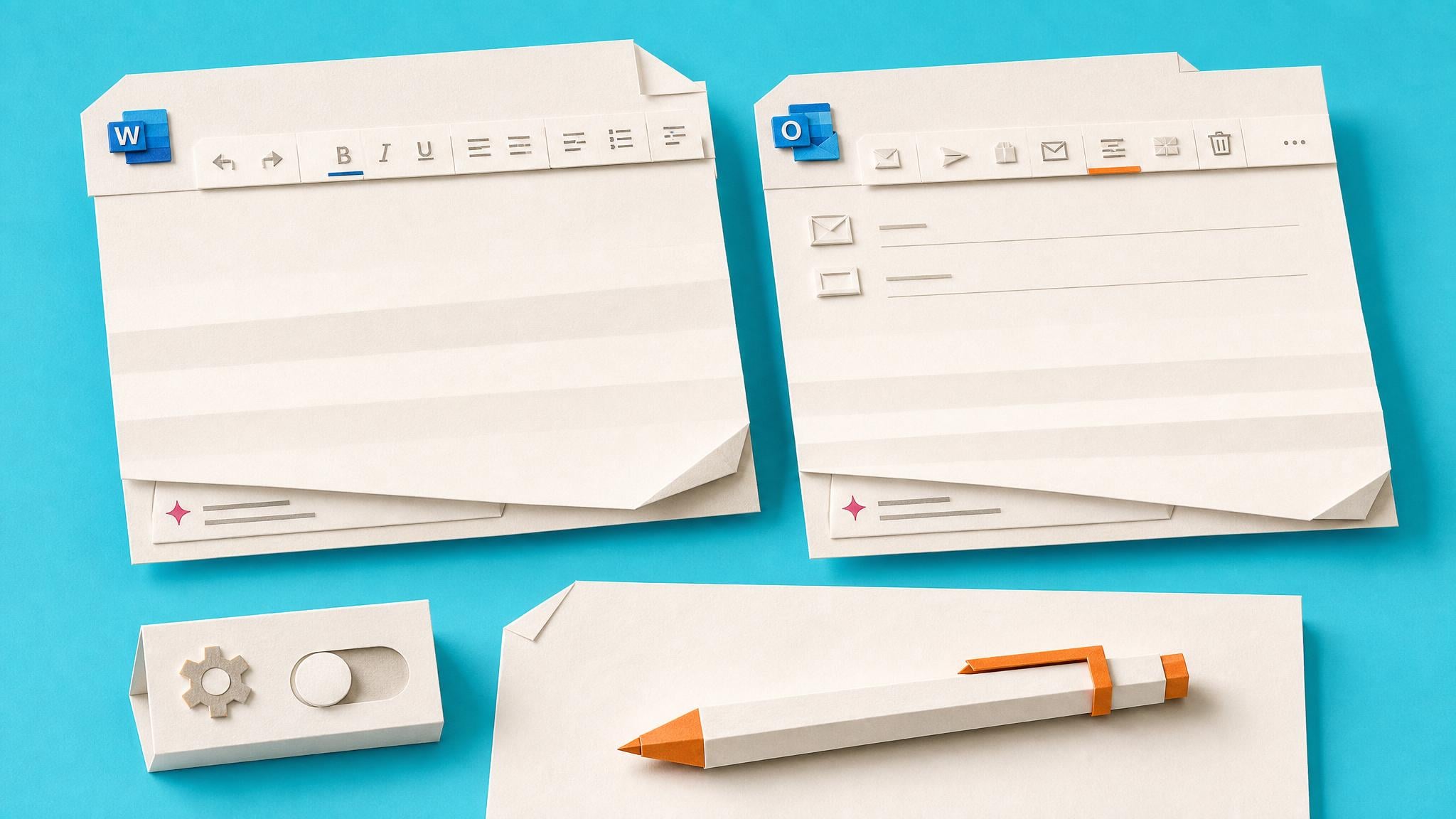
Microsoft is changing text predictions so they are off by default in Word for Windows, web, Android, and iOS, plus classic Outlook for Windows and Outlook for Mac. The feature is not being removed: people who want suggestions can turn it back on in Settings. The rollout applies to specified current builds, with further timing to come through the Microsoft 365 admin center and release notes.
Until now, text predictions could appear uninvited while someone drafted an email or document. For everyday Microsoft 365 users, that created a small but repeated interruption in work that is already full of notifications and competing prompts. The new default makes the writing environment quieter while preserving a personal choice for people who find suggestions helpful. Teams that rely on the feature should know that a familiar assist may disappear after an update, rather than assuming Word or Outlook has malfunctioned.
Analysis
Ask your team to check Text Predictions in Word or Outlook after their next update. If a colleague depends on suggestions for drafting, turn the setting back on deliberately and record it in their normal setup guidance.
Source note
Pulse published by Collab365 Spaces, reviewed by Helen Jones on . Cite as "Word and Outlook turn off text predictions by default", Collab365 Spaces.