Teams can update work location from office Wi-Fi
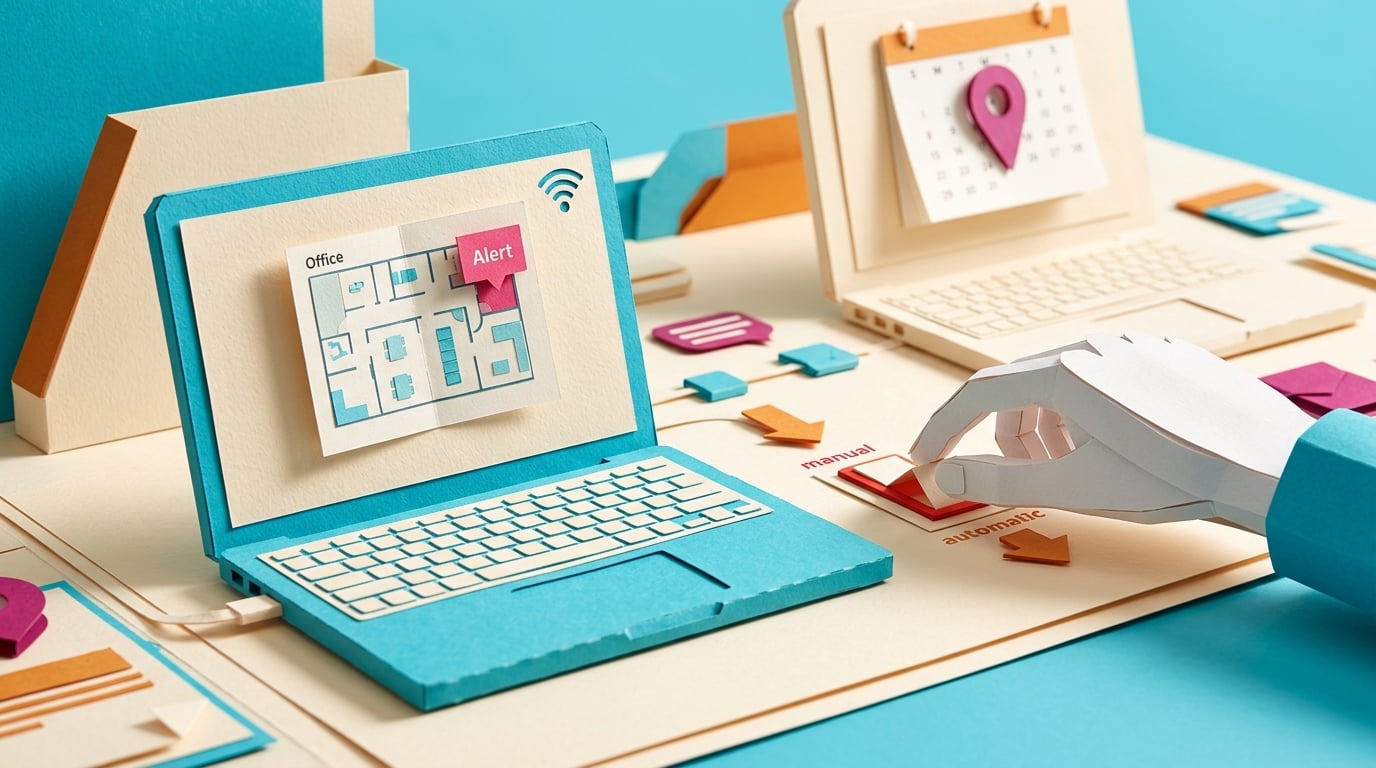
Microsoft updated its Microsoft Places guidance on 29 May 2026 for workplace check-in in Teams. The feature can update a user's actual work location when Teams desktop on Windows or macOS detects a configured corporate wireless network or a configured desk peripheral. Workplace check-in is off by default and must be enabled by administrators. Microsoft says Wi-Fi-based check-in is in preview and expected to become widely available soon. Users can manually set, override, clear, opt in, or opt out of location sharing, and actual work location is cleared at the end of working hours.
Before this, hybrid presence usually depended on people remembering to set a planned work location in Outlook or Teams. That made office coordination unreliable, because the calendar could say one thing while the person was somewhere else. Automatic workplace check-in can reduce that friction, but it also changes what a location badge feels like. Even when Microsoft positions it as collaboration rather than monitoring, workers need to know who can see the signal, whether their organization chose Ask mode or Inform mode, and how to override it when the context is wrong.
Analysis
Open Teams and Outlook work-location settings before your organization enables workplace check-in. Check whether your location is shared with coworkers, then ask your admin whether Wi-Fi check-in will use Ask mode, Inform mode, or stay off.
Source note
Pulse published by Collab365 Spaces. Cite as "Teams can update work location from office Wi-Fi", Collab365 Spaces. 1 source referenced.