Teams splits muted and meeting chats into their own list sections
 Reviewed by Helen Jones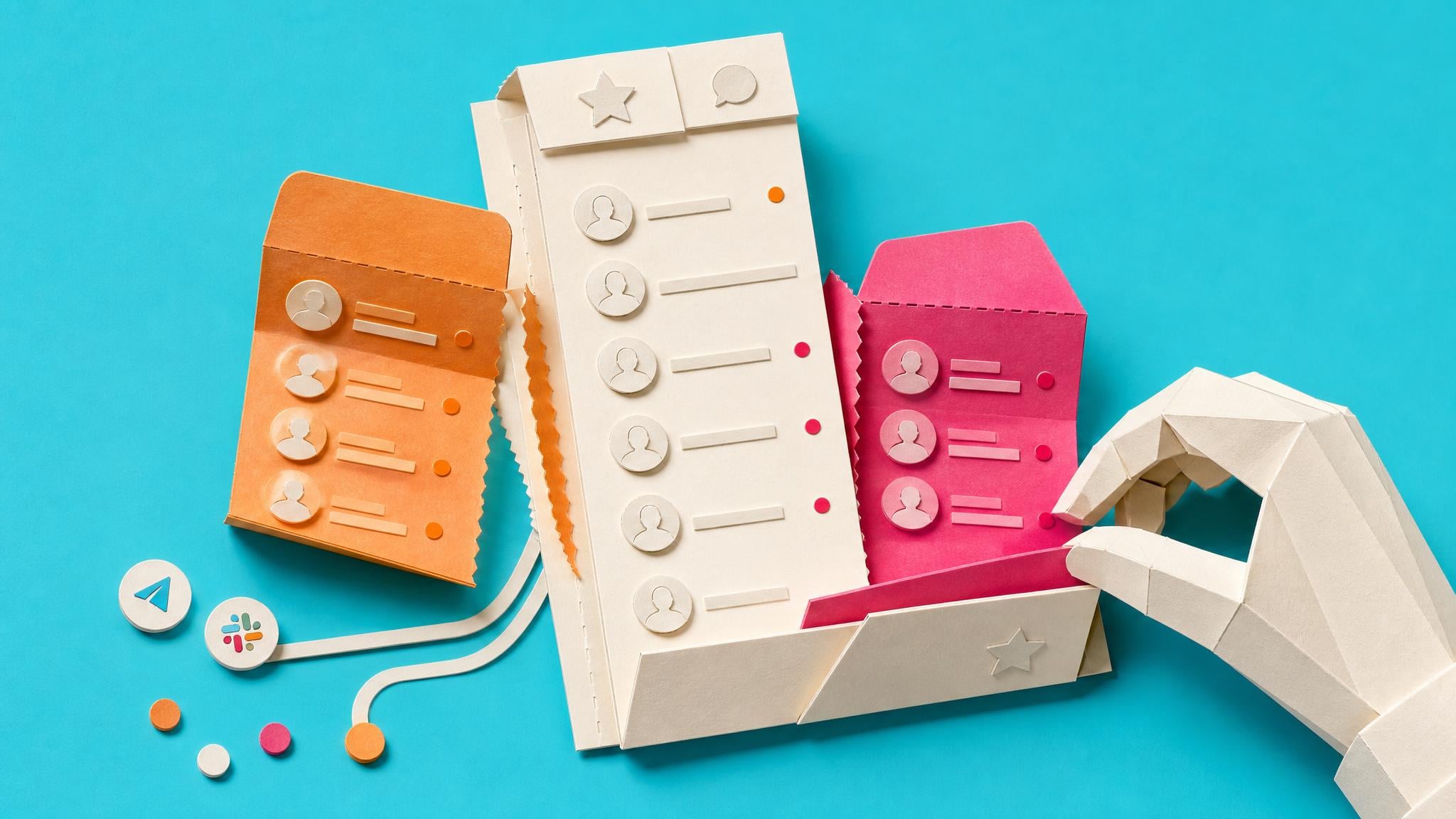
Microsoft Teams is adding two built-in chat list sections: Muted chats and Meeting chats. Muted chats will be on by default. Meeting chats will be off unless you turn it on. Muted conversations that are not already in Favourites or a custom section move into the Muted section. Meeting chats can sit in their own group so one-off call threads stop filling the main list. You can switch either section on or off and change the order under Settings, then Chats and channels. No admin setup is required. After a temporary rollback, worldwide and government cloud rollout is set to start in early September 2026 and finish by the end of October 2026.
Until now, muting a chat mostly cut the noise, not the visual clutter. Old meeting threads still sat in the same scroll as real 1:1 and group work, so the chat list kept feeling urgent even when half of it was leftover calls and silenced threads. Once this lands, the primary list can shrink to conversations you still treat as active, while muted and meeting chats stay reachable with their own unread badges. The catch is simple: Meeting chats stay hidden behind a setting, and any chat filter you leave on can still make people think messages disappeared.
Analysis
This is a small setup change worth making once during rollout, not a new task system. When the sections appear, turn Meeting chats on, leave Muted chats on, drag both below Favourites, and clear any active chat filters so you trust what remains in the main list.
Source note
Pulse published by Collab365 Spaces, reviewed by Helen Jones on . Cite as "Teams splits muted and meeting chats into their own list sections", Collab365 Spaces. 3 sources referenced.