Teams moves meeting controls and adds a safer share panel
 Reviewed by Helen Jones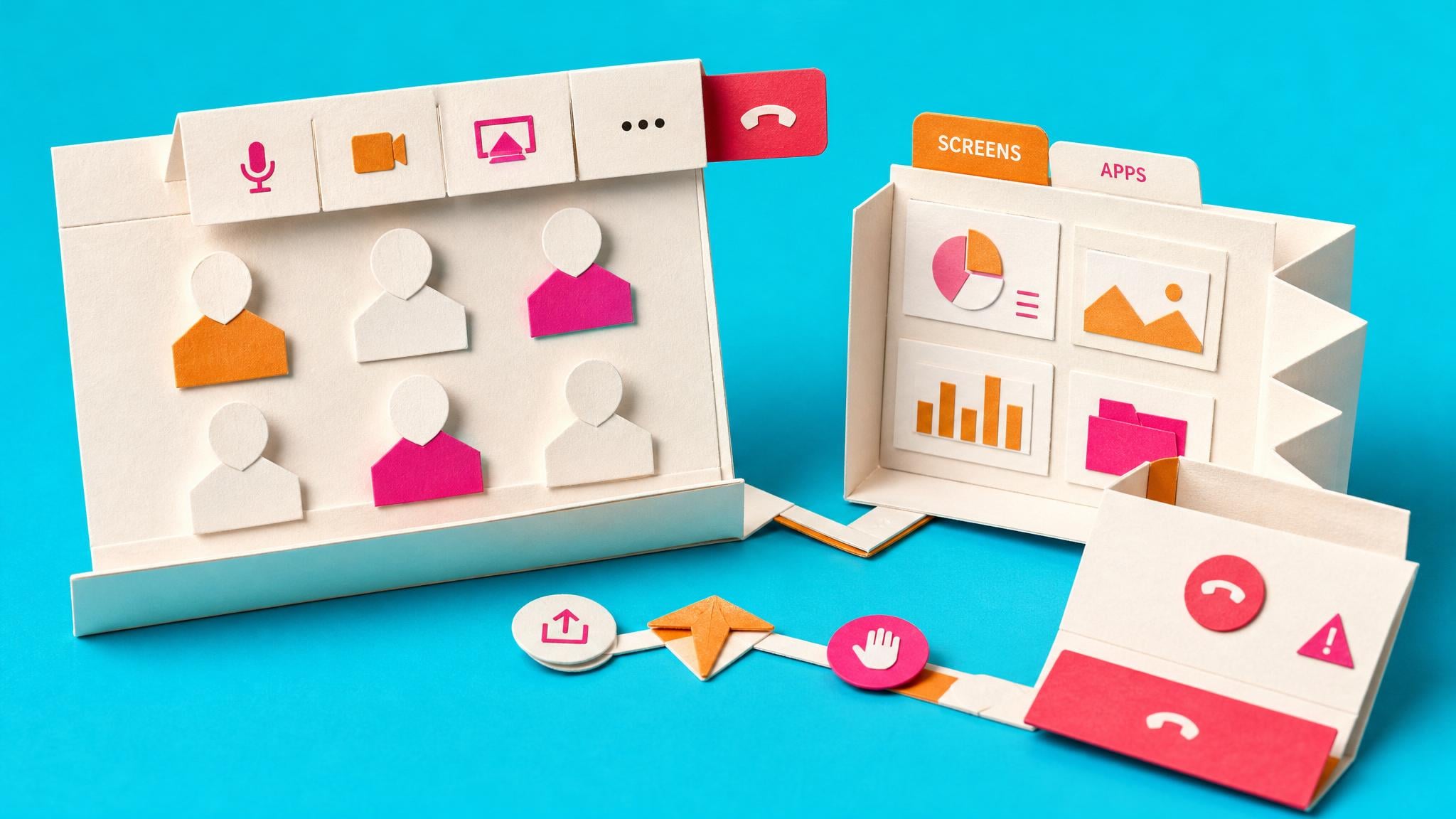
Microsoft is rolling out a redesigned in-meeting control bar in Teams starting July 2026. Microphone, camera and share sit together in the centre. The Leave button is pulled away from the main cluster, and less-used actions move into a More menu. You can pin, unpin and drag controls into your preferred order. The share panel also changes. It now shows live previews, uses tabs for Screens and Apps, Interactive Files and More options, and asks for a second confirmation before content goes live. The new experience is on by default. Rollout is due to finish by the end of August 2026, with some notes pointing into September. During the window only, users can temporarily switch back to the old layout in settings. IT cannot turn the change off for good.
Until now, crowded meeting controls made it easy to hit Leave or Share by mistake, especially on a laptop trackpad or when jumping between windows. People compensated with caution and habit rather than a clearer layout, so accidental exits and oversharing stayed a quiet weekly tax on hybrid calls. The redesign cuts that risk and lets you keep two apps on the main bar, but it also moves buttons you already know by feel. For anyone who runs back-to-back Teams meetings, the first weeks will feel slower until the new positions stick. The temporary classic option only covers the rollout, so the lasting work is building a stable personal control layout rather than waiting for IT to reverse the change.
Analysis
This is a short habit reset, not a new system to adopt. As soon as the new bar appears, join a private test meeting, pin microphone, camera and share in the order you actually use, and run the new two-step share once so the confirmation does not surprise you on a live call.
Source note
Pulse published by Collab365 Spaces, reviewed by Helen Jones on . Cite as "Teams moves meeting controls and adds a safer share panel", Collab365 Spaces. 2 sources referenced.