Teams impersonators turn remote support into a tenant breach
 Reviewed by Helen Jones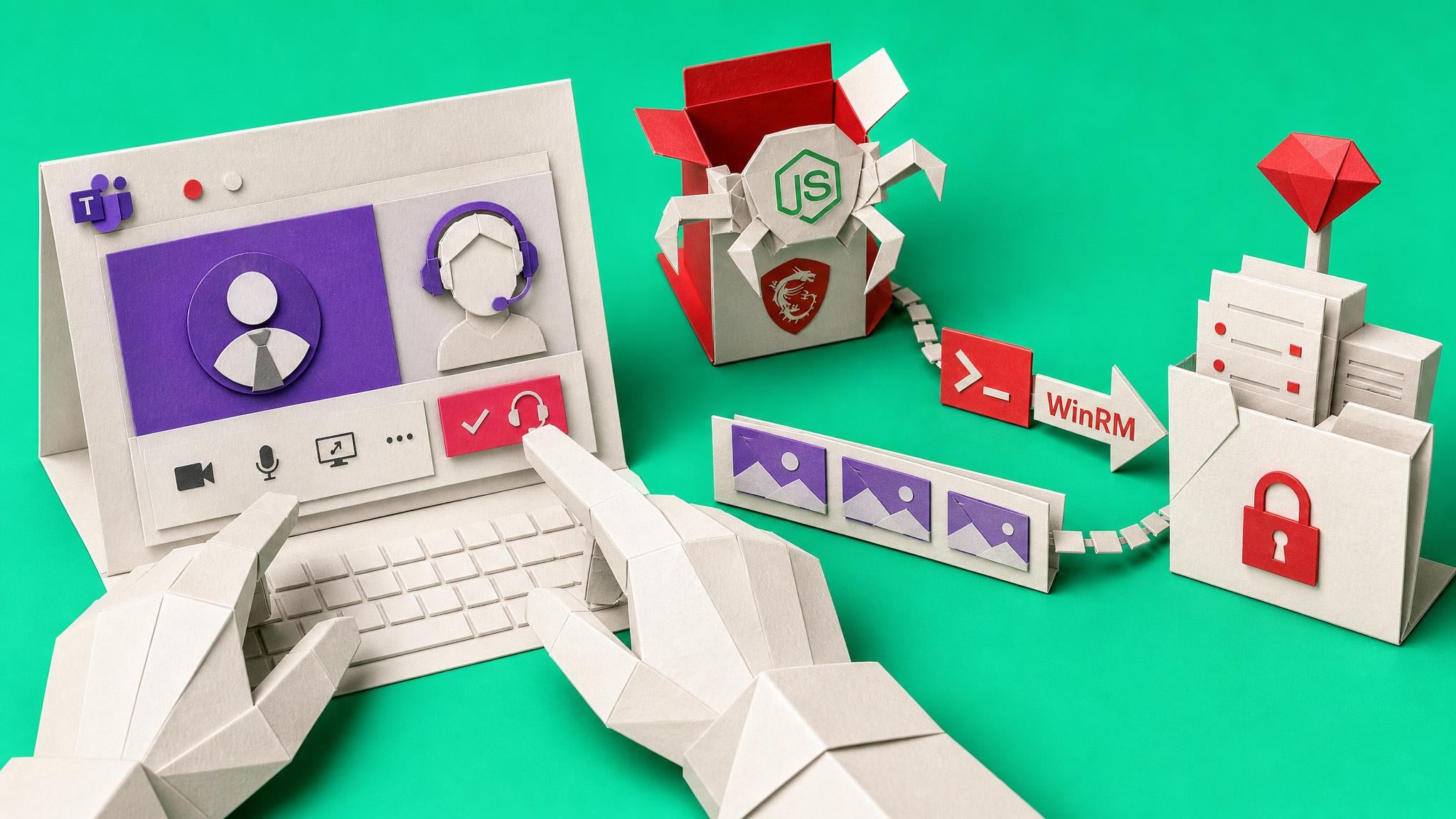
Microsoft Threat Intelligence describes an intrusion campaign in which attackers use external Teams chats or calls while posing as IT support. They persuade a user to approve a remote session, then use legitimate support tools to install an MSI package that stages a Node.js-based implant. Microsoft observed follow-on discovery, screen capture and Windows Remote Management (WinRM) movement toward high-value systems.
Teams’ external-contact prompts are only useful when people know what must happen next. A user who accepts an unsolicited “support” request can give an attacker an interactive, credential-backed path into a managed device without a Teams product flaw being involved. For a lean Microsoft 365 team, this crosses several owners: Teams federation, remote-support tooling, endpoint controls and help-desk practice. Treat unsolicited Teams support contact as an incident trigger, not a request to handle in the chat, and make the verification route obvious before someone shares a screen or reads out a Quick Assist code.
Analysis
This week, test your help-desk verification route: publish the internal channel staff should use to verify an unexpected Teams support request, review which external domains can contact users, and alert on remote-support sessions followed by PowerShell or WinRM activity.
Source note
Pulse published by Collab365 Spaces, reviewed by Helen Jones on . Cite as "Teams impersonators turn remote support into a tenant breach", Collab365 Spaces.