Teams device sign-ins need a device-code phishing check
 Reviewed by Helen Jones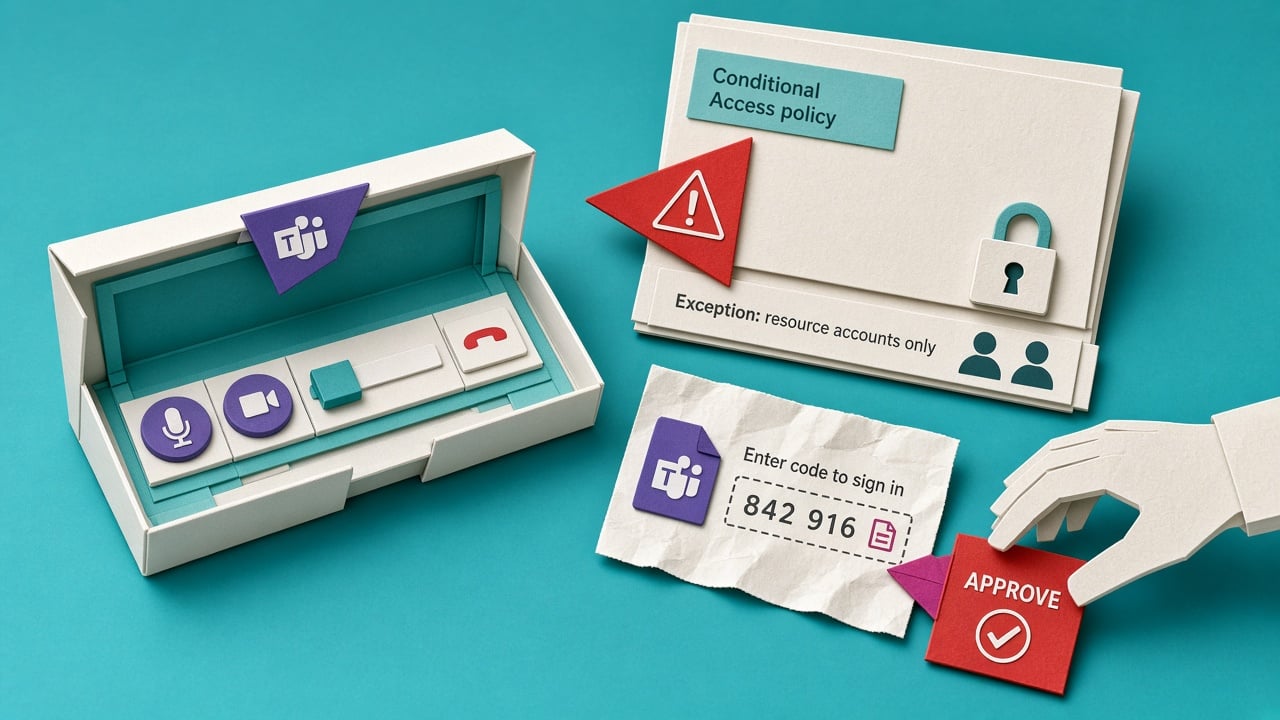
Microsoft has documented EvilTokens, a phishing service that abuses device-code sign-in to steal account tokens. Its guidance says to block device-code flow where it is not needed; organisations that rely on Teams devices can scope an exception to specific device resource accounts.
Device-code sign-in is legitimate for devices with limited input, but that makes a copied code and a convincing prompt a route around a user’s normal sign-in context. A broad exception leaves an attacker with a reusable path to email, SharePoint and other Microsoft 365 data after a victim approves the wrong request. For a Microsoft 365 admin, this is a configuration question as much as a security-awareness question. The new report gives you a precise point to check: whether device-code access is blocked by default and whether any Teams-device exception is narrow enough to be understood, owned and reviewed.
Analysis
Review the Conditional Access policy for device-code flow. Block it by default; if Teams devices require it, record the named resource accounts in the exception and test what an affected user sees before widening access.
Source note
Pulse published by Collab365 Spaces, reviewed by Helen Jones on . Cite as "Teams device sign-ins need a device-code phishing check", Collab365 Spaces.