Teams admin center gets its own page for built-in AI agents
 Reviewed by Helen Jones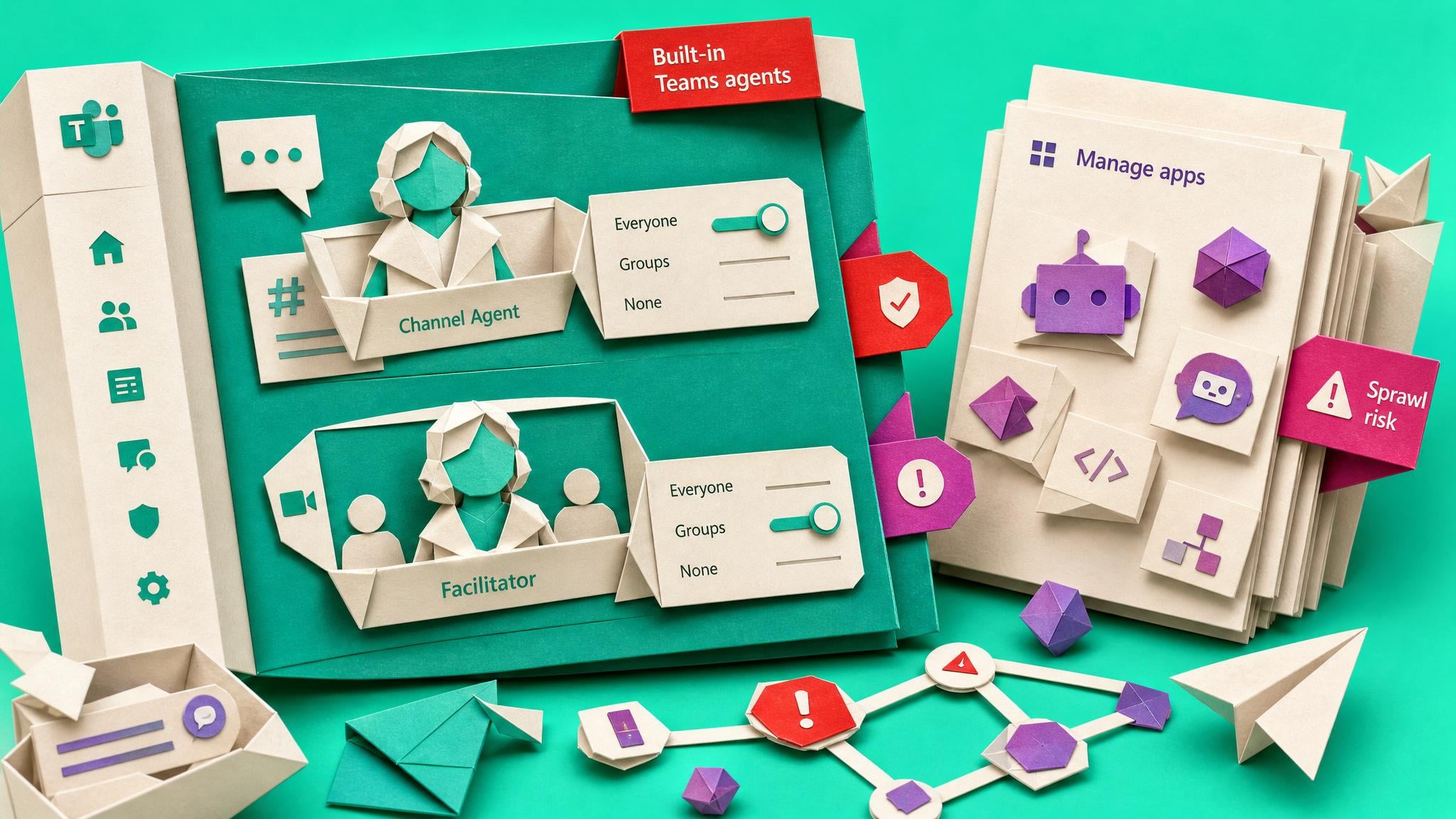
Microsoft has added a Built-in Teams agents page under Teams apps in the Teams admin center. Admins can set each agent, including Channel Agent and Facilitator, as available to everyone, to specific users or groups, or to none. These agents sit inside chats, channels, and meetings. They are enabled by default for licensed users and are managed separately from the Manage apps page and from org-wide Microsoft apps settings. The change is tracked as Roadmap ID 564766 and Message Center MC1387573, with rollout starting July 2026 for Worldwide and GCC. Microsoft updated the docs on 8 July 2026. Only agents in the tenant’s release channel appear. Managing them needs the Teams Administrator role. Blocking an agent after people already rely on it can disrupt day-to-day work.
Until now, many Teams admins assumed Microsoft’s own experiences followed the same app and org-wide controls they already use for store apps. Built-in agents could land in chats, channels, and meetings without a clear place to review who should see them, so governance either lagged or got mixed into unrelated app policies. That split is now explicit. Agent availability is its own control surface, which is useful for compliance and support, but it also means your existing app lockdown does not cover this layer. Default-on behaviour plus a separate page creates a new place for quiet sprawl if nobody sets a deliberate baseline before users treat agents as permanent parts of Teams.
Analysis
This is a change to act on lightly, not a multi-week project. Open Teams apps > Built-in Teams agents, note which agents appear for your release channel, and set availability to match how you already handle guest access and Teams sprawl, or record a short decision if you leave defaults on so the next support ticket does not force a scramble.
Source note
Pulse published by Collab365 Spaces, reviewed by Helen Jones on . Cite as "Teams admin center gets its own page for built-in AI agents", Collab365 Spaces. 4 sources referenced.