SharePoint can now archive single files to cold storage
 Reviewed by Helen Jones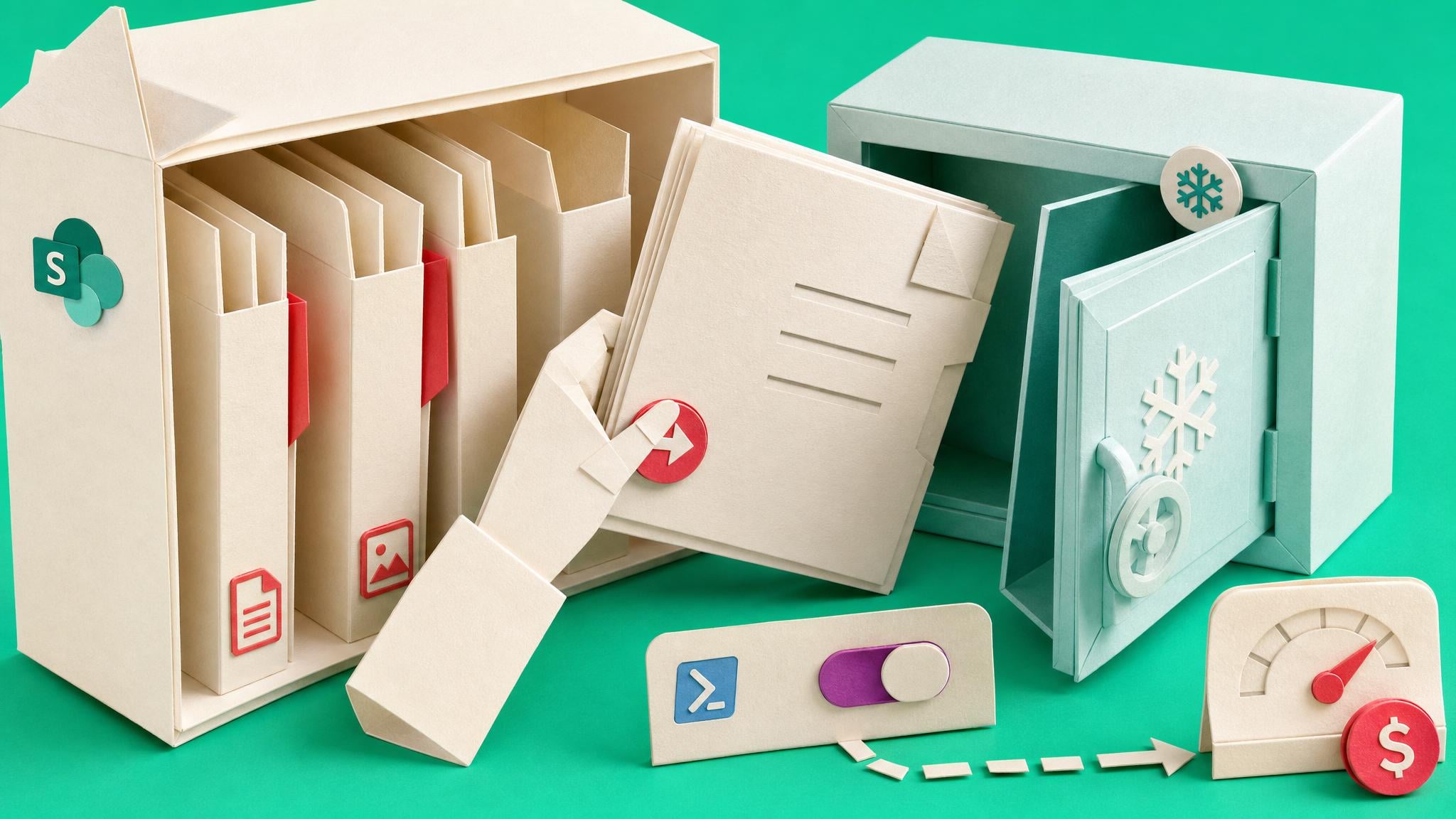
Microsoft 365 Archive file-level archiving reached general availability, with worldwide rollout running from June into late July 2026. Admins who already use Microsoft 365 Archive can move individual SharePoint files into a lower-cost cold storage tier instead of archiving an entire site. When Archive is on, file-level archiving is enabled by default on SharePoint sites. People with edit permission can archive files. Recently archived files can be reactivated quickly, with no reactivation fee called out for files. Compliance and metadata stay in place. Admins set AllowFileArchive at tenant and site level, plus a default for new sites, through SharePoint Online PowerShell. Billing follows the existing Archive pay-as-you-go model. Some documentation still notes archived files may count against site storage, and Teams-connected sites with channels keep partial support limits for broader site archive scenarios.
Until now, Microsoft 365 Archive mainly pushed you toward whole-site cold storage. That forced a blunt choice: leave bloated libraries online and pay full freight, or archive a site and disrupt everyday access for projects that still had a few active files. Small admin teams often delayed both options and lived with storage growth and stale content sitting in search. File-level archive changes the unit of work. You can cold-store the heavy, inactive files inside active sites without declaring the whole workspace dead. That helps storage cost and Copilot readiness noise only if policy is deliberate. Left wide open, edit users will archive the wrong things, support will field “where did my file go” tickets, and you still need clear owners and lifecycle rules for the Teams and sites those files live in.
Analysis
Treat this as a controlled storage valve, not a sprawl fix. Before the rollout finishes in your tenant, pick a pilot set of high-storage SharePoint libraries, set AllowFileArchive only there (or turn the tenant default off until you are ready), and publish a one-page rule for what may be archived and who reactivates it.
Source note
Pulse published by Collab365 Spaces, reviewed by Helen Jones on . Cite as "SharePoint can now archive single files to cold storage", Collab365 Spaces. 4 sources referenced.