SharePoint automates document generation directly from forms
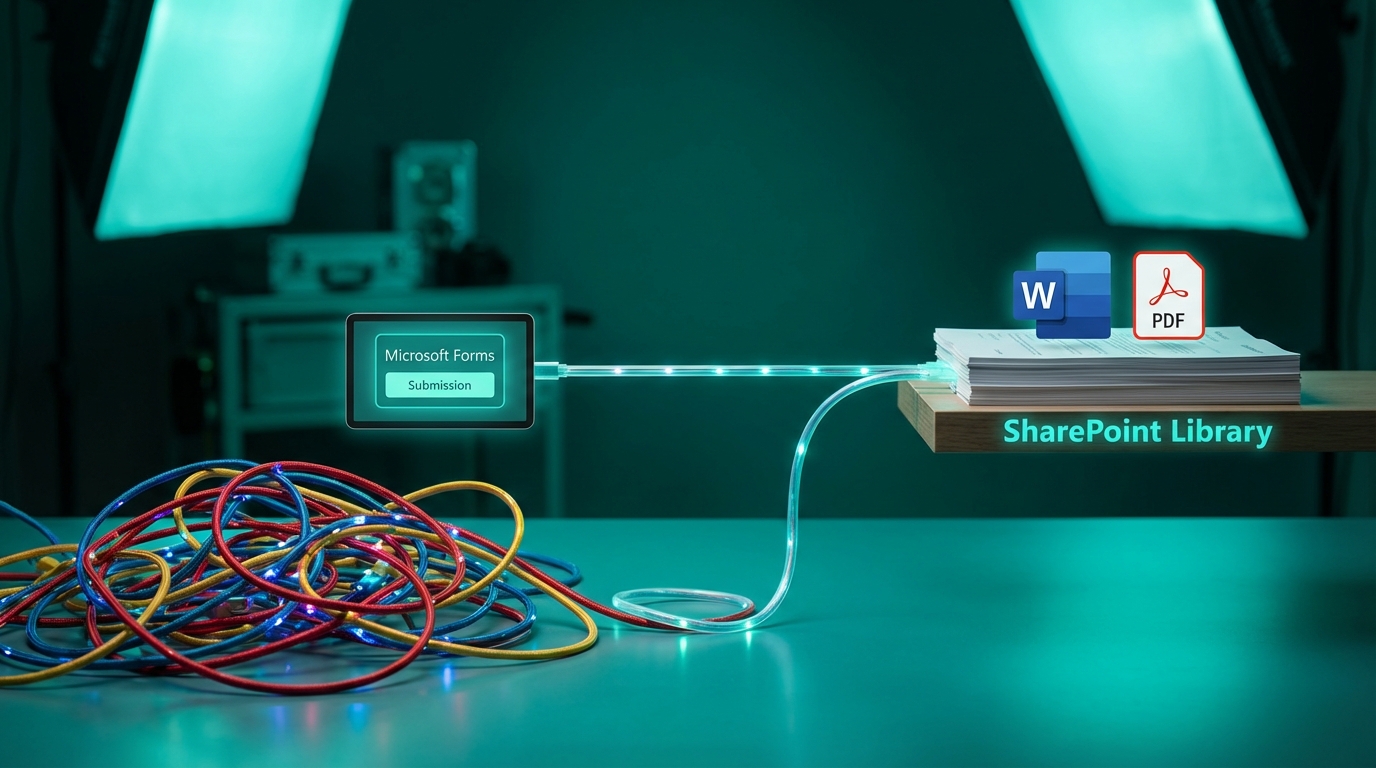
Microsoft is rolling out a structured documents feature in SharePoint that automatically generates filled Word or PDF files when a user submits a form. The system uses Copilot to detect fields in your existing Word templates and map them directly to form inputs. The feature supports conditional sections, meaning specific paragraphs only appear based on the user's answers. While end users do not need a Copilot license or direct site access to submit the form, the person creating the template must have a Microsoft 365 Copilot license. There are immediate limitations to manage. File names are currently fixed based on the submitter's name, the system lacks default field values, and PDF generation fails if the template uses sensitivity labels or encryption.
Until now, turning a user request into a formatted document meant wrestling with Power Automate. IT admins had to build brittle flows, manually map dozens of form fields to Word premium connectors, and constantly fix them when someone changed a column name. It turned simple HR onboarding or contract requests into a heavy administrative burden. This update shifts document generation from a complex IT workflow to a native SharePoint function. By letting AI handle the field mapping and conditional logic, you can deliver automated document solutions to departments without writing a single flow. However, the fixed naming convention means you trade workflow complexity for potential file management chaos, as libraries will quickly fill with identically named files.
Analysis
This is your ticket out of building endless Power Automate document flows for HR and Finance. Secure a single Copilot license for your admin account to build these templates, but route all generated files into an isolated document library so the rigid naming conventions do not wreck your user-facing search results.
Source note
Pulse published by Collab365 Spaces. Cite as "SharePoint automates document generation directly from forms", Collab365 Spaces.