SharePoint admin center takes over company home pages as Viva Connections becomes the SharePoint app
 Reviewed by Helen Jones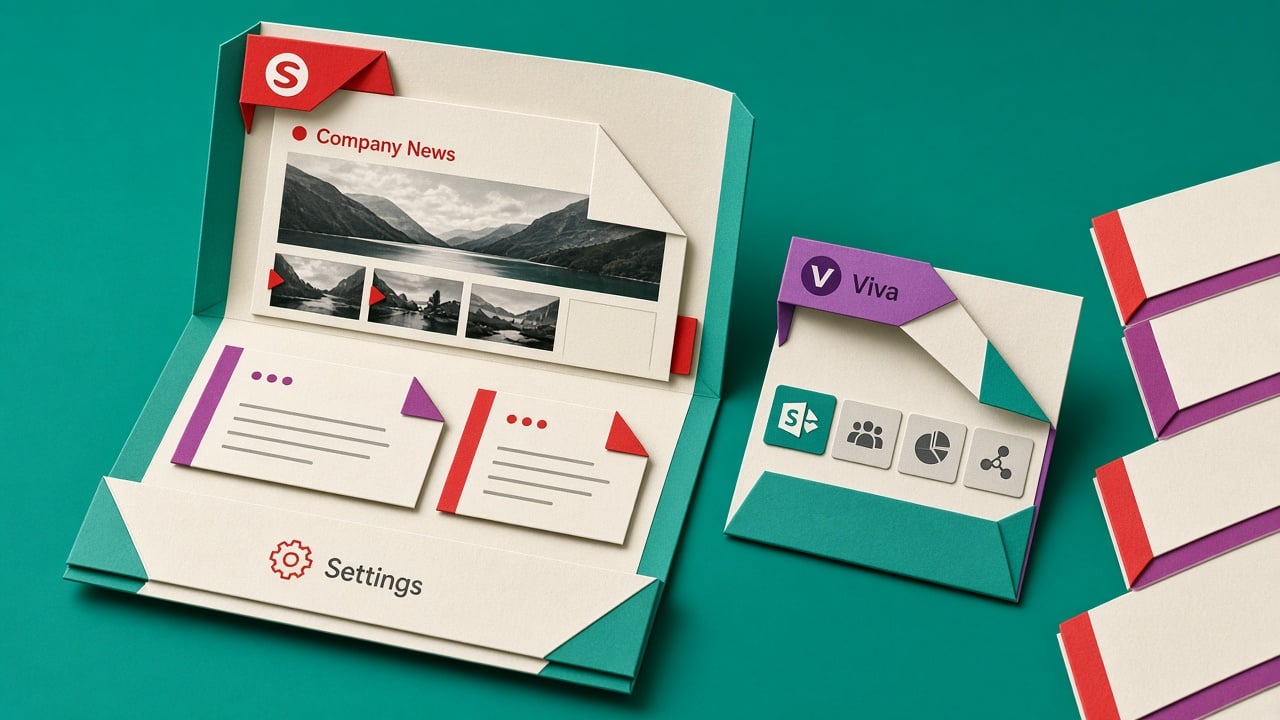
Microsoft began rolling out SharePoint home site updates in May 2026, with general availability planned by the end of June (roadmap 557983). Viva Connections in Teams is now branded as the SharePoint app in Teams. SharePoint admins can create and designate home sites from SharePoint admin center Settings, Home sites. New Resources and Announcements web parts are available, and Microsoft says the extra Viva licence that used to sit on Announcements is gone. News can use filmstrip layouts. Default Teams desktop and mobile branding switches from Viva Connections to SharePoint unless you already customised the name and logo. Existing home site content, branding, and permissions stay as they are. Microsoft Learn still says adding more than one home site means going to Viva Connections in the Microsoft 365 admin center. Message Center MC1457839 described moving that multi-home work into SharePoint admin center during a September 2026 window. Tenant timing can differ, and more than one home site still needs the right licensing.
Until this year, the company landing page lived in two mental models. You built pages in SharePoint, then you configured the employee feed in Viva Connections, often in a different admin center, sometimes behind a licence conversation nobody wanted. Intranet owners spent more time finding the switch than deciding what the homepage should actually show. The useful change is not a new intranet. It is that the default path now matches how people already think about SharePoint, while the docs and Message Center still disagree on where multiple home sites live. If you only have one home site, you can stop treating Viva as a separate product. If you need several, you still have a split brain until the September move actually lands in your tenant.
Analysis
This is a change to act on for a single home site, and a trend to watch if you need several. Open SharePoint admin center Settings, Home sites, confirm the designated site and the SharePoint app for Teams branding, and leave the Microsoft 365 admin Viva Connections path alone unless you truly need more than one home site.
Source note
Pulse published by Collab365 Spaces, reviewed by Helen Jones on . Cite as "SharePoint admin center takes over company home pages as Viva Connections becomes the SharePoint app", Collab365 Spaces. 3 sources referenced.