SharePoint Admin Center gains new report for spotting risky site permissions
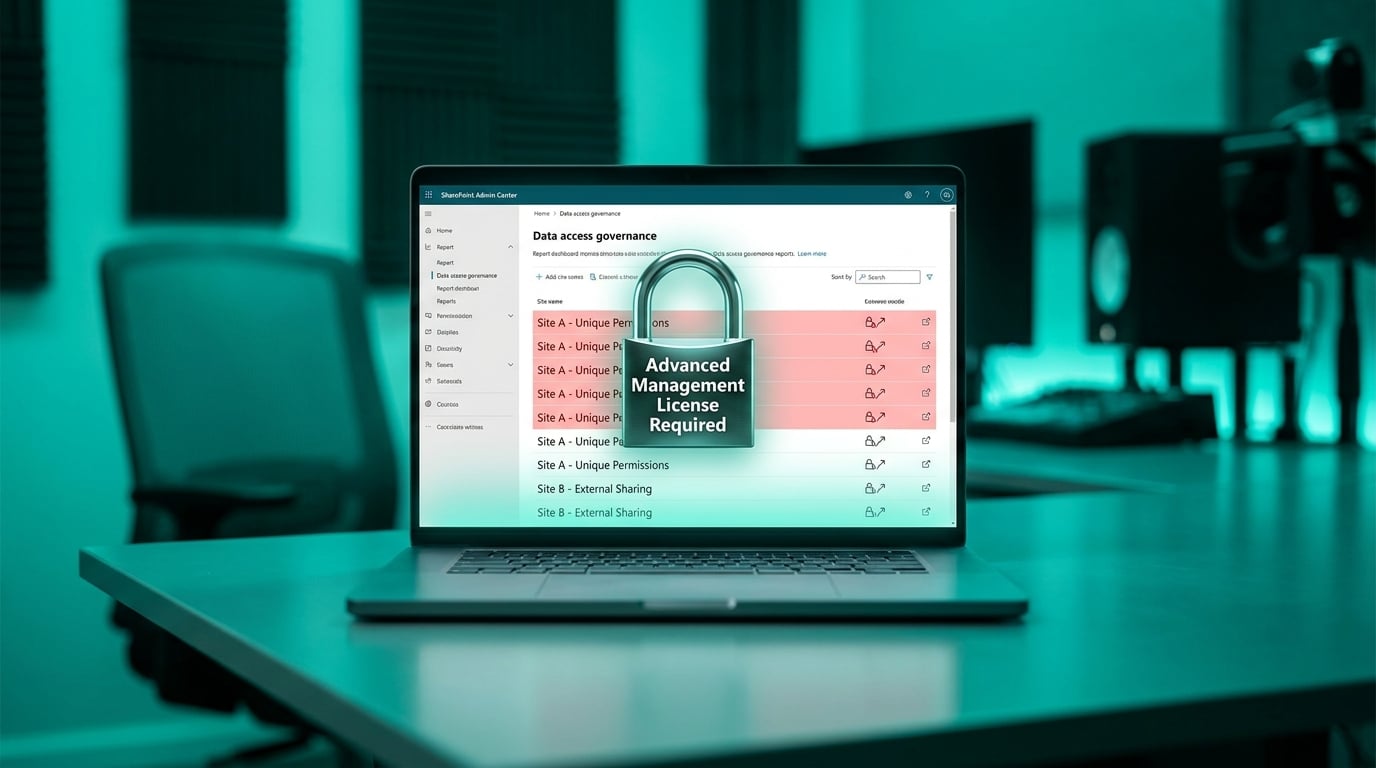
Microsoft added a site permissions across your organization report to the SharePoint Admin Center. The report appears under Reports then Data access governance and shows files that have unique permissions plus the types of sharing links in use. It surfaces the top 100 highest-risk sites in the interface with full results available as a CSV download. Report generation takes several hours to complete. Access requires an Advanced Management license or a Copilot license.
Until now, mid-sized teams had to chase permissions one site at a time or rely on incomplete scripts that rarely covered every abandoned Team and shared library. The process left ex-employees and contractors with lingering access for months. The new report pulls the highest-risk sites into one view, yet it still demands a paid license and stops at the top 100 results, leaving smaller IT teams to decide whether the partial picture justifies the cost.
Analysis
Do not treat this report as a complete solution. Check whether your tenant even has the required license, run the report once, and immediately turn off external sharing on every site it flags.
Source note
Pulse published by Collab365 Spaces. Cite as "SharePoint Admin Center gains new report for spotting risky site permissions", Collab365 Spaces. 1 source referenced.