Power Pages adds natural language filtering to business lists
 Reviewed by Helen Jones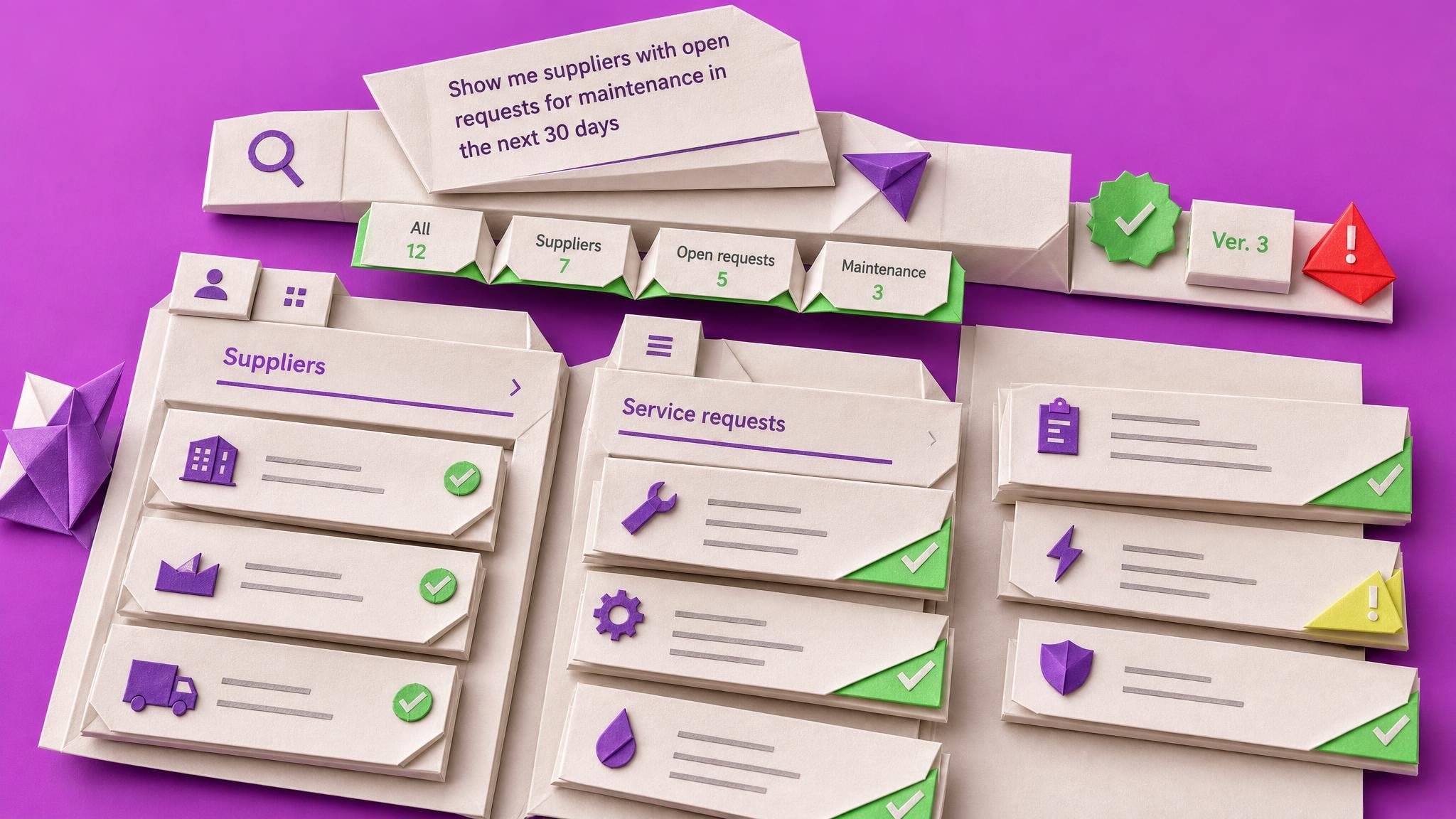
Power Pages now lets makers enable natural-language search on list components, so users can describe the records they need instead of building filters. Microsoft says sites must run version 9.7.4.x or later, and virtual tables are not supported. A practitioner walkthrough published on 27 July shows how to enable the setting in the design studio.
Large portal lists normally make users learn field names and combine several filters before they can find a useful answer. That friction grows quickly in supplier, service-request and employee portals where people visit occasionally and do not know the data model. Natural-language filtering gives those users a simpler way to narrow the same Dataverse records. Makers still need to test permissions, ambiguous wording and data quality because a friendlier search box does not guarantee that every request will return the intended records.
Analysis
Check the Power Pages site version, enable natural-language search on one low-risk list and test it with five questions that real portal users already ask.
Source note
Pulse published by Collab365 Spaces, reviewed by Helen Jones on . Cite as "Power Pages adds natural language filtering to business lists", Collab365 Spaces. 2 sources referenced.