Power BI previews theme switcher for easier report customisation
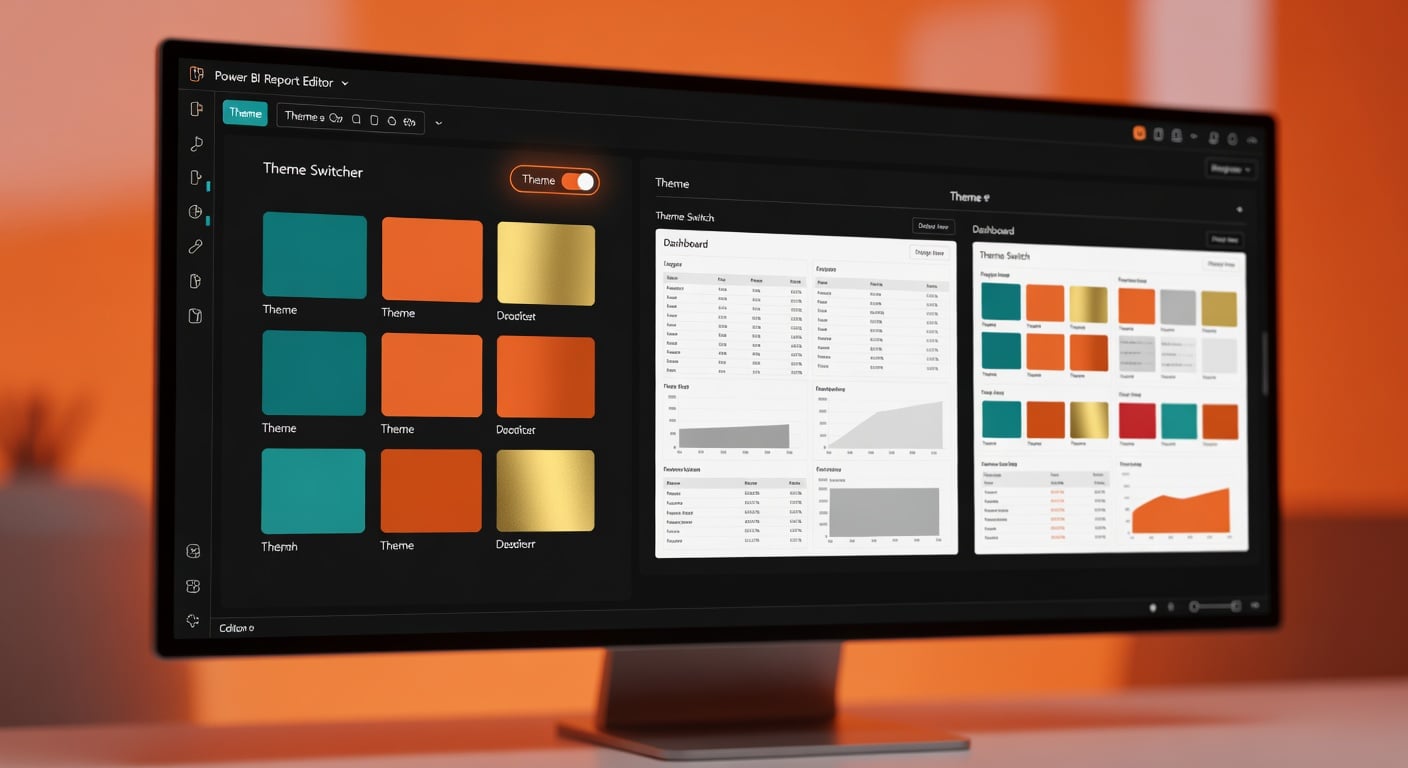
Power BI is testing a theme switcher inside the customise current theme dialog. It lets users revert to or update base themes with one click. The update also brings preset page sizes and fixed styles for tables and matrices, including banded rows for better readability. Theme tiles have been refreshed to match modern visual defaults. This addresses mismatches when applying custom themes across reports. The feature is in preview, so custom themes may still need minor adjustments for full compatibility.
Report builders previously wrestled with inconsistent visuals, spending hours manually overriding colours, fonts and layouts to match company branding or fix table readability. Excel habits carried over, making Power BI reports look patchy next to polished examples from colleagues or tutorials. The theme switcher changes that by enforcing base consistency in seconds, with built-in fixes for common eyesores like plain tables. Beginners now spend less time on styling distractions and more on core tasks like cleaning Power Query steps or writing reliable DAX measures.
Analysis
This hands you instant polish on messy inherited reports without design skills you never had. Enable Power BI previews right now, pick your next dashboard, switch to a base theme and trash every manual tweak – your boss sees pro work while you fix the real issues underneath.
Source note
Pulse published by Collab365 Spaces. Cite as "Power BI previews theme switcher for easier report customisation", Collab365 Spaces. 2 sources referenced.