Power BI launches no-code custom totals that run slower than DAX alternatives
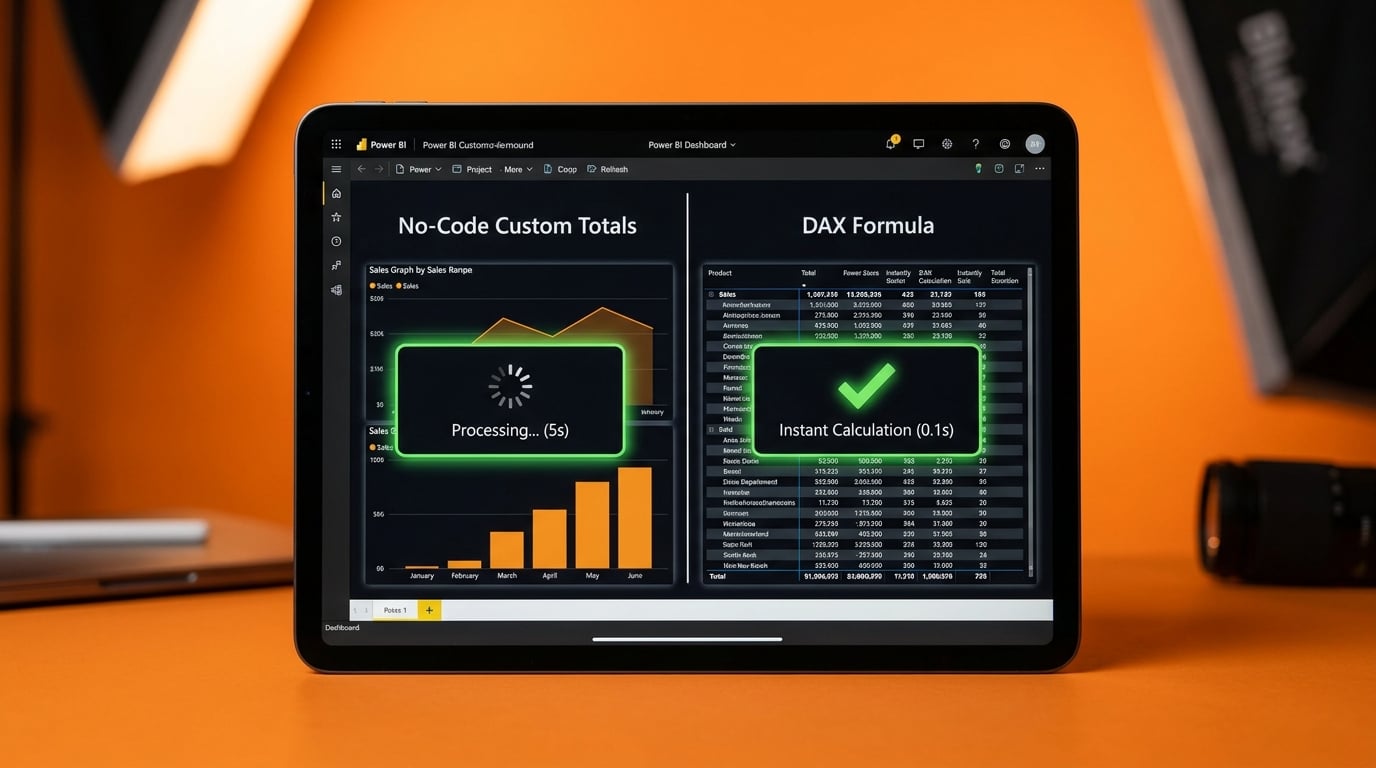
Power BI has introduced Custom Totals, a feature that lets users override totals in visuals like tables and matrices without writing any DAX code. Benchmarks shared by Fabric influencers show these no-code totals perform slower than equivalent DAX measures. For example, they lag behind AVERAGEX wrappers on non-additive calculations such as averages. The difference matters most in reports with heavy filtering, where visuals take noticeably longer to update.
Before this update, getting custom totals meant diving into DAX, battling filter context that feels nothing like Excel formulas. Beginners either copied ununderstood code or stuck with wrong default sums, leading to dashboards nobody trusted. Now a no-code button promises relief, but slower performance on averages and complex measures means visuals lag 2 to 5 seconds longer per interaction. This trades short-term ease for the exact slow-refresh hell of inherited reports, forcing Excel holdouts to dig in deeper.
Analysis
Custom Totals is a beginner trap that bloats your dashboard load times and trains bad habits – bosses smell slowness and bail back to Excel. Write a basic DAX AVERAGEX measure for your next visual today, time it against Custom Totals on real data, and stick to DAX for anything leadership sees.
Source note
Pulse published by Collab365 Spaces. Cite as "Power BI launches no-code custom totals that run slower than DAX alternatives", Collab365 Spaces. 2 sources referenced.