Power BI highlights broken calculations during data refreshes
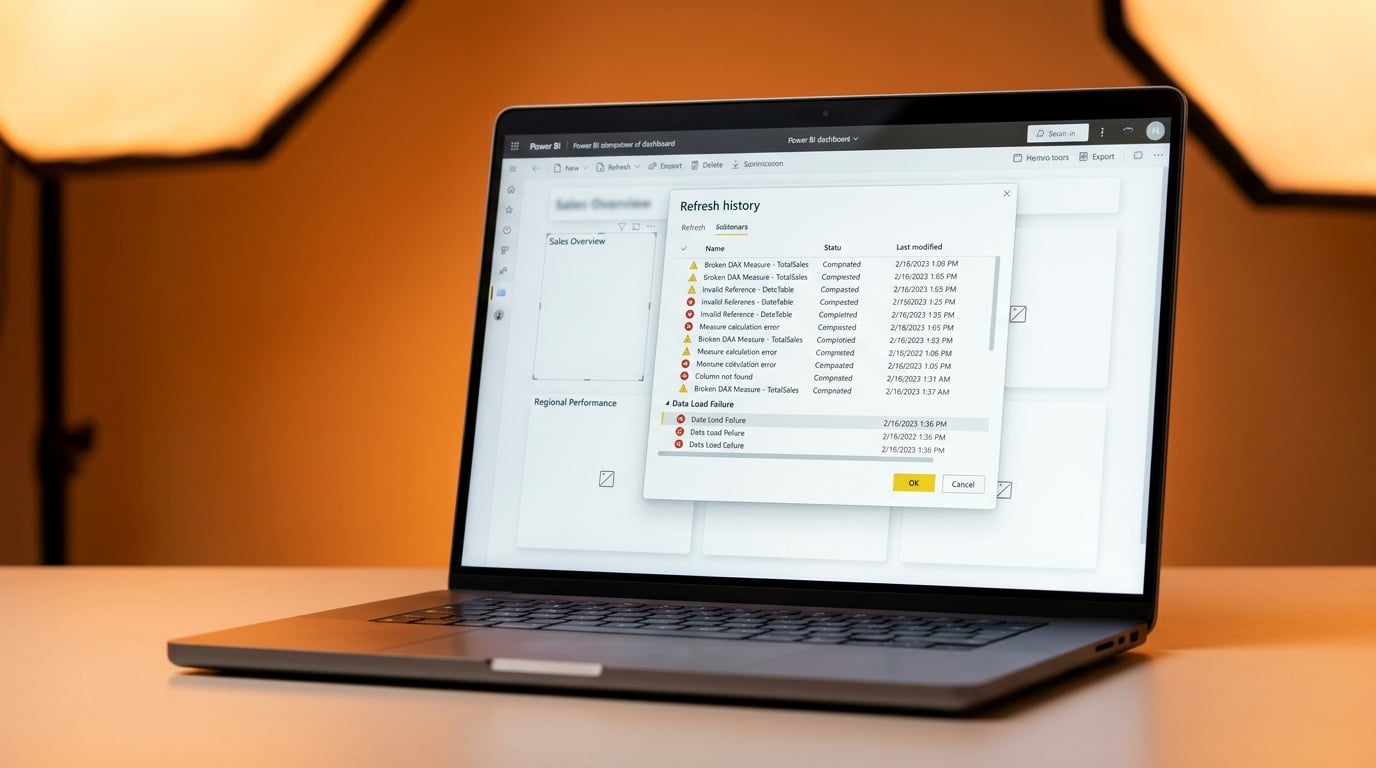
Power BI data models now flag warnings in the Service Refresh History for errors in calculated tables, columns and measures. These catch invalid references to objects that no longer exist, without stopping the refresh from completing. Warnings appear when users click 'Show details' in the history view. The feature has been surfacing hidden issues since March 2026. It does not work with XMLA endpoint refreshes, where errors from lazy evaluation might still hide in downstream items.
Before, data model errors lurked unseen until visuals went blank or showed wrong numbers during report use. Analysts wasted hours hunting DAX problems in complex, inherited files with no clues on what broke when. Now refresh history exposes them upfront, letting teams spot and delete bad measures before they ruin dashboards. This cuts the mystery from slow, unreliable refreshes that push users back to Excel.
Analysis
Those inherited reports with endless Power Query steps and ghost DAX errors just got outed – this is your green light to clean house instead of patching forever. Open the refresh history on your worst offender right now and delete every flagged measure; rebuild the data model with direct table relationships to finally get numbers that match your sources without the tears.
Source note
Pulse published by Collab365 Spaces. Cite as "Power BI highlights broken calculations during data refreshes", Collab365 Spaces.