Power BI enables calculations in charts without DAX code
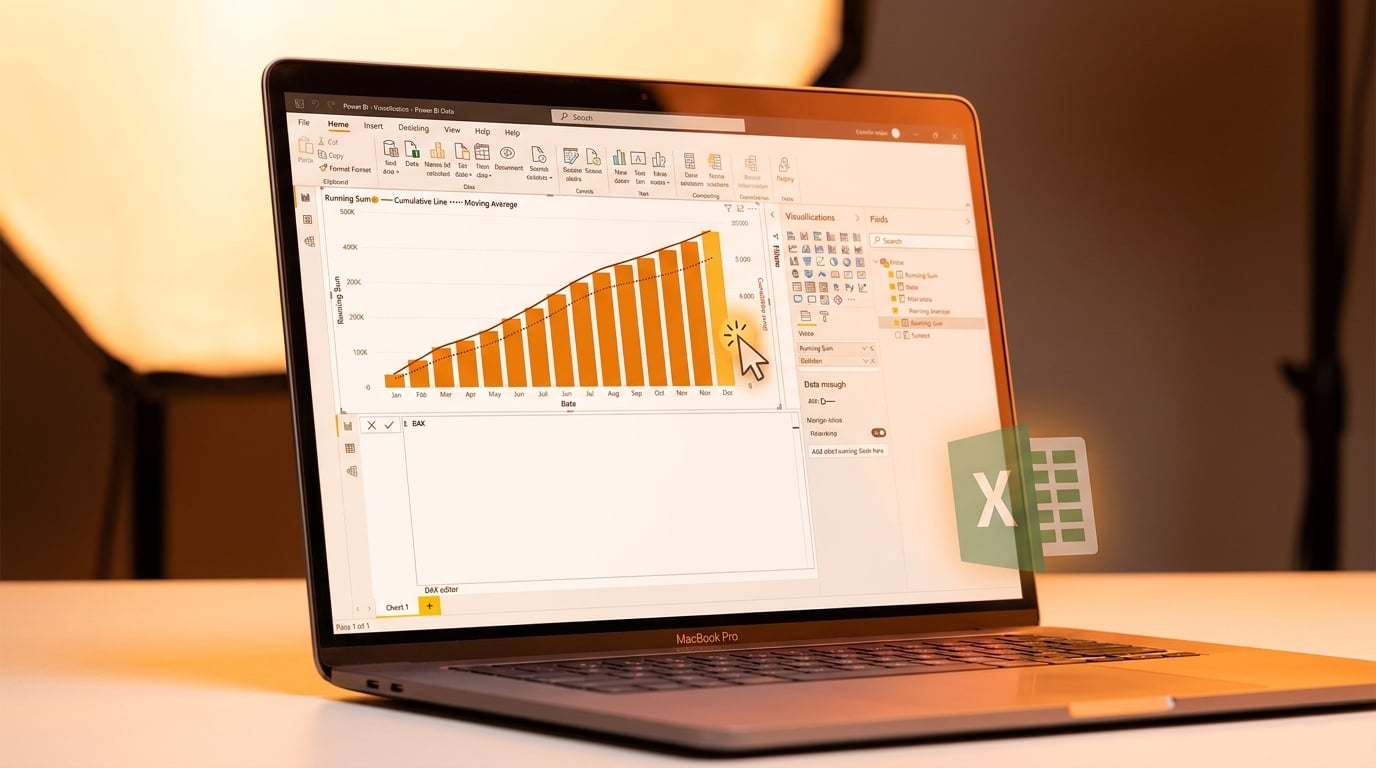
Power BI has made visual calculations generally available. Users can now add running sums, moving averages and rankings by dragging fields onto visuals. No DAX measures are needed for these operations on aggregated data. The feature works directly within reports, speeding up ad-hoc changes. It leaves the data model untouched. Development time for common visuals drops from minutes of coding to seconds. Microsoft released this in its May 2026 update, alongside links to tutorials on learn.microsoft.com.
Excel users turning to Power BI often hit a wall with DAX for simple tweaks like year-to-date totals. They copied formulas or abandoned visuals, sticking to familiar pivot tables. Reports stayed static or reverted to spreadsheets. Visual calculations shift that by handling aggregates inside visuals, mimicking Excel ease at Power BI scale. Beginners ship interactive dashboards faster, matching boss demands without full DAX fluency. Yet it spotlights the data model as the real foundation, unchanged and still key for deeper analysis.
Analysis
This hands you running totals and averages without DAX tears, perfect for escaping Excel copy-paste hell on your sales or KPI visuals. Grab your boss's priority dashboard today, drag a running sum onto the main table, publish it, and forward the link by end of day. Momentum from that win gets you past imposter doubts toward real model skills.
Source note
Pulse published by Collab365 Spaces. Cite as "Power BI enables calculations in charts without DAX code", Collab365 Spaces. 3 sources referenced.