Power BI Desktop adds report version history in May 2026 update
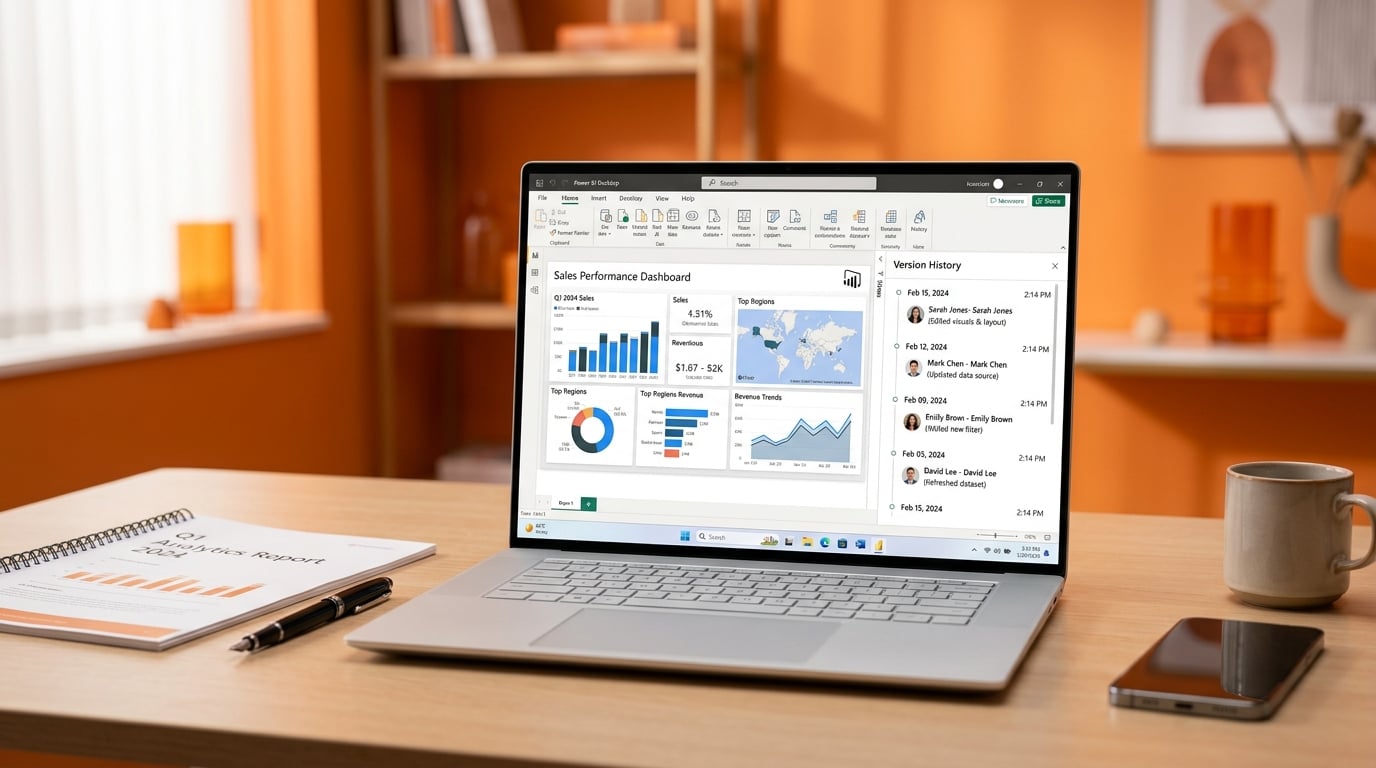
Microsoft released the May 2026 Power BI Desktop update. It includes a redesigned Get Data experience now in preview and a version history feature that tracks changes made inside Desktop. The update also contains smaller reporting and modeling improvements. The new Get Data pane is optional and does not replace the existing experience yet. No details were given on full feature parity or when the preview ends.
Before this update, anyone opening an inherited report with 200 Power Query steps had no way to see who added which transformation or when. They could only guess at the logic or rebuild from scratch. The version history now creates an audit trail of Desktop edits. That single change gives analysts a concrete way to understand what broke and why, instead of treating the file as a black box.
Analysis
Open the version history on every inherited report you touch this week and note the last five changes before you edit a single step. Skip the new Get Data pane until it leaves preview.
Source note
Pulse published by Collab365 Spaces. Cite as "Power BI Desktop adds report version history in May 2026 update", Collab365 Spaces. 2 sources referenced.