Power BI dashboards can now sit inside Model Driven Apps through environment variables
 Reviewed by Helen Jones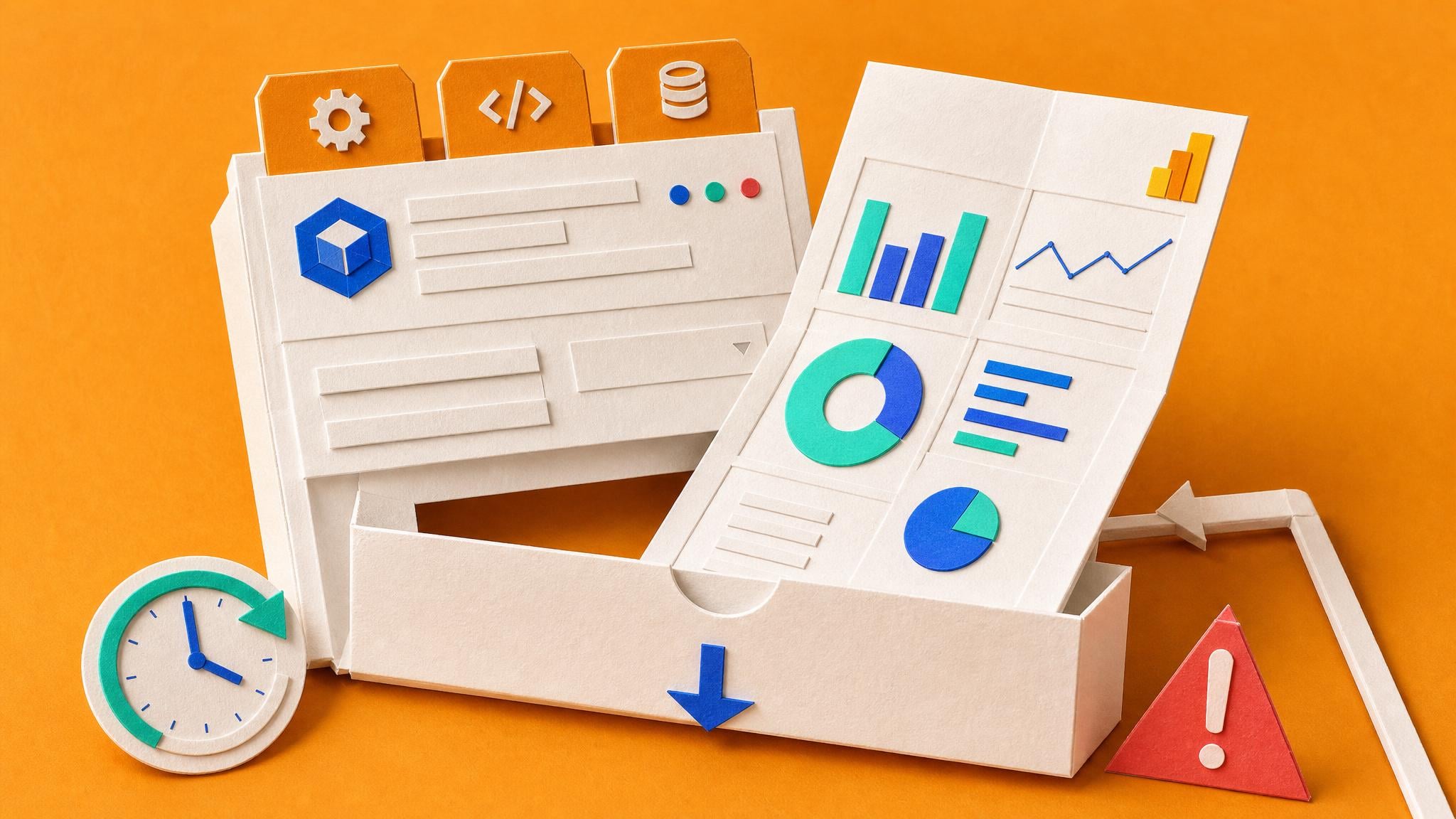
A new pattern lets builders place a published Power BI report directly inside a Model Driven App. The method uses three environment variables that hold the workspace ID, report ID, and embed URL. The example uses the Copilot Agent Kit Conversation KPI report, which pulls data from Dataverse through OData. Scheduled refresh still requires Power BI Pro or Premium Per User. First-time refreshes in Power BI Desktop can hit Formula Firewall warnings that need privacy level changes. Environment variable updates may take minutes to appear.
Before this pattern, analysts kept Power BI dashboards and Model Driven Apps in separate browser tabs or SharePoint links. Users who needed both the transactional form and the analytic view switched contexts or exported data to Excel. Now the dashboard travels with the app, but the underlying data model, refresh schedule, and KPI definitions remain exactly the same. The integration removes one navigation step while leaving every existing trust and maintenance problem untouched.
Analysis
Do not embed the report until you can open the semantic model, list every table and measure, and show the last successful refresh timestamp. Once that evidence exists, add the three environment variables and test the view in an InPrivate session.
Source note
Pulse published by Collab365 Spaces, reviewed by Helen Jones on . Cite as "Power BI dashboards can now sit inside Model Driven Apps through environment variables", Collab365 Spaces. 1 source referenced.