Power BI Copilot in Desktop needs paid Fabric capacity, not a per-user licence
 Reviewed by Helen Jones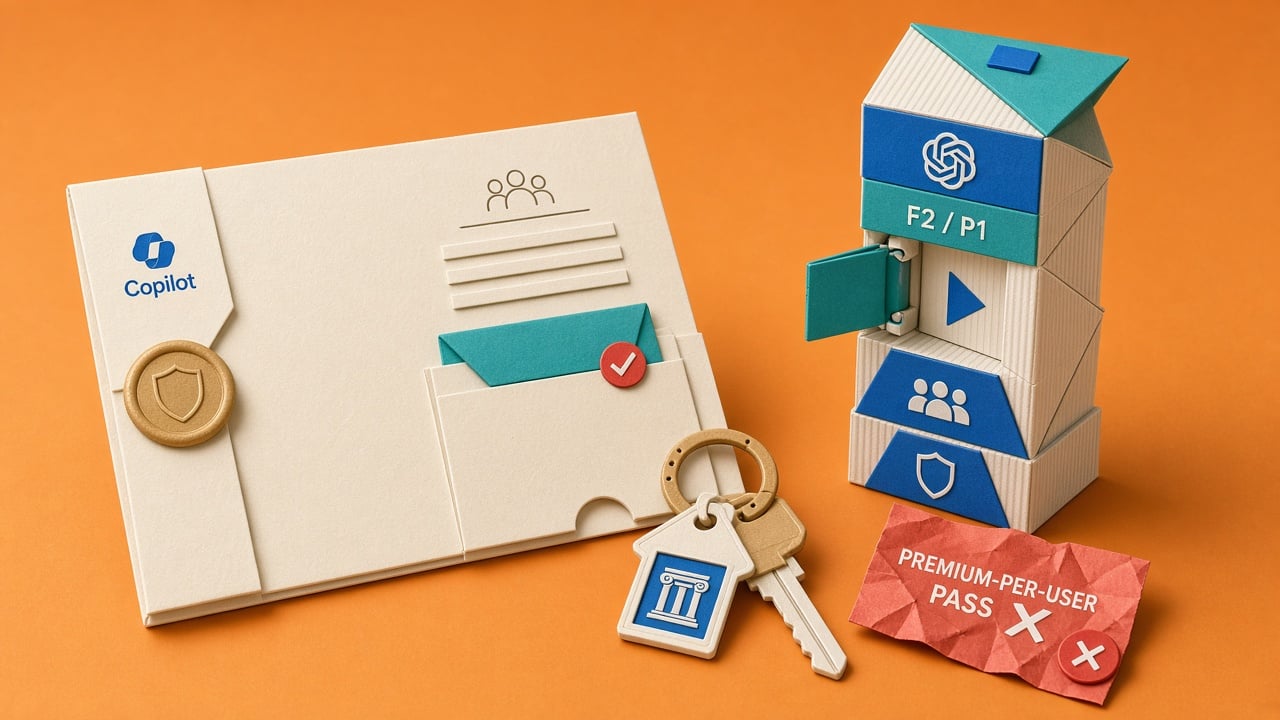
Microsoft’s Learn page, last updated 22 September 2026, says Copilot in Power BI Desktop is not unlocked by a Pro or Premium Per User licence. You need admin, member, or contributor access to at least one workspace on paid Fabric capacity F2 or higher, or Power BI Premium capacity P1 or higher, with Copilot turned on. Copilot in Desktop also needs the tenant-level Fabric Copilot setting, or a tenant admin who has delegated AI and Copilot controls to capacity admins. Workspaces on Premium Per User are not supported. Desktop builds from January 2025 and earlier do not show the report-view Copilot pane. You can associate a report with a Copilot-capable workspace that is not the workspace you later publish to. Only workspaces that already support Copilot appear for that association.
Many reporting leads assumed Copilot in Desktop would follow the same path as ordinary authoring: a personal licence, a local file, then publish. That made a missing Copilot pane look like a Desktop version problem, a model problem, or a skill gap. The docs now make the real gate organisational. If your company has no F2 or P1 capacity with Copilot enabled, or the tenant setting is off, the Desktop experience will not appear no matter how clean the Power Query steps are. PPU shops stay on the old path. That is an admin and capacity fact, not a reporting technique you can fix in Excel.
Analysis
Treat this as a setup check, not a reason to rebuild measures. Ask your Power BI or M365 admin whether any workspace you can join sits on F2 or P1 with Copilot enabled, and whether the tenant Fabric Copilot switch is on, before you spend another evening chasing the pane in Desktop.
Source note
Pulse published by Collab365 Spaces, reviewed by Helen Jones on . Cite as "Power BI Copilot in Desktop needs paid Fabric capacity, not a per-user licence", Collab365 Spaces. 2 sources referenced.