Power Automate desktop flows can now try to fix missing UI elements with AI
 Reviewed by Helen Jones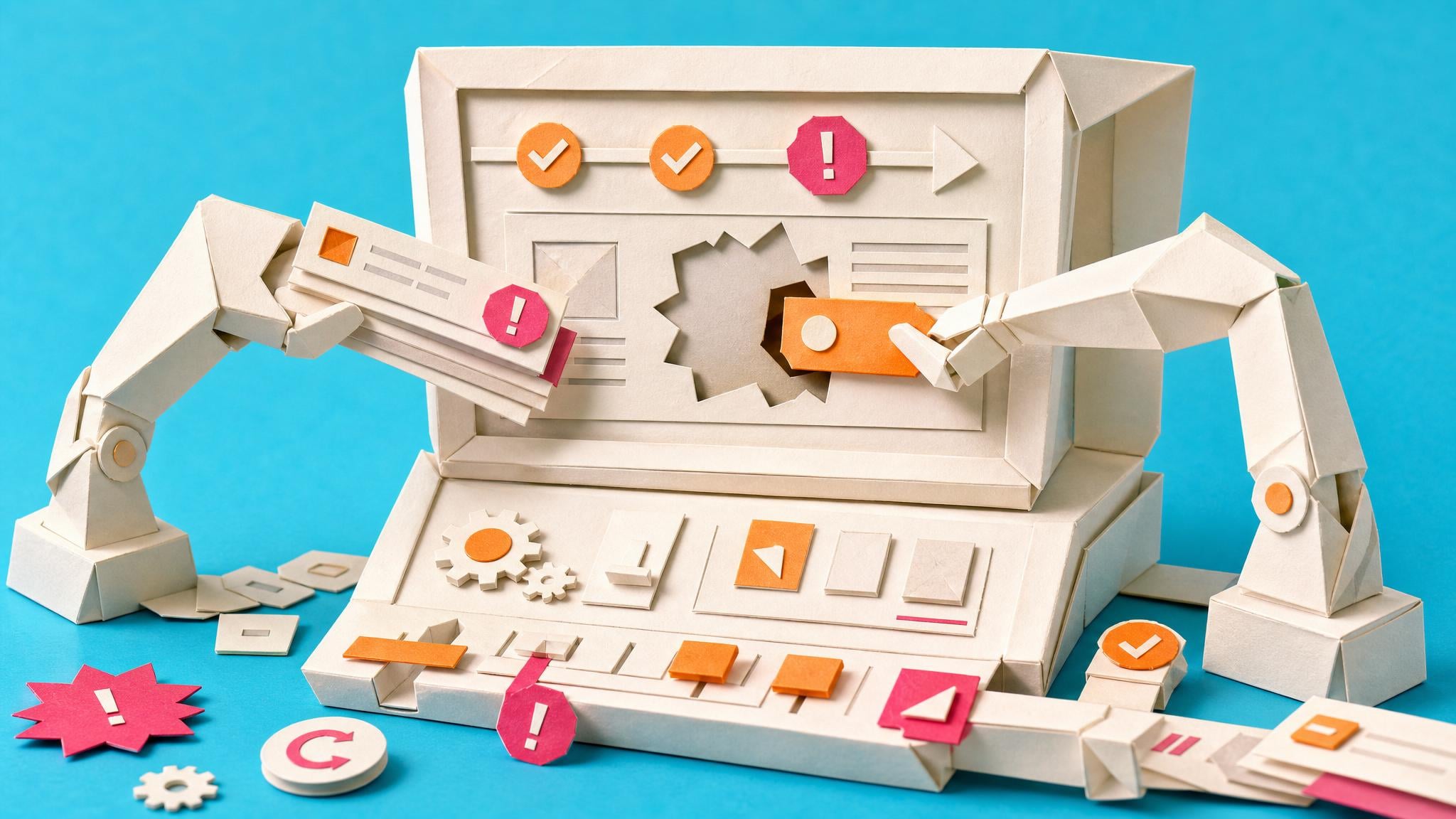
Microsoft has put self-healing into preview for Power Automate desktop flows. When a supported UI or browser action fails with Element not found or Window not found, the runtime can capture screenshots and context, ask AI models to find the likely element, update the selector, and continue the run. It sits after the normal retry policy in the error-handling order. You turn it on per action in Error handling settings on Power Automate for desktop version 2.66 or higher. It works in console and cloud attended or unattended runs, not in the designer. Admins must enable Anthropic as a subprocessor, allow the needed generative AI features, and have Copilot in Power Automate. Microsoft says there is no extra cost for organisation premium accounts. The portal only shows a short summary of up to three successful repairs per run.
Until now, a desktop flow that clicked a button or filled a field often died the moment the app or webpage changed labels, layout, or window titles. Makers had to open the recorder again, rebuild selectors, and hope the next release did not break them. That made desktop automation feel fragile even when the business process itself was simple. Self-healing changes the failure path, not the design path. A flow can keep going after a UI change without an immediate selector fix, which cuts some babysitting. It also introduces a new risk: the AI may pick a nearby but wrong control, and the portal will not give you full action-level detail. The feature is still preview, limited to certain single-element actions and regions, and blocked in government and sovereign clouds.
Analysis
Treat this as a narrow reliability aid for desktop or browser steps that already break on UI drift, not as a reason to skip solid selectors or monitoring. Confirm with your admin that Anthropic, generative AI data movement, and Copilot are allowed, then enable self-healing only on the few production actions that hit Element not found, and keep a failure alert so a bad guess still surfaces.
Source note
Pulse published by Collab365 Spaces, reviewed by Helen Jones on . Cite as "Power Automate desktop flows can now try to fix missing UI elements with AI", Collab365 Spaces. 2 sources referenced.