Power Apps releases data grid control for canvas apps
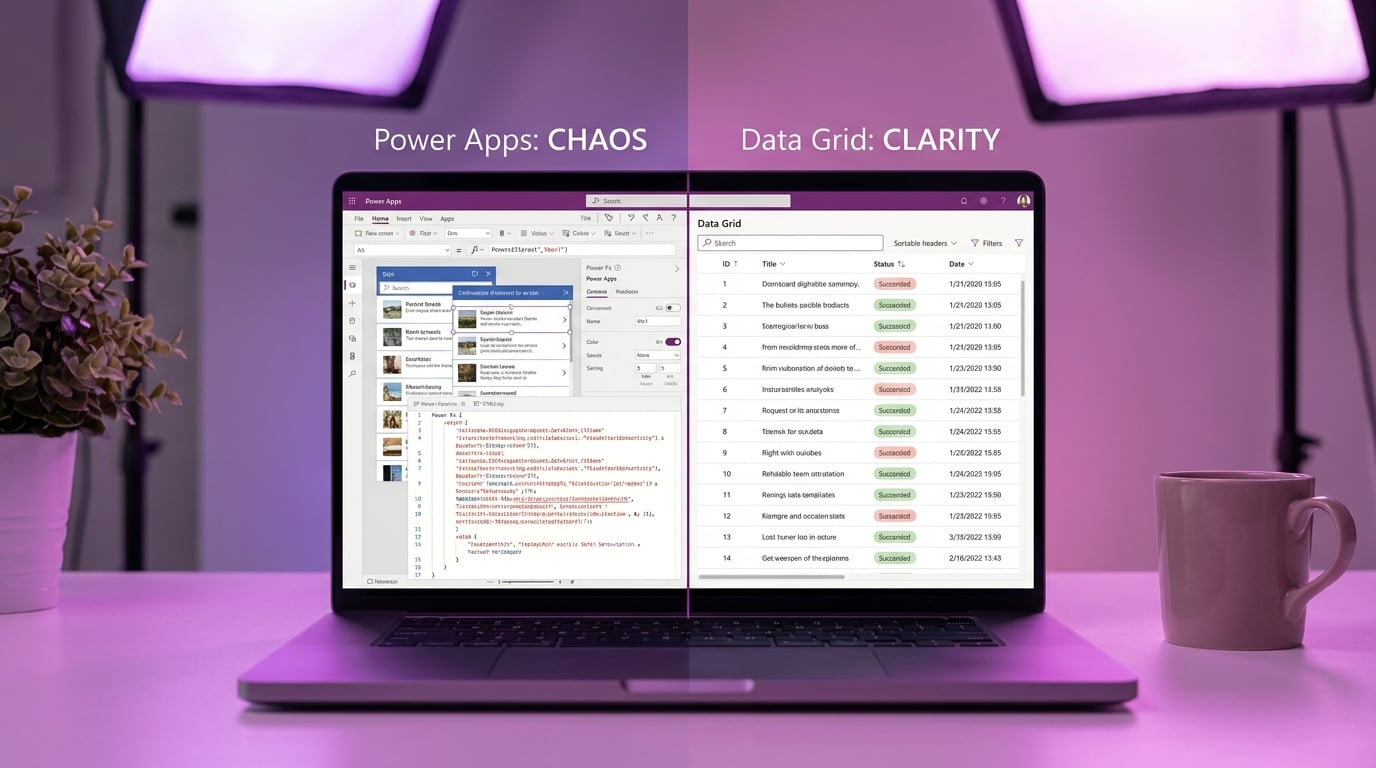
Microsoft has launched a preview version of the Data Grid modern control for canvas apps. This new tool displays tabular data from sources like SharePoint lists, with built-in scrolling, search, sorting, and row selection. Users can customise columns for text, buttons or URLs, and it supports multi-select or single-select modes. The grid loads up to the app's data row limit of 2000 items, but performs operations only on loaded data. It requires modern controls to be enabled in the app, and lacks features like attachments or progressive loading beyond the limit.
Canvas app builders relied on galleries for data tables, wrestling with complex Power Fx formulas like Filter and SortByColumns, plus manual tweaks to row heights and positions that crumbled on mobiles. The Data Grid now delivers a ready-made table interface, slashing formula needs and pixel fiddling for datasets under 2000 rows. This lets beginners focus on app logic over control battles, though the row cap still demands early checks on SharePoint list growth.
Analysis
This grid finally buries the gallery headaches that have you copying formulas from 2021 forums. Swap it into your SharePoint app's main data screen right now, enable modern controls, and test search on your real list – no more yellow delegation warnings ruining your demo.
Source note
Pulse published by Collab365 Spaces. Cite as "Power Apps releases data grid control for canvas apps", Collab365 Spaces. 2 sources referenced.