Power Apps calendar template bypasses manual layout for custom scheduling apps
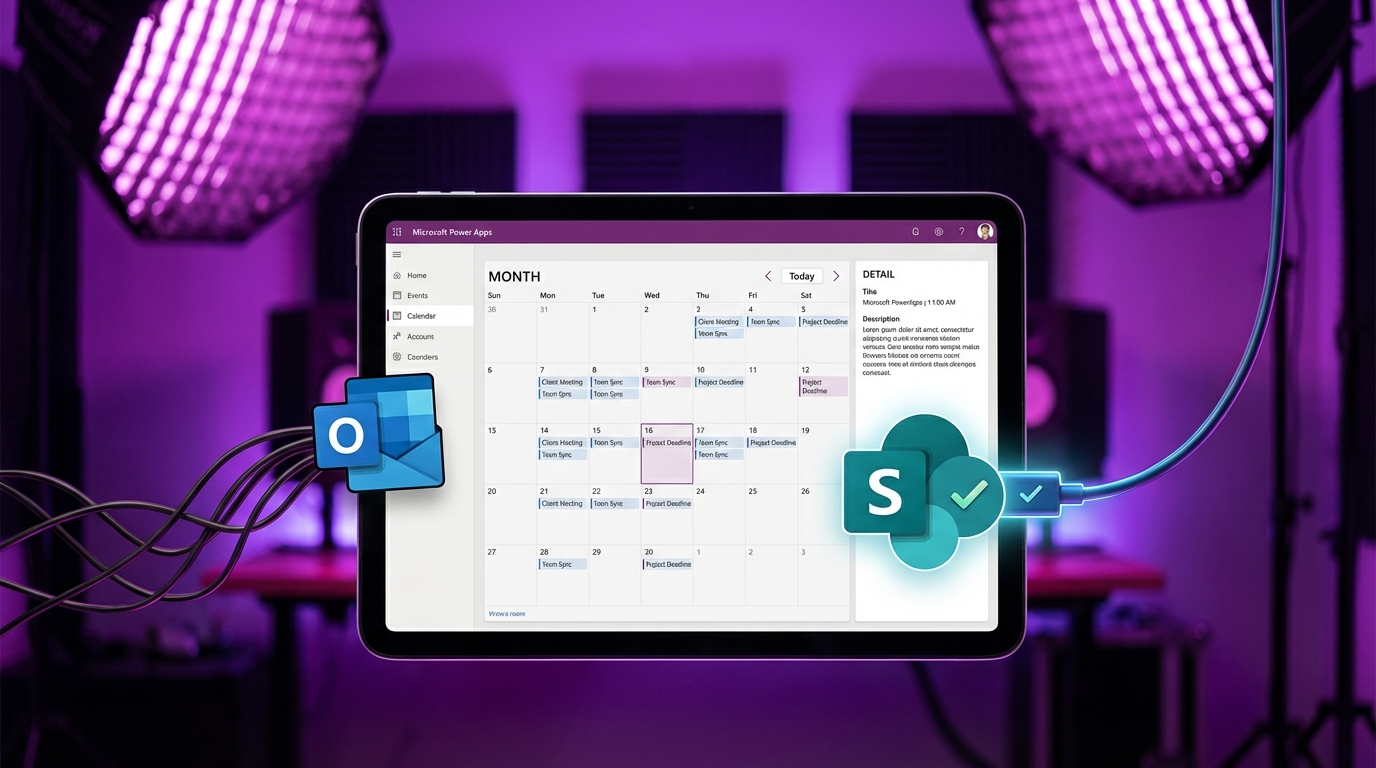
Power Apps includes a built-in calendar screen template that generates a complete scheduling interface. The layout features month navigation, an event gallery, and a detail panel, defaulting to an Outlook integration. Builders can disconnect the default Office 365 connector and wire the interface to custom SharePoint lists or Dataverse tables. This requires updating the ClearCollect and Filter formulas on the screen's OnVisible property and navigation controls. The swap requires manual adjustments to match data structures. Builders must rename column references in the template to match their custom data source and align case-sensitive collection names.
Building a calendar interface from scratch in a canvas app usually requires complex date mathematics and hours of manual pixel pushing. Builders have to calculate the first day of the month, construct nested galleries for the grid, and adjust coordinates for every individual day cell. This template eliminates the layout phase entirely. By providing a pre-built grid, it shifts the workload from designing a user interface to simply mapping data fields. The template acts as a structural shell, allowing builders to deploy team leave trackers or project schedules without writing the underlying calendar logic.
Analysis
Treat the default Outlook integration as a placeholder and steal the UI for your own business processes. Insert the calendar screen, delete the Office 365 data source, and rewrite the OnVisible collection to pull from your SharePoint list instead. Map your custom start and end date columns to the gallery controls to instantly modernise your team's scheduling tools without touching a single layout property.
Source note
Pulse published by Collab365 Spaces. Cite as "Power Apps calendar template bypasses manual layout for custom scheduling apps", Collab365 Spaces.