Outlook Copilot Chat adds support for shared mailboxes
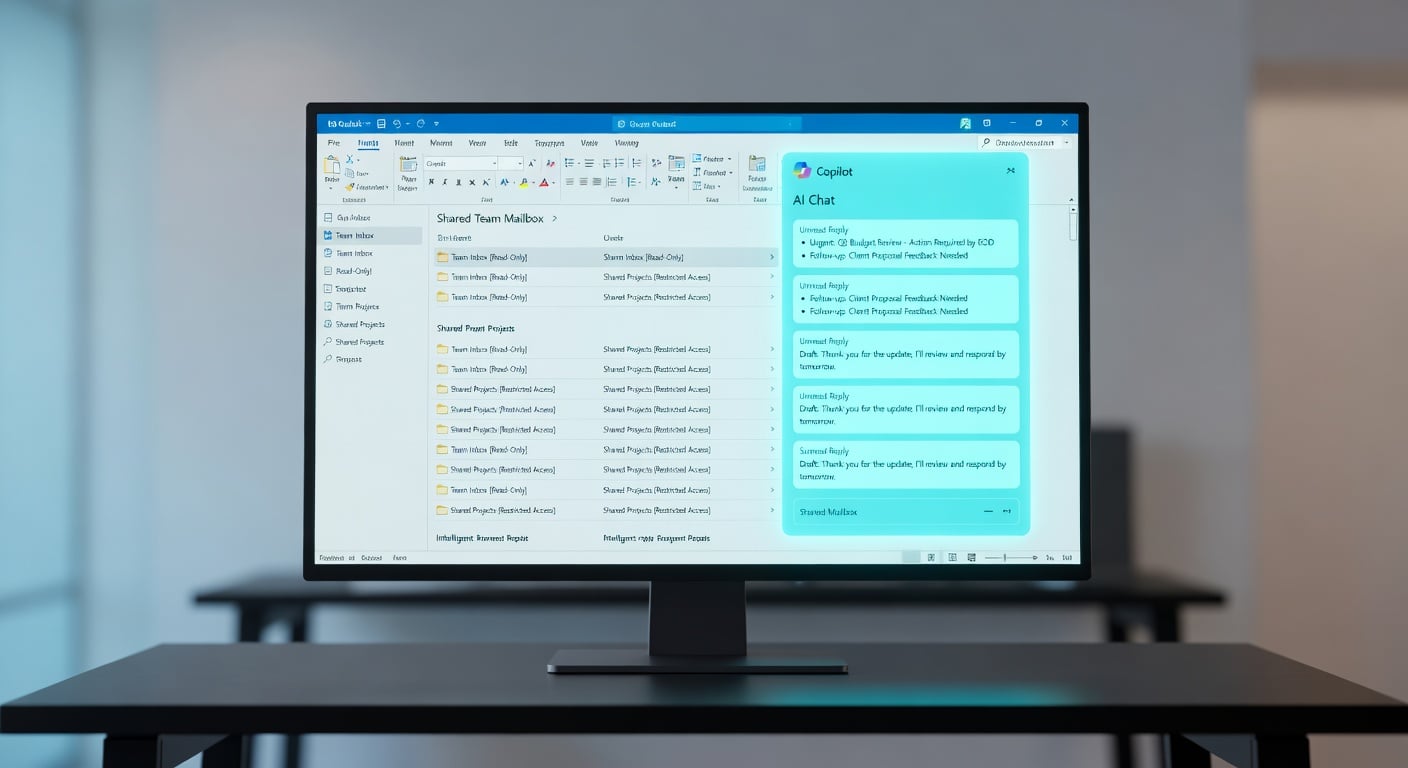
Microsoft 365 Copilot Chat in Outlook now works with shared and delegated mailboxes. Users can ask it to summarise emails or draft replies directly in those inboxes without switching accounts. It respects existing folder permissions and ties conversation history to the user's primary account. The feature is rolling out gradually to Microsoft 365 users. Copilot handles summarisation and coaching on email content but cannot yet mark items as read, send emails or access calendars. Microsoft plans to add more actions in future updates.
Team coordinators once had to toggle between personal and shared inboxes, manually skimming dozens of emails for context before responding. This ate into mornings already lost to triage across 80-plus messages, with no AI help in delegated views. Copilot now pulls summaries from shared threads in seconds, respecting access limits without extra steps. For mid-sized teams, it chips away at the multi-inbox drag that buries project updates, though gaps in actions mean it aids catch-up more than full clear-out.
Analysis
This plugs the shared inbox gap that's fuelled your daily triage slog, but treat it as a targeted blade not a cure-all given the missing actions. Open your heaviest shared mailbox in Outlook right now, prompt Copilot to summarise unread items from the past week, and make it your morning ritual if it surfaces the buried priorities.
Source note
Pulse published by Collab365 Spaces. Cite as "Outlook Copilot Chat adds support for shared mailboxes", Collab365 Spaces. 2 sources referenced.