One-hour video guide demonstrates modern Power Apps controls
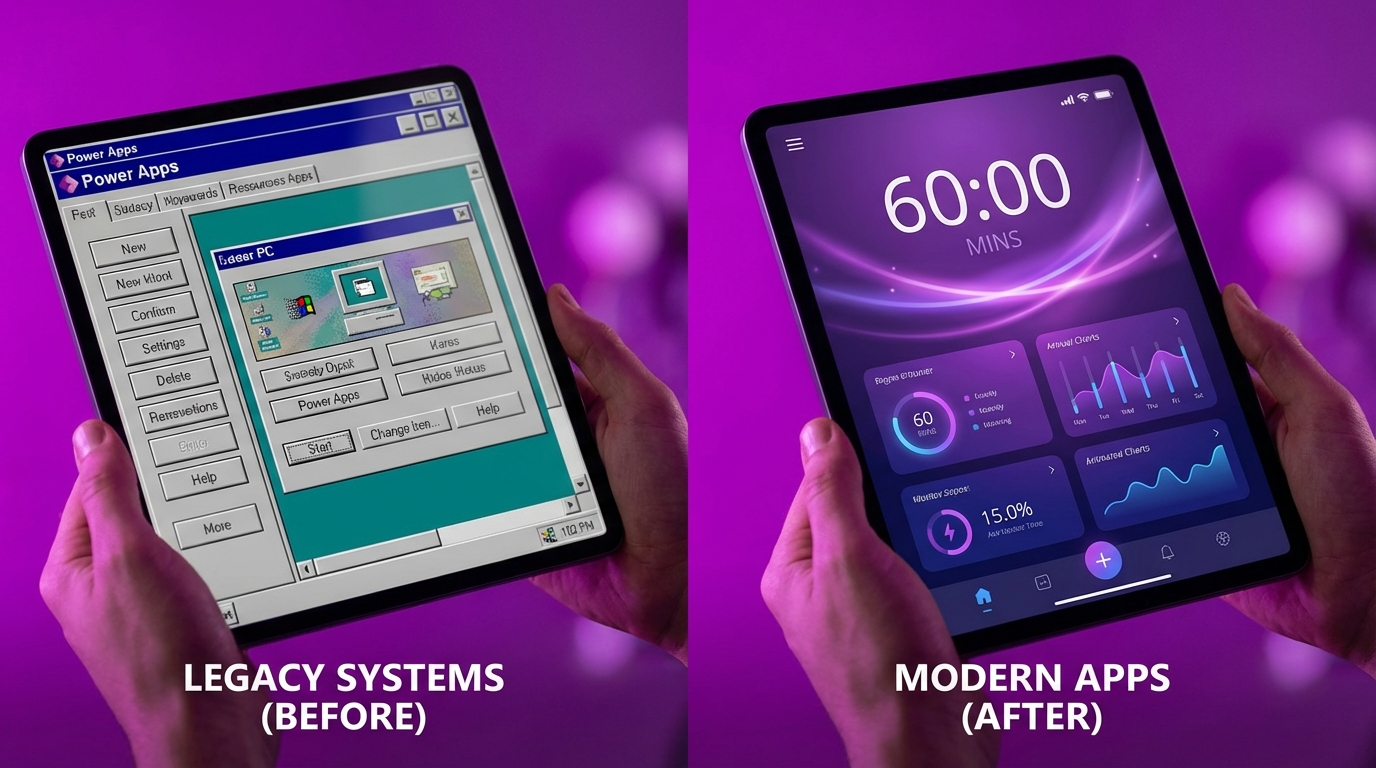
Power Apps trainer Laura Rogers has published a step-by-step video guide demonstrating how to build a functional canvas app from scratch in exactly one hour. The tutorial focuses entirely on Microsoft's updated modern controls suite. The walkthrough bypasses the platform's default classic controls, showing users how to assemble a contemporary user interface without spending hours manually adjusting pixel layouts. It covers the end-to-end process, from initial screen setup to connecting data sources.
Until recently, building a canvas app meant accepting a user interface that looked like a government form from two decades ago. Citizen developers wasted hours manually tweaking the exact coordinates and dimensions of every single classic control just to make a basic SharePoint list look presentable. Modern controls eliminate this pixel-pushing busywork by introducing responsive, contemporary design elements straight out of the box. Watching a start-to-finish build proves that you no longer need complex design workarounds to deliver an internal tool your colleagues will actually want to use.
Analysis
Stop learning dead technology. If you are currently struggling to make classic galleries and forms look professional, pause your project, toggle on modern controls in your app settings, and use this one-hour guide to rebuild your primary screen.
Source note
Pulse published by Collab365 Spaces. Cite as "One-hour video guide demonstrates modern Power Apps controls", Collab365 Spaces.