Older Excel builds may lose Dataflows connector access
 Reviewed by Helen Jones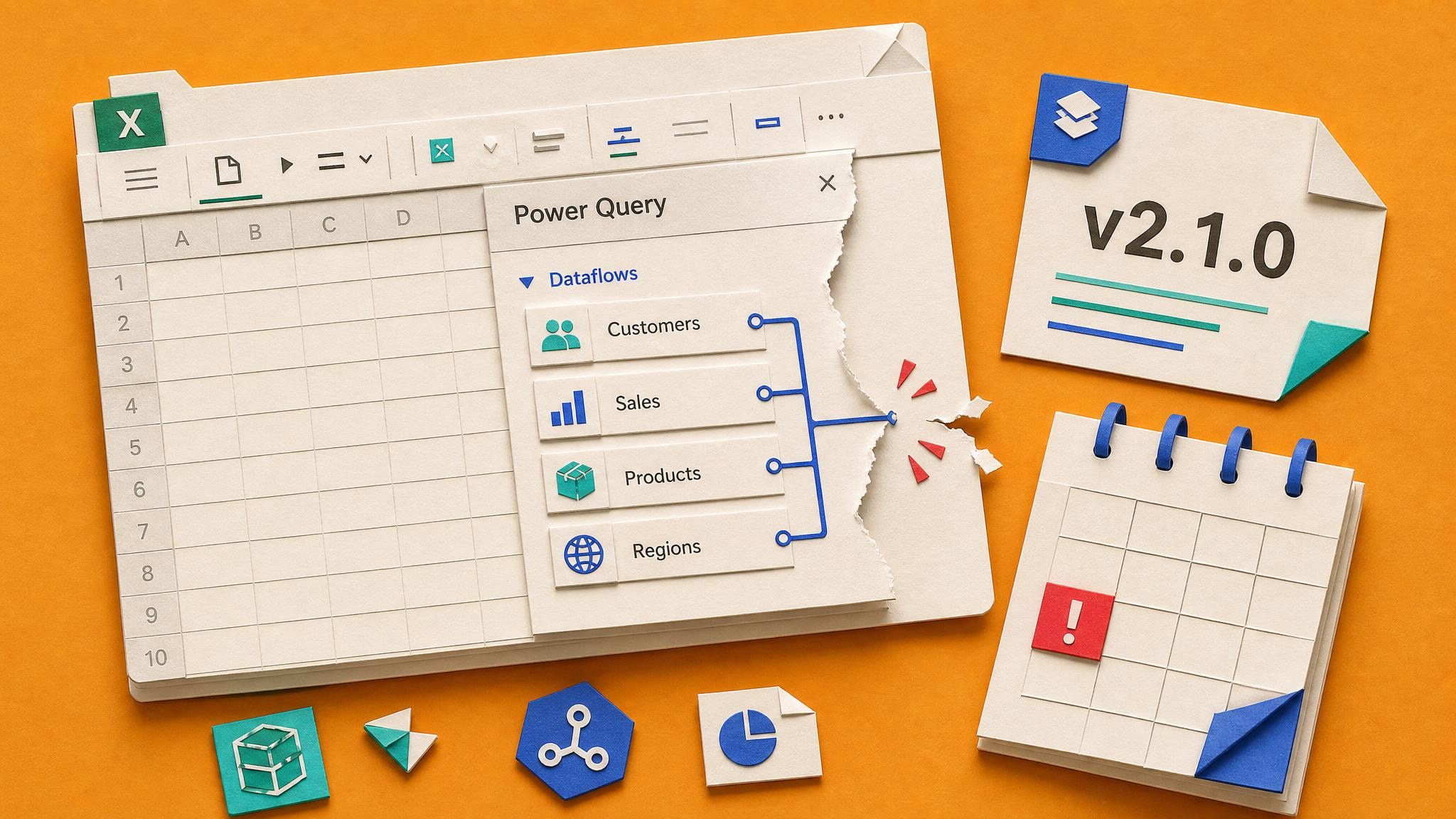
Microsoft’s Power Query Dataflows connector documentation says the Power Platform Analytical Dataflows connector is available in Excel Desktop Version 2024 build 16.0.17932.20732 or newer. Older Excel versions may still show the connector, but Microsoft says they will lose connectivity starting June 2026.
When an Excel report stops connecting to a dataflow, the first instinct is usually to inspect credentials, permissions, or the Power Query steps. This note points to a simpler failure mode: the workbook may be running in an Office build that is too old. That matters for report builders because dataflow-backed Excel workbooks often sit inside monthly reporting packs. If the connector is visible but unsupported, the report owner can waste hours fixing the wrong layer.
Analysis
Before rebuilding a dataflow query, check the Excel build on the machine that runs the report. Add the required build number to any handover notes for dataflow-backed Excel reporting packs.
Source note
Pulse published by Collab365 Spaces, reviewed by Helen Jones on . Cite as "Older Excel builds may lose Dataflows connector access", Collab365 Spaces. 1 source referenced.