Microsoft Word integrates Copilot with track changes and comments
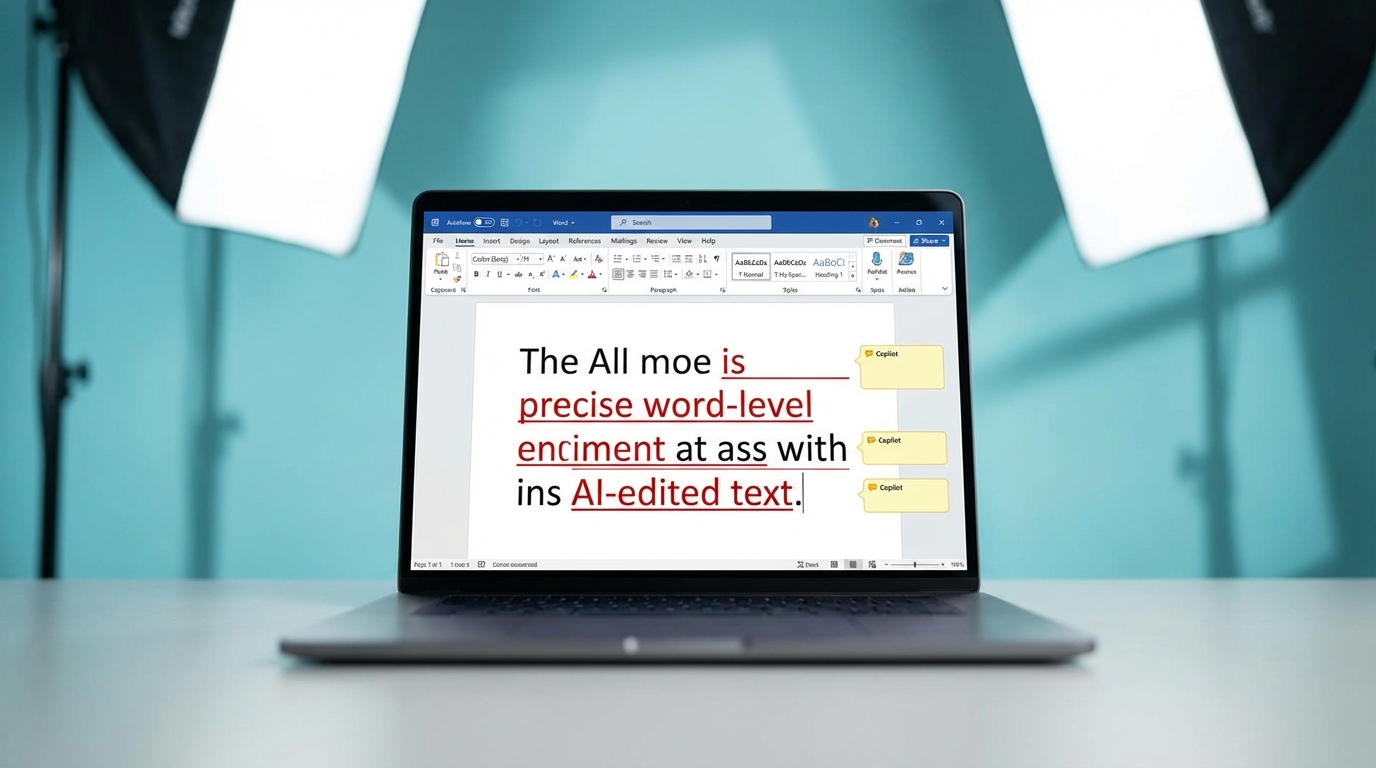
Microsoft has updated Copilot in Word to use track changes and contextual comments. When the AI modifies a document, its edits now appear with word-level precision by default. The update also allows the assistant to handle structural formatting. Users can prompt Copilot to insert a table of contents based on headings or adjust page features like margins, headers, and footers. These features are currently available on Windows desktop for users in the Office Insiders Beta Channel. Support for Word on the web and Mac is scheduled for a later release.
Using AI to edit existing documents was previously a liability. When you asked a tool to refine a report or policy, it generated a completely new block of text without indicating what it removed or altered. This forced you to manually compare the old and new versions line by line to ensure nothing critical was lost. This update turns the AI from a black-box text generator into a transparent editor. Because the assistant now leaves a visible audit trail and anchors explanatory comments to specific text, you can review its work exactly as you would a human colleague. This makes it safe to use on high-stakes files where precision and formatting matter.
Analysis
The reason you dismissed Copilot as a gimmick is because you asked it to write blank-page drafts instead of editing existing work. Stop treating it like a ghostwriter and start using it as a junior editor. When this update hits your desktop, open a messy project brief, ask the AI to tighten the language, and simply accept or reject the redlines.
Source note
Pulse published by Collab365 Spaces. Cite as "Microsoft Word integrates Copilot with track changes and comments", Collab365 Spaces.