Microsoft tests Copilot Cowork to automate tasks across Office apps
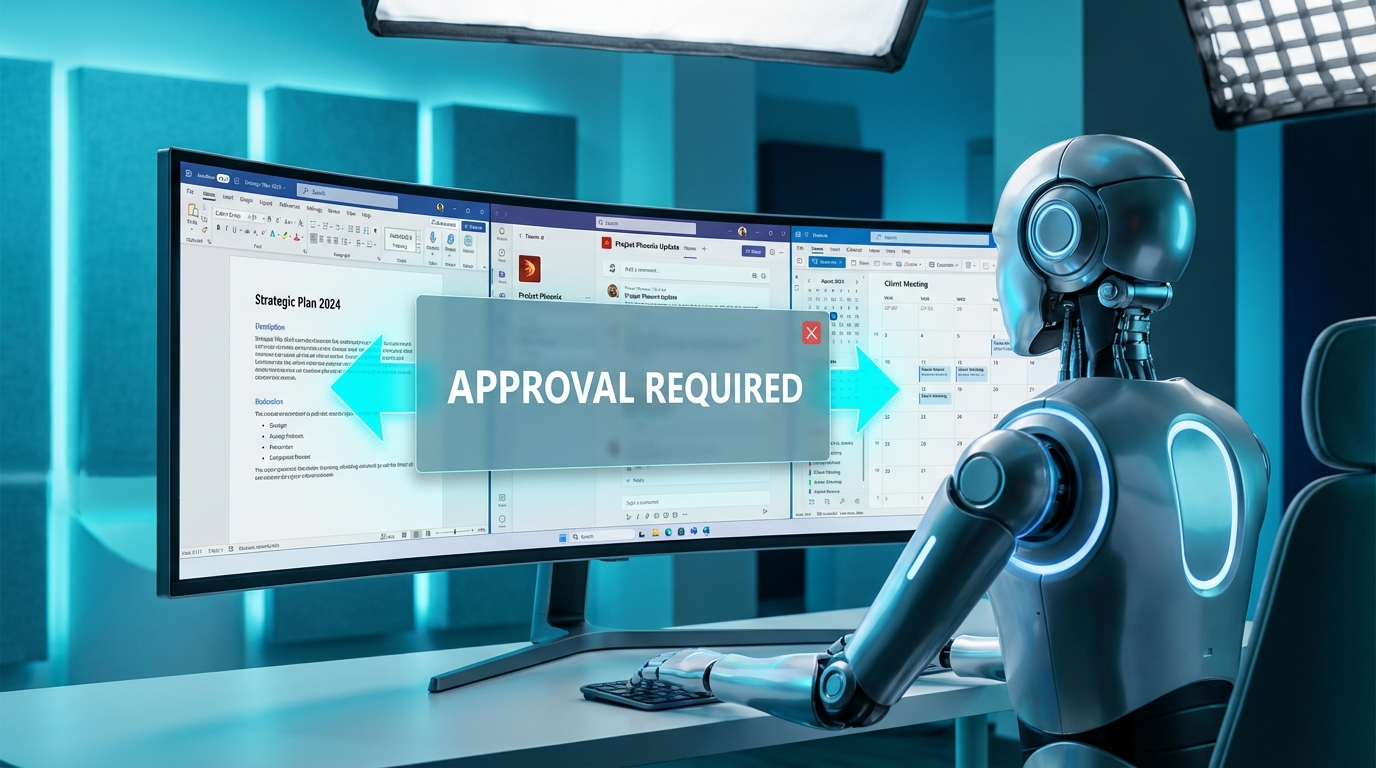
Microsoft has published documentation for Copilot Cowork. This new feature executes multi-step tasks across Outlook, Teams, Word, and other Microsoft 365 applications. It is currently available in the Frontier preview program. The system includes 13 built-in skills for routine actions like drafting emails, posting in Teams channels, and scheduling meetings. Users can also create up to 20 custom skills stored directly in their OneDrive. To prevent rogue automation, the tool requires explicit user approval before executing any action. Users manage these automated tasks through dedicated list, Kanban, or scheduled views within the browser or desktop app.
Until now, Copilot functioned mostly as a passive text generator confined to a single screen. You could ask it to summarize a meeting or draft a message, but you still had to manually copy the text, open the relevant application, find the right thread, and hit send. The burden of context switching and execution remained entirely on your shoulders. This update attempts to bridge the gap between generating content and actually doing the work. By connecting actions across multiple apps, Copilot Cowork can theoretically read an email, draft a response, and schedule a follow-up meeting in one sequence. The mandatory approval step shows Microsoft knows the system will make mistakes, but it finally shifts the tool from a simple writing aid to a functional workflow engine.
Analysis
Copilot is finally moving past the gimmick stage, but you should treat these multi-step automations with intense skepticism until they prove reliable. Join the Frontier preview and build exactly one custom skill for your most repetitive daily copy-paste chore. If it cannot handle moving a daily update from Outlook to a Teams channel without creating more work, ignore the rest of the features until the public release.
Source note
Pulse published by Collab365 Spaces. Cite as "Microsoft tests Copilot Cowork to automate tasks across Office apps", Collab365 Spaces.