Microsoft Teams launches Copilot video recaps for meetings
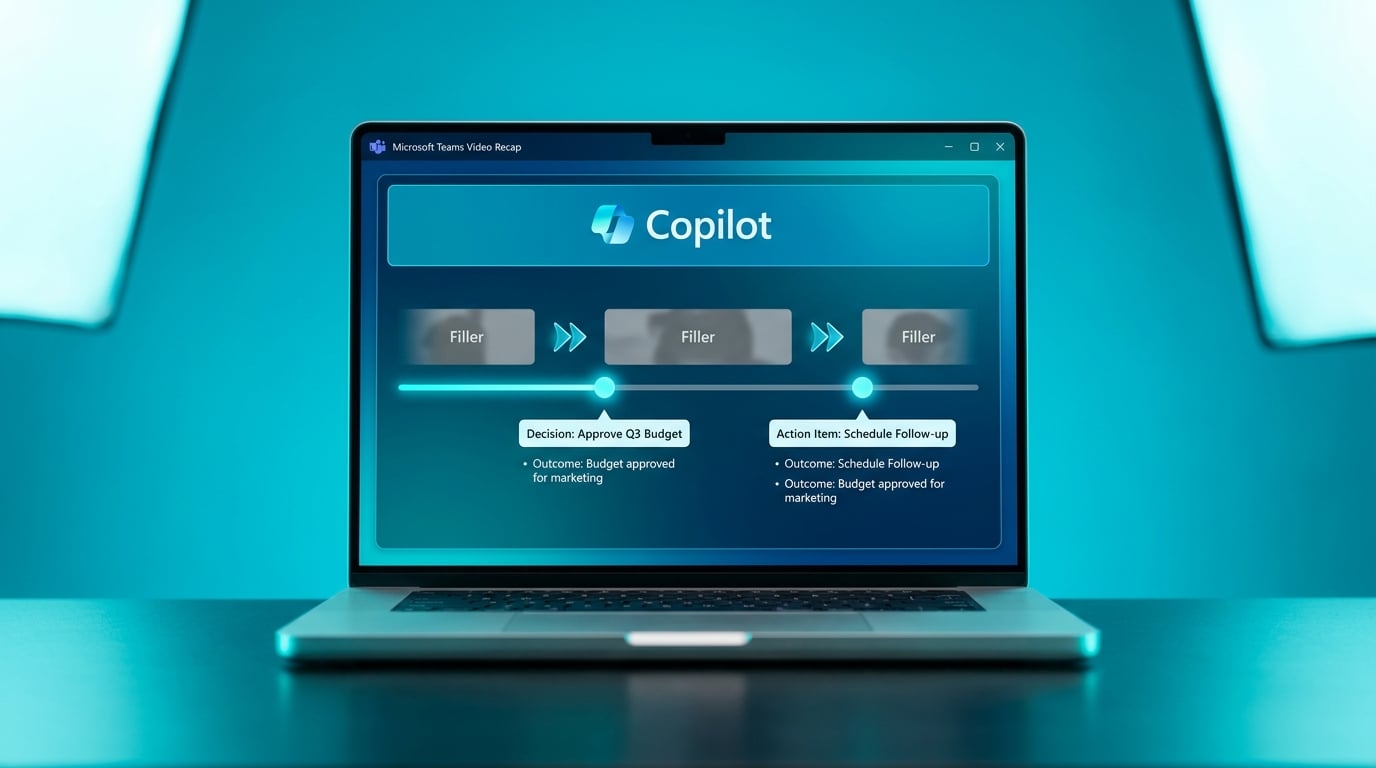
Microsoft Teams has added Video Recap, a new feature using Copilot AI to create highlights from meeting recordings. It automatically detects key moments and offers smart navigation to skip filler content. Users can now pull out essential discussions without sitting through entire videos again. The tool surfaces outcomes like decisions and action items directly from the recording. Rollout details and licensing requirements remain unclear from the announcement.
Before, Teams meetings ended with recordings buried in channels, transcripts ignored, and action items noted in private Word docs that no one else saw. Knowledge workers spent hours hunting for what mattered amid notification noise, leaving outcomes to fade into email triage chaos. Now Copilot's highlights turn those recordings into scannable summaries of real decisions, bridging the gap from attendance to follow-through. This shifts meetings from calendar drains to workflow starters, especially in hybrid setups where context switching already kills focus—finally making Teams feel like part of a unified system rather than another app to check.
Analysis
This nails your meeting fatigue without adding tools—it's the quick win turning chaotic standups into accountable task sources. Enable Video Recap in your next team meeting settings today, then copy actions straight into Planner to end scattered tasks for good.
Source note
Pulse published by Collab365 Spaces. Cite as "Microsoft Teams launches Copilot video recaps for meetings", Collab365 Spaces. 1 source referenced.